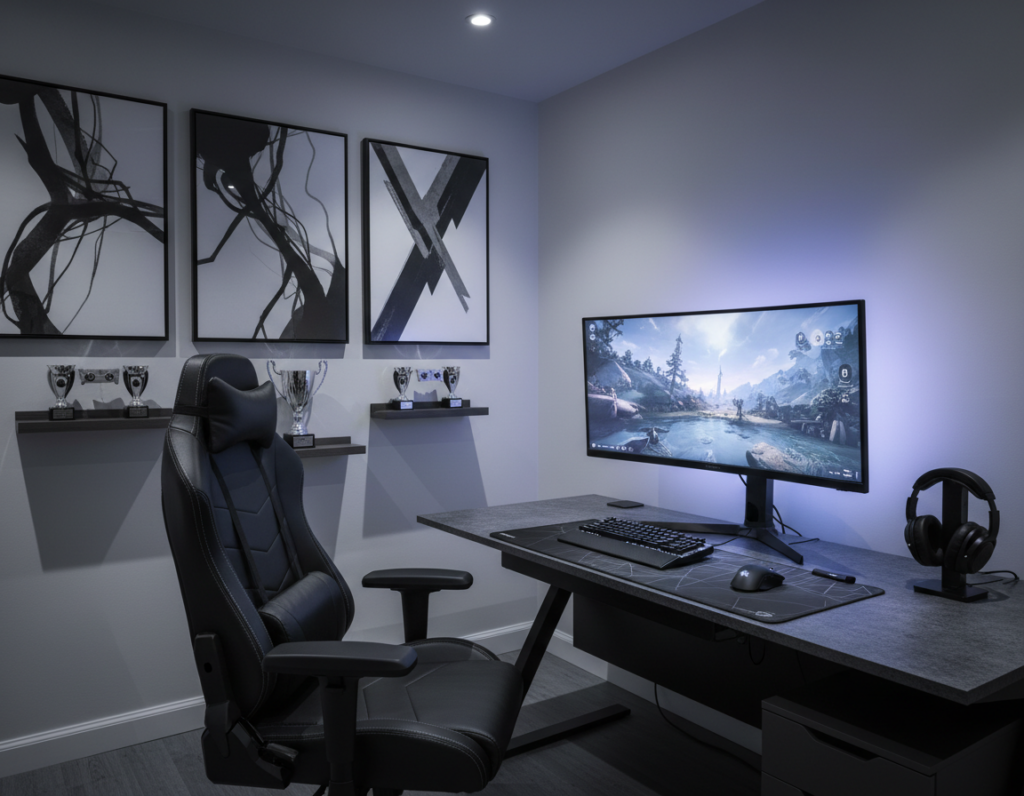
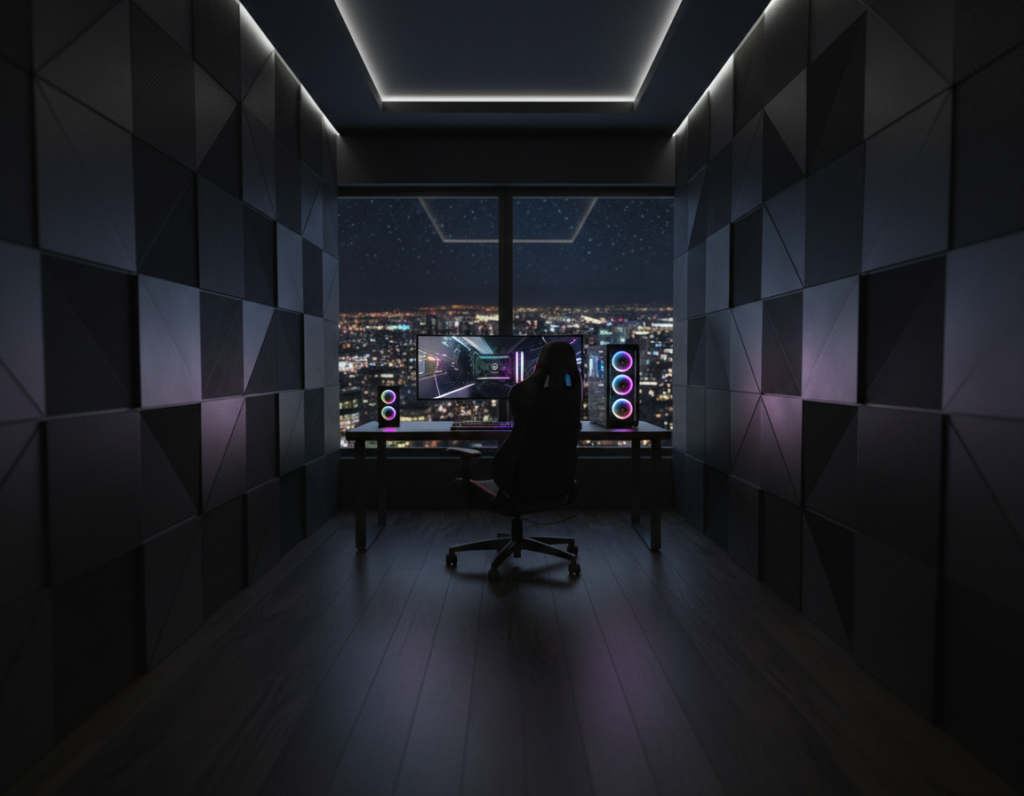
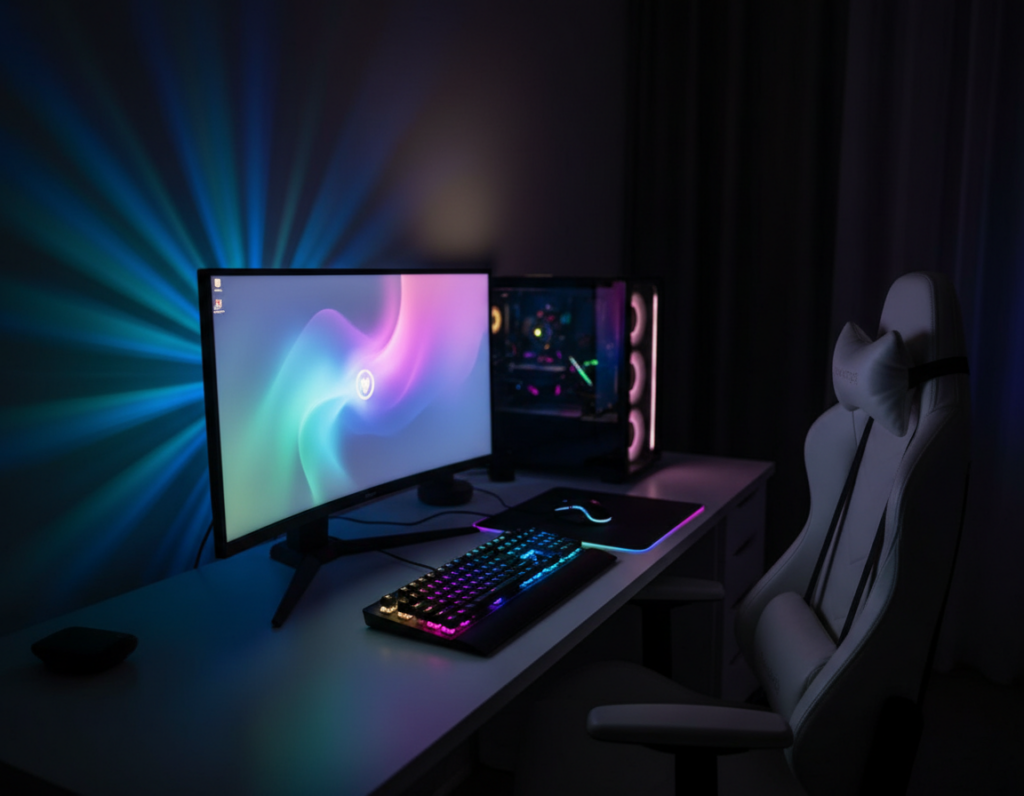
He knows a tidy system changes more than looks. A smart plan lowers heat buildup from multiple components and keeps performance steady.
Clear routing boosts airflow and helps the PC run cooler. It also makes the area easier to clean and maintain.
Organized cables create a professional vibe at the desk. Tangled cords can block vents and cut airflow, which harms long play sessions.
Good management makes the dark room feel sleek and focused. Proper layout keeps the desk free of clutter so they can concentrate on high-performance tasks.
These small changes turn a messy corner into a command center. With careful planning, the space becomes both efficient and stylish.
Why Cable Management Matters for Your Dark Gaming Setup
A tidy cord plan keeps crucial airflow paths clear so components can run at peak speed. In compact desks, multiple devices produce heat at once. That heat builds when cords block vents or nest near fans.
Performance and Airflow
Proper cable management helps air move through the case and cool the hardware. When power cables and USB lines are sorted, fans can pull cool air in and push hot air out.
This reduces thermal throttling and protects the system from unexpected slowdowns. Organized cables also lower the risk of accidental snags that can harm expensive components.
Psychological Benefits
A neat environment improves focus during long sessions. A clean desk reduces distractions and makes maintenance easier.
- Improved airflow extends component lifespan.
- Sorted power and data lines reduce thermal risk.
- A professional look boosts confidence for streaming or sharing.
Selecting the Right Desk for Your Gaming Cable Management Black Setup
The desk is the anchor of any organized workspace; pick one with routing in mind. A desk with a built-in cable management tray creates dedicated channels to route cables beneath the surface. This keeps power and signal lines tidy and reduces visible clutter around monitors and peripherals.
Look for desks that include grommets or cutouts and a shallow profile only when depth is adequate. Shallow desks push monitors and peripherals closer together, which can create cable congestion and make it hard to separate power from data lines.
Adequate depth and width allow multiple monitor configurations and make it easier to run power strips and trays under the desk. A quality desk helps them organize equipment, route cables neatly, and maintain a cleaner, more professional area.
- Choose a desk with an under-desk tray or dedicated channels.
- Prioritize depth to avoid monitor crowding and cable tangles.
- Confirm grommets or cutouts for efficient routing and service access.
Essential Tools for Organizing Your Hardware
The right tools make organizing hardware quick and almost effortless. Small accessories focus on function and help them keep a clean desk that supports performance. A few smart choices turn tangled lines into a tidy, long-term solution.
Cable Sleeves and Wraps
Bundling works best when lines are grouped by purpose. Cable sleeves and wraps gather multiple cables so they run neatly along the underside of the desk.
Adhesive Mounts and Clips
Adhesive mounts and cable clips secure cords to the desk frame. They stop dangling wires and reduce strain on ports.
“A simple clip prevents accidental pulls and keeps devices reliable over time.”
Power Strip Management
Mount power strips beneath the desk and center them for even reach. This places power cables close to devices without excess length or visible mess.
- Use a tray to hide bulky plugs and keep the area tidy.
- Choose sleeves to bundle signal and power lines separately.
- Pick adhesive clips for the underside of the desk to anchor routing.
Strategies for Routing Cables Beneath Your Workspace
Organizing wires beneath the desk separates power from data and improves overall reliability. A clear plan reduces interference and keeps the area tidy for long sessions.
Start by assigning lanes. Run power cables along one side of the tray and data lines along the opposite side. This simple split limits noise and protects ports.
Separating Power and Data
They should mount power strips to the underside of the desk to anchor the management system. Place the strip where most devices reach without extra slack.
- Use sleeves and adhesive clips behind desk surfaces to bundle and secure wires.
- Route cables through a tray so they stay off the floor and away from airflow paths near fans or vents.
- Dedicate time to label and group peripherals so the workspace stays free of clutter and mess.
Proper routing preserves airflow around components and makes future maintenance faster. A planned system keeps the desk professional and functional.
Managing Video and Power Connections for Multiple Monitors
Pairing all display leads at the graphics card and grouping them early makes later routing faster and cleaner. They should connect both video cables first, then bind the lines so they move as one.
Use velcro straps or cable sleeves to keep the cables together and reduce clutter behind the screens. Leave a little slack near each monitor to avoid stress on ports and to allow angle adjustments.
Monitor arms remove bulky stands and free vertical space for tidy routing. Routing vertically often looks neater than long horizontal runs across the desk.
- Route cables together with cable sleeves or velcro for a clean appearance.
- Use cable clips to secure video and power cables when adjusting monitor angles.
- Separate power cables from video lines to lower interference and protect signal quality.
- Consider a USB hub to cut the number of wires running back to the computer.
Creative DIY Solutions for a Cleaner Aesthetic
A few low-cost tweaks can turn a cluttered desk into a clean, modern focal point. These ideas use common items and small accessories to improve cable management and overall appearance.
Using Household Items
Attach binder clips to the edge of the desk to hold cords and stop drooping. They act like tiny anchors and cost almost nothing.
Paper towel rolls or toilet paper tubes cut to length make simple sleeves for bundling wires. Slide multiple cables together and tuck the tube under the desk.
“A binder clip and a tube can save money and give surprisingly neat results.”
Color Coordination
Match colors to hide lines against dark desks. Using similar tones for wires and accessories improves the visual flow and reduces distractions.
- Use adhesive raceways behind desk surfaces for clean routing and hidden runs.
- Bundle cables together with sleeves or repurposed tubes for a tidy look.
- Secure routes with cable clips so wires stay off the floor and away from feet.
These DIY moves help them achieve a professional appearance without spending much. They keep power and data lines organized and make the workspace feel intentional.
Maintaining Your System for Long-Term Performance
A deliberate upkeep plan preserves airflow and protects hardware longevity. Small, regular checks keep the workspace clean and reduce unexpected failures.
Schedule quarterly audits to remove unused cables and confirm that the cable management system still fits current devices. This saves time later and cuts clutter around the desk and tray.
Buy power cables and data leads in correct lengths, adding 20–30% extra for routing flexibility. Proper lengths reduce stress on ports and prevent pulls that harm components.
Clean behind the desk and wipe cable sleeves and wires to stop dust buildup. Dust traps heat and reduces airflow, which can throttle performance over time.
- Consider a modular power supply to use only needed power cables and lower visible mess.
- Label cables and devices so troubleshooting and upgrades take minutes, not hours.
- Keep a simple checklist and review routing, trays, and accessories on a set schedule.
“Regular upkeep keeps the system reliable and preserves peak performance.”
Conclusion
Spending a little time to sort runs pays off in longevity and fewer surprises. A professional approach to cable management transforms a cluttered desk into a clean, high-performance command center.
They should focus first on separating power and data lines, using trays or clips, and labeling ends for quick service. Regular maintenance—quarterly audits and dusting—keeps the system reliable and devices safe.
Start with basic tools and expand as needs grow. For step-by-step tips on routing and simple accessories, see this guide to organize gaming desk cables. Investing time now improves appearance, airflow, and the life of every component.