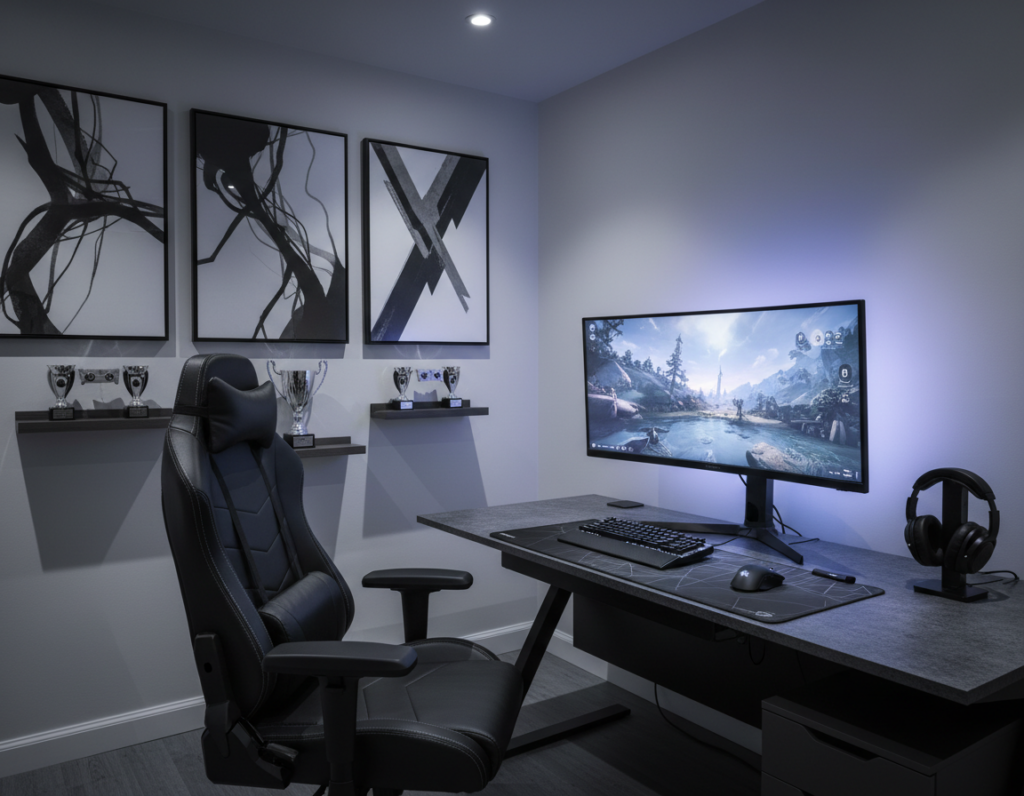
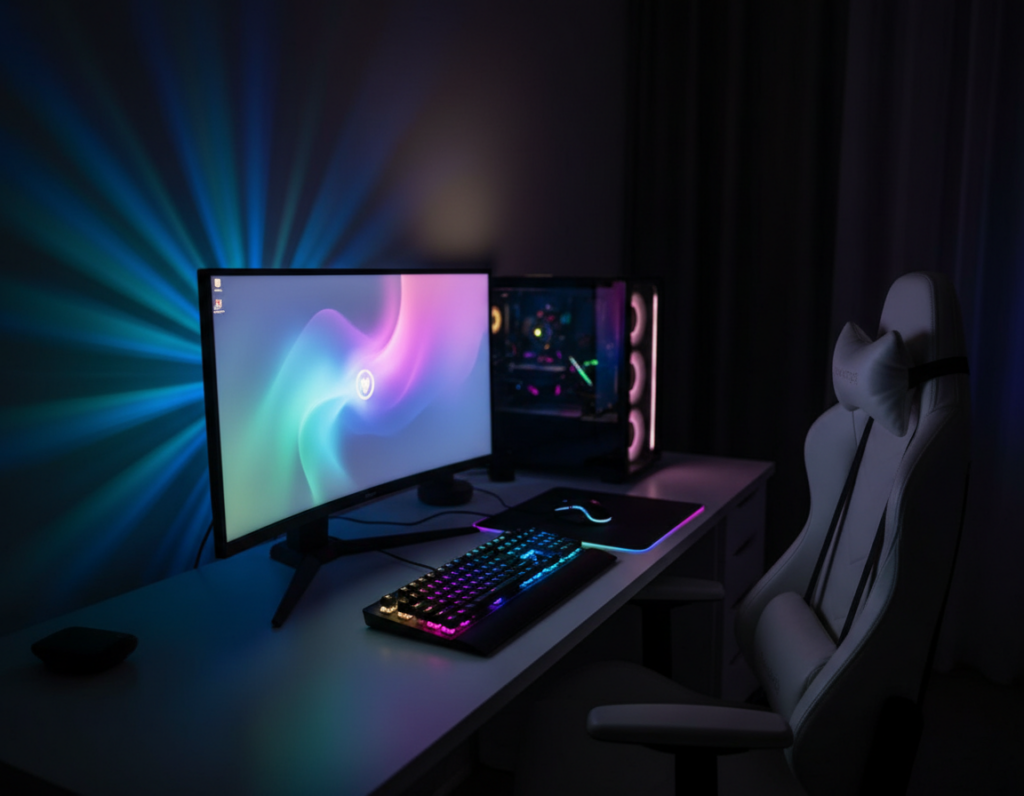
The HyperCube Nano is a portable infinity mirror art piece that delivers ultra-chromatic lighting in a sleek, modern design. It acts as a versatile source to balance a bright monitor with the surrounding room and reduce eye strain.
A professional setup uses bias lighting and well-placed LED strips to create a subtle glow that keeps the gameplay the primary focus. Proper placement helps maintain contrast, protect the eye, and preserve comfort during long sessions.
Modern gaming lights, including high-quality strip lights and a smart lamp, can shape atmosphere and influence performance. By managing light output and color choices, a player can transform a small space into a refined game room that feels both immersive and ergonomic.
The Impact of Dark Environments on Gaming and Vision
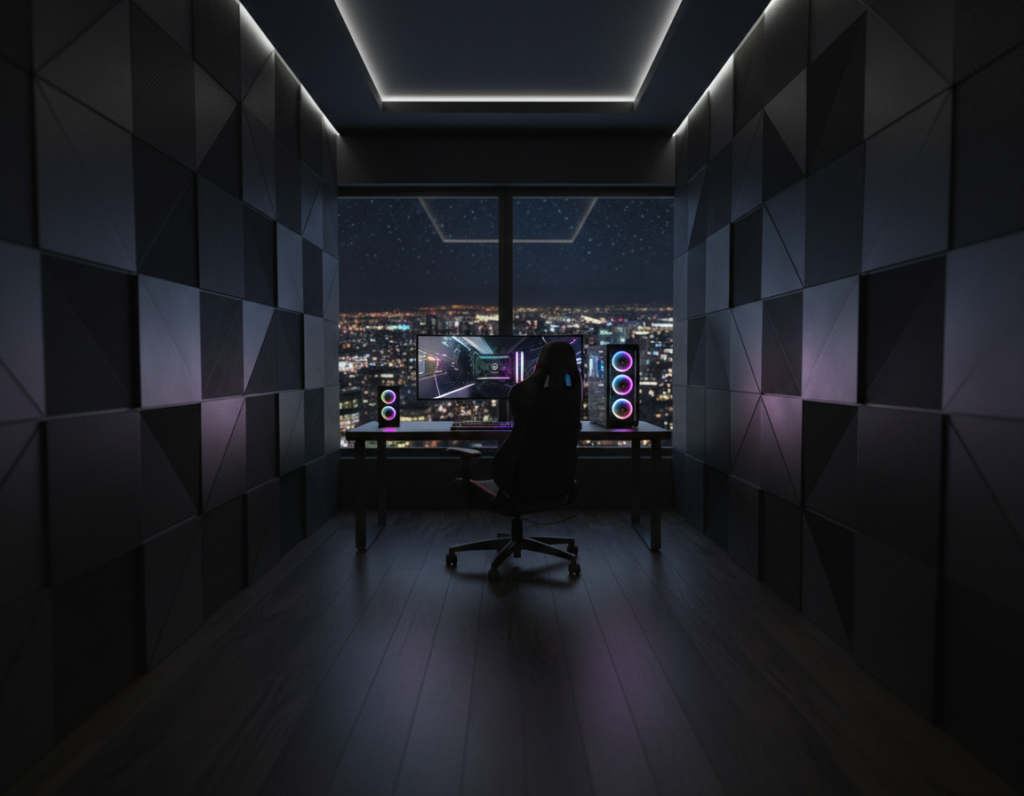
A minimal-ambient setup makes the monitor the dominant light source and increases visual stress. This creates a sharp contrast that forces the eye to shift between bright and dim areas.
The Hidden Cost of Contrast Glare
When pupils stay dilated in a low-lit room, the eye becomes extra sensitive to sudden bright content on screen. That sensitivity leads to faster fatigue, headaches, and reduced focus.
- Research shows extreme contrast can magnify eye strain and chronic tiredness.
- The BenQ ScreenBar Halo 2 helps reduce contrast glare by adding balanced light behind a monitor.
- Making the monitor less isolated eases adjustment and lowers visual stress.
Balancing Immersion and Eye Health
A carefully chosen bias light keeps the atmosphere while protecting vision. By adjusting color and intensity, one can keep the game experience immersive and safer for long sessions.
Pro tip: professionals use subtle lamps and strip lights to keep contrast gentle and preserve sleep quality.
gaming in the dark explains how modest changes in ambient light improve comfort without breaking immersion.
Essential Lighting for Dark Gaming Rooms
Well-chosen fixtures transform a low-lit play area into a clear, comfortable space that supports long sessions.
The HyperCube10 and HyperCube15 bring replaceable, scratch-proof acrylic mirrors and LEDs rated over 50,000 hours. They add a vibrant focal point without overwhelming the desk or monitor.
The HyperDrive LED Kit delivers 16 million colors, app control, and advanced sound reactivity. This level of control lets players sync color and motion to match game audio or mood.
“Implementing bias lighting is one of the most effective ways to reduce eye strain while maintaining a dark room aesthetic.”
- Choose high-quality led strip lights to keep illumination even across the desk and screen.
- Use app-based control systems to tweak color, intensity, and timing quickly.
- Combine a lamp, strip, and accent piece to craft an immersive but eye-safe atmosphere.
Pro tip: prioritize products that offer precise control. That balance preserves focus, supports the best gaming performance, and reduces visual strain.
Strategic Placement for Maximum Visual Comfort
Positioning fixtures with purpose reduces glare and boosts visual clarity at the desk. Small, intentional placements shape the atmosphere and protect the eye during long game sessions.
Utilizing Bias Lighting Behind Monitors
Bias lighting behind a monitor lowers contrast glare that causes eye strain. Mount an LED strip in an aluminum channel with a frosted lens to diffuse the glow and avoid hotspots.
Highlighting Decor with Accent Lights
Accent lights around shelves, display cases, and the desk add depth and personality. Place small fixtures to highlight collectibles without reflecting on the screen.
Creating Depth with Floor Lamps
Use a floor lamp to bounce light off the ceiling and open the room. This soft ambient effect makes the space feel larger and reduces harsh contrasts.
- Place bias lighting behind the monitor to reduce contrast glare and eye strain.
- Install led strip lights under shelves to define the setup and add modern flair.
- A desk lamp provides task light without causing monitor reflections.
- Combine wall and ceiling fixtures to balance the environment and enhance the gaming experience.
“A well-planned array of fixtures preserves immersion while protecting vision.”
Incorporating Advanced Smart Lighting Features
Modern controllers can coordinate multiple fixtures so the environment reacts to gameplay in real time. This approach turns passive illumination into an active part of the play experience.
Syncing Lights with Audio and Gameplay
Twinkly Squares pair with Razer Chroma RGB to mirror on-screen action and match audio cues. Players gain dynamic color shifts and motion that follow key events during a match.
Smart systems also link to Amazon Alexa and Google Assistant to trigger scenes and voice commands. The HyperDrive LED Kit adds app-based control and precise led strip effects for quick setup changes.
- Audio sync: lights pulse with sound to deepen immersion.
- Chroma integration: room colors respond to in-game events automatically.
- Smart control: one controller manages color, intensity, and timing across the space.
Result: by syncing light and audio, players elevate the gaming experience and create a responsive game room that adapts as play evolves.
Balancing Ambient and Task Lighting
A balanced blend of ambient and task illumination keeps eyes relaxed during long play sessions. Daytime settings should sit between 4000–5000K while evening tones work best around 2700–3500K to protect circadian rhythm.
Ambient sources—like ceiling fixtures or a large lamp—deliver broad, even glow across the space. This reduces extreme contrast with the monitor and eases visual adjustment.
A focused desk lamp supplies direct, glare-free light for peripherals, notes, or hardware tweaks. Combine that with subtle bias lighting behind the monitor to lower eye strain and keep the game experience immersive.
- Mix ceiling and wall fixtures to create a professional atmosphere and reduce visual fatigue.
- Use led strip lights on shelves to add depth and a soft decorative glow without reflections.
- Adjust color temperature by time of day to support sleep and sustained focus.
Tip: aim for layered illumination so each corner of the game room receives appropriate light. That way, gamers protect their eyes while preserving mood and performance.
Professional Tips for Installation and Cable Management
A neat cable plan makes an advanced setup look intentional and perform reliably. Start by sketching a route for power, data, and led strip runs before mounting anything.
Test components first. Power up each led strip and controller to verify color, brightness, and connectivity. This avoids rework and saves time during final installation.
Keep the monitor area free of stray cords. Place bias lighting strips behind the screen so the glow is even against the wall and does not reflect on the display.
- Hide cables using channels or adhesive raceways to preserve a clean desk and reduce eye strain.
- Use a smart home controller to centralize control of room lights and ambient fixtures.
- Call Super Bright LEDs at 866-590-3533 for technical support on led products and installation guidance.
- Always plan outlet placement and label cables to make future upgrades simple.
“A well-organized desk setup is the foundation of a professional gaming experience that minimizes eye strain and maximizes focus.”
Need cable routing ideas? See this short guide on organizing desk cables to keep the game room tidy and safe: organize gaming desk cables.
Conclusion
A thoughtful setup blends functional sources and subtle accents to reduce contrast glare and protect long-term eye health. Combining bias lighting, task lamps, and smart led strips helps make screens less harsh while keeping immersion.
Choose high-quality products with adjustable color temperature so the space adapts by time of day. Plan installation and tidy cable management to keep the desk reliable and neat.
Result: with the right strategy, players enjoy immersive sessions in a dark room without added eye strain. Small, deliberate changes yield lasting comfort and better performance.