Every person who builds a gaming setup must pick items that help focus and performance. A clear plan makes it simple to choose what stays and what goes. The monitor or main screen is the single most important piece because it is the direct view into the computer world.
The right mouse and keyboard matter for fast, precise play. A high-precision mouse sensor gives smooth tracking and better aim. The Dezctop RGB lighting pack adds atmosphere without sacrificing function when used sparingly.
Good organization of desk accessories keeps usable space open and movement fluid. Too many trinkets create visual clutter and pull attention away from the task at hand.
Curating with purpose transforms an ordinary desk into a professional-level environment. They should choose items that raise performance and remove distractions for a cleaner, more immersive setup.
The Foundation of a High-Performance Gaming Setup
Performance starts with a stable station that keeps screens level and peripherals steady. A reliable foundation balances strength and adjustability so players can focus for long hours without discomfort.
A well-built gaming desk supports multiple monitors and heavy gear without wobble. The FlexiSpot standing desk, for example, offers a spacious, scratch-resistant surface with carbon fiber texture and LED displays to keep controls visible at a glance.
Ergonomic furniture reduces physical strain and preserves posture. Investing in a quality chair protects the back and makes longer sessions more comfortable.
Switching between sitting and standing promotes circulation and alertness. Choosing the right standing desk enables that change and helps sustain energy during extended play.
“A clear, uncluttered surface is the basis of precise movement and focused performance.”
- Stability to handle weight and motion
- Adjustability to reduce strain
- Plenty of room for essential desk accessories
Essential Gaming Desk Essentials for Every Player
Small upgrades can change how someone interacts with their setup. Thoughtful choices improve visibility, protect gear, and free usable surface area.
Practical additions help maintain focus and comfort during long sessions.
Lighting Solutions for Atmosphere
High-quality backlighting reduces eye strain and boosts contrast behind the monitor. The Dezctop RGB lighting pack includes four LED strips and a two-channel controller to sync effects with play.
Position lights behind the screen or under shelves for indirect glow that enhances mood without glare.
- Integrating monitor backlights creates balanced contrast and lowers eye fatigue.
- Quality illumination can turn an ordinary desk into a personalized hub.
- Use subtle tones to support long-term comfort and focus.
Storage Hooks for Gear Organization
Dedicated hooks and a headset stand keep cables and controllers off the surface. A stand prevents scratches and tangles while keeping the headset within reach.
Proper storage frees space and protects expensive gear, so every accessory has a clear home.
Mastering Cable Management to Eliminate Visual Noise
Taming cables transforms a cluttered setup into a calm, focused workspace. A focused area reduces eye strain and keeps attention on play and performance.
Start with power placement. The GTG-I43 LED Glass Desktop Gaming Desk includes an integrated power strip holder that keeps power sources off the floor. Mounting strips under the surface ensures cords stay out of sight and out of the way.
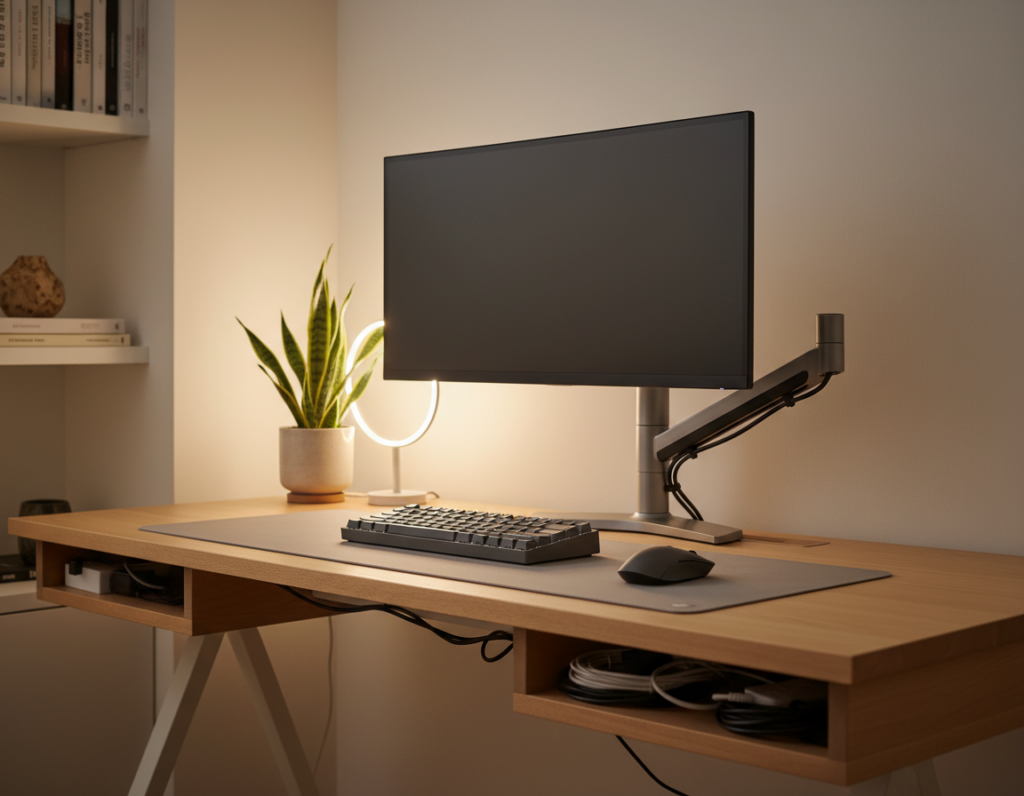
Next, route and bundle. Use cable management trays under the surface to hide excess length. Braided sleeves and cable ties create a single, tidy run that prevents snagging and accidental pulls on the keyboard or other sensitive peripherals.
Power Strip Mounting Strategies
Mount strips directly beneath the work surface and secure them with brackets or Velcro. That placement keeps outlets reachable but invisible, improving both safety and aesthetics.
- Implement a robust cable management system to keep the desk free from tangled wires.
- Use trays to hide slack, especially for standing setups that change height.
- Bundle cables with braided sleeves for a clean, single run that improves control over the layout.
- Prevent accidental pulls to protect the keyboard and other sensitive devices.
Ergonomic Upgrades for Long Gaming Sessions
Endurance at the screen hinges on ergonomic upgrades that keep the body aligned. OSHA guidance for computer workstations stresses correct positioning to prevent musculoskeletal issues during long hours of use.
An adjustable chair with lumbar support reduces back strain and keeps posture steady during marathon sessions.
A standing desk or a convertible option lets users alternate posture. Changing position eases pressure on hips and lowers fatigue.
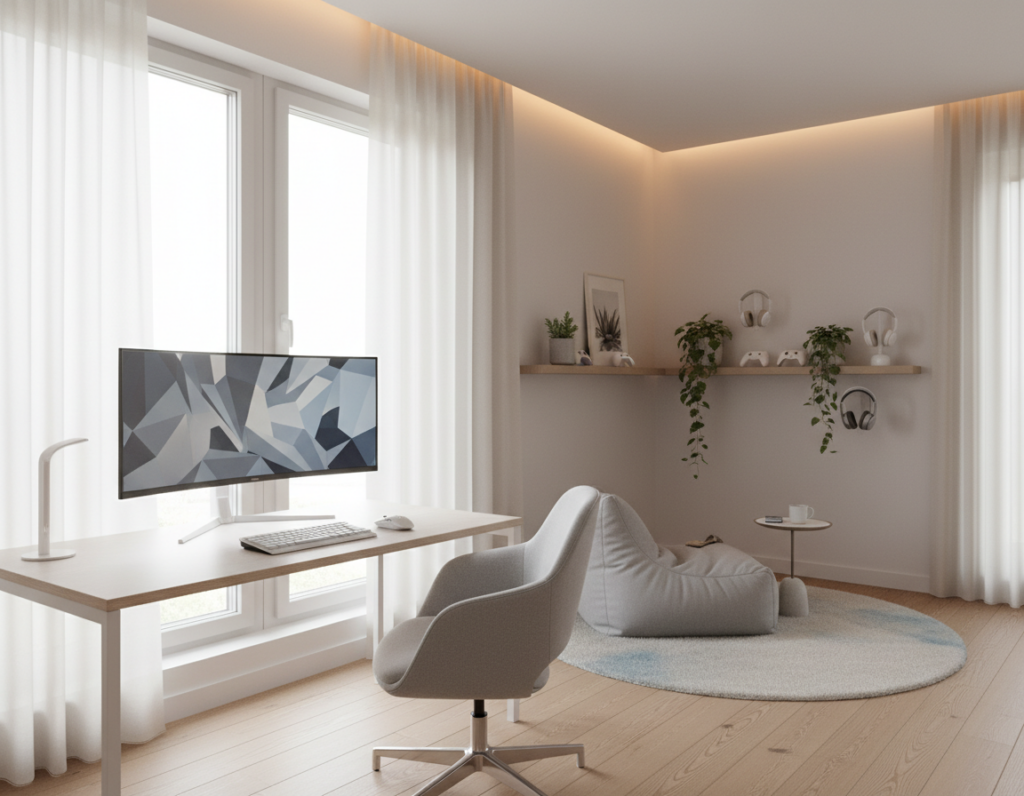
Keep a dedicated headset stand to lift audio gear off the surface. That small change frees space and prevents knocks to peripherals.
- Manage cable runs so adjustments to height or chair do not snag cords.
- Choose ergonomic accessories that support wrists and shoulders.
- Prioritize comfort to sustain focus for longer periods.
“Proper ergonomic positioning is a primary factor in preventing musculoskeletal issues.”
Optimizing Your Visual Field with Monitor Arms
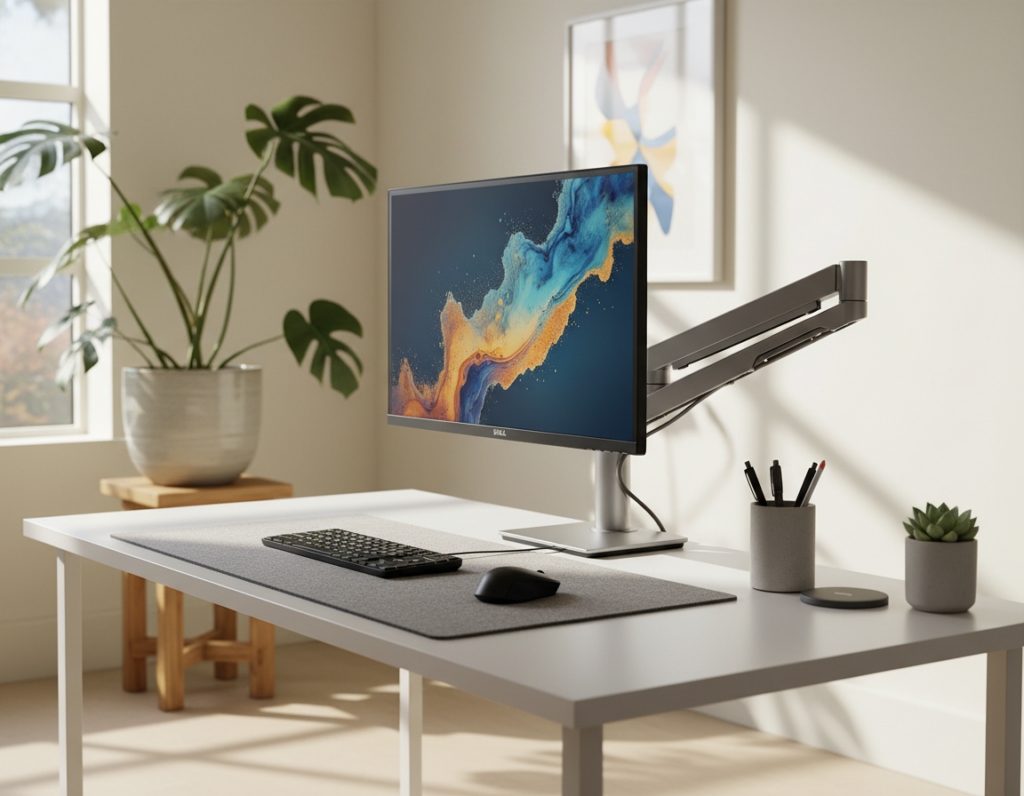
A well-placed monitor arm turns limited surface room into a tailored viewing zone. Articulating arms free the main screen from the surface and let users create a clean, ergonomic layout.
Benefits of Articulating Arms
Full adjustability provides vertical, depth, and tilt motion so the monitor rests at a neutral neck position. This reduces neck strain and eye fatigue during long gaming sessions.
High-end arms reclaim space and stabilize large displays like the LG UltraGear 49-inch curved monitor, which benefits from secure mounting when running at high refresh rates.
- A quality monitor arm reclaims usable desk space and sets the screen at the ideal height.
- Precise positioning improves comfort and creates an immersive visual field.
- Sturdy arms prevent wobble during intense moments and support heavier screens.
Safety Tips for Glass Desks
When attaching a monitor arm to a glass surface, always use a load-spreading plate to avoid stress points that could crack the surface.
Check weight ratings and use hardware rated for the monitor and arm combination. For standing setups, confirm the mounting hardware works with changing height without loosening.
The Role of Precision Peripherals in Competitive Play
Precision peripherals determine whether split-second actions land or miss in competitive play. A flagship mouse like the Razer Viper V3 Pro, at just 54g and 99.8% resolution accuracy, shows how weight and sensor fidelity matter.
A high-quality mouse with a precise sensor is a core accessory for players who need accuracy in fast-paced matches. Mechanical keyboards add tactile feedback and fast actuation to speed input and reduce missed presses.
Centralizing control devices on a clear surface reduces accidental interference. A tidy setup keeps the mouse and keyboard mechanics consistent and lets players execute complex maneuvers without obstruction.
- Sensor accuracy: Improves aim and repeatability.
- Low weight: Enables faster, smoother movements.
- Reliable switches: Deliver consistent response under pressure.
Every accessory in the gaming setup should enhance control and reliability. Choosing quality peripherals ensures the gaming desk can meet the demands of competitive play and streaming.
Why a Dedicated Audio Setup Matters
A dedicated audio chain makes conversations and streams sound professional and consistent. Standalone microphones deliver clearer vocals and better noise rejection than built-in headset mics.
Clear speech matters during tense multiplayer sessions and live broadcasts. A high-quality microphone separates voice from room noise and preserves tone even under pressure.
Standalone Microphone Advantages
Using a proper microphone on an adjustable stand lets the user place the capsule where it picks up voice best. That positioning reduces breath pops and background hiss.
- A dedicated audio setup ensures teammates hear commands and callouts with precision.
- Adjustable stands let the microphone stay out of the way of the monitor while remaining in optimal pickup range.
- Professional sound improves stream quality and creates a polished presence for viewers.
- Separating audio gear from other desk accessories keeps the surface organized and reduces accidental knocks.
“High-quality audio is a critical component of an immersive setup.”
Expanding Your Control Surface with Desk Mats
Stretching a quality mat across the workspace gives the mouse and keyboard a shared, predictable surface. A large mat creates a uniform surface that improves swipe consistency and tracking for competitive play.
Unifying input devices on one pad protects the finish from spills and scratches. It also reduces small height differences between the keyboard and mouse, so hand motion stays steady.
The right mat balances glide and control. A textured weave supports precise mouse movements while offering enough resistance to stop overshooting targets.
Users gain extra comfort, too. A broad surface provides a soft place to rest wrists, reducing fatigue during long sessions. Choosing a water-resistant, durable option keeps cables and peripherals safe and the surface easy to clean.
- Consistent, smooth surface for accurate mouse tracking
- Unified control area that protects the work area
- Improved comfort and wrist support for longer use
- Durable, water-resistant materials for lasting protection
Centralizing Connectivity with USB Hubs
A quality Type-C hub turns scattered cords into a single, reachable control point for the whole setup.
The Dezctop USB Type-C 7-in-1 Hub offers multiple ports in a compact design. It reduces cable clutter and keeps power and data lines tidy on the desk.
Accessible ports let users plug in a mouse, keyboard, or headset without fumbling behind the computer. That convenience speeds routine changes and keeps the surface clear.
A powered USB hub protects high-draw peripherals by delivering stable current and reliable data transfer. Grouping a hub with a mounted power strip creates a simple docking station that helps the daily workflow.
- Centralize connections so peripherals sit within arm’s reach
- Use high-speed USB hubs for steady power and fast data
- Keep ports visible to avoid constant cable swapping
Tip: Investing in quality USB hubs keeps the gaming desk clean and makes desk accessories truly useful.
Items That Often Become Unnecessary Distractions
Cluttered ornamentation and idle gadgets quietly steal attention and reduce play consistency. A focused setup favors purpose over decoration so the monitor and primary input devices stay central.
Decorative Trinkets
Tiny figures, novelty lights, and piles of collectibles increase visual noise. They take up surface space and pull sightlines away from the screen.
Removing or grouping ornaments off the main surface helps maintain a professional level of concentration.
Excessive RGB Clutter
Multiple RGB strips, LED fans, and uncontrolled color cycles can be distracting during peak moments. Keep lighting subtle and purposeful to avoid breaking focus.
Unused Tech Gadgets
Old controllers, spare cables, and idle headsets occupy valuable space and add to cable chaos. Store extras in drawers or shelves so the primary monitor, keyboards, and mouse remain primary.
- Prioritize high-quality accessories that serve a purpose.
- Audit desk accessories regularly to reduce strain over long hours.
- Clear surface space to improve comfort and the overall setup level.
“A streamlined surface makes a measurable difference in focus and performance.”
Conclusion
Conclusion
A focused layout starts with clear priorities: visibility, reachability, and minimal visual noise.
Building the ideal setup blends organization, ergonomics, and a careful choice of accessories. Effective cable management and a quality monitor arm set the stage for a professional, distraction-free area.
Optimizing available desk space improves reach and keeps essential tools within easy access. Prioritizing comfort helps sustain long sessions and protects posture over time.
Investing in the right monitor, reliable management systems, and purposeful accessories transforms the surface into a true command center. For practical upgrade ideas, see curated gaming desk accessories.