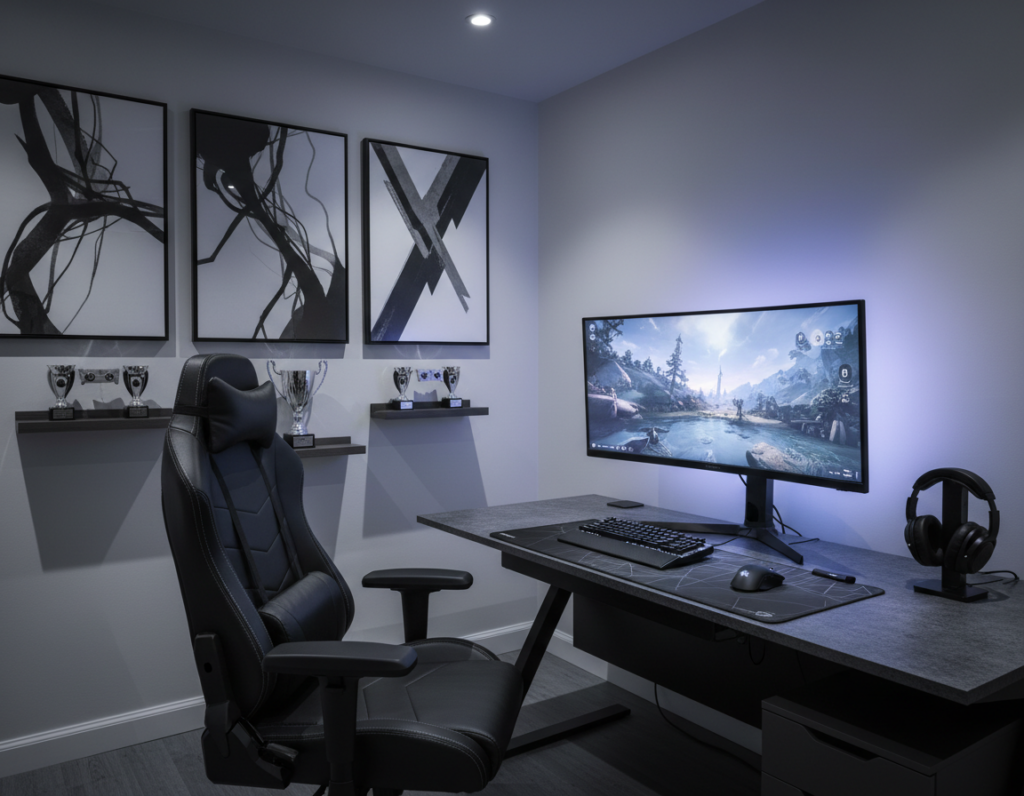
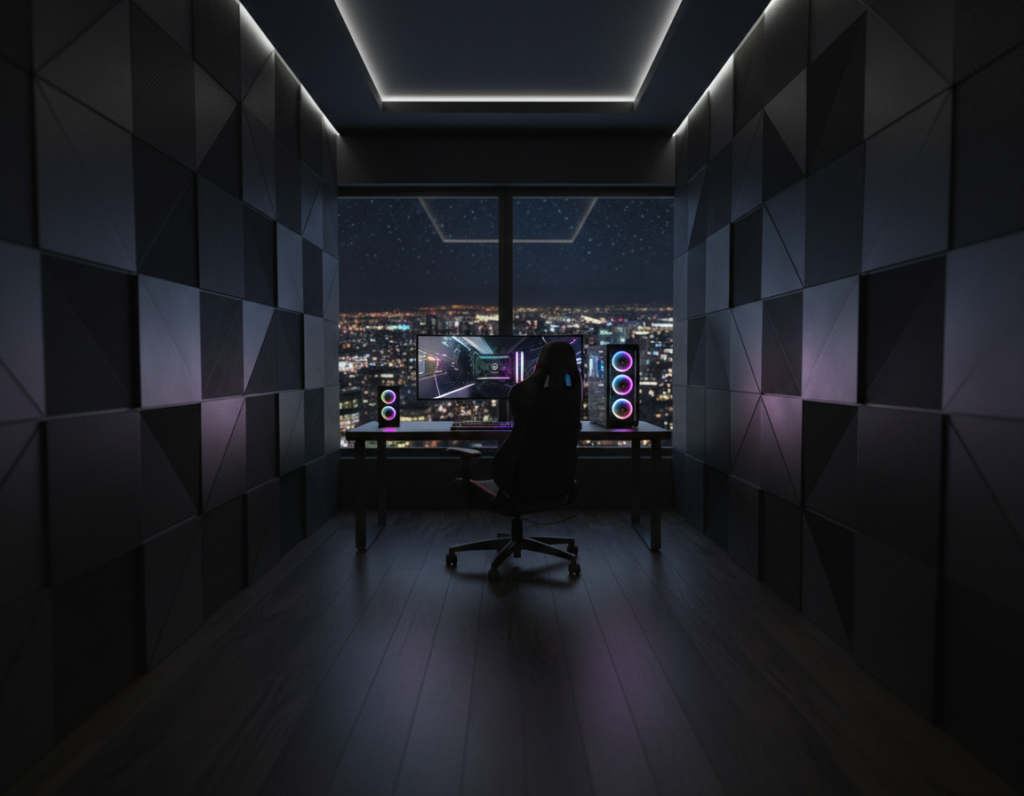
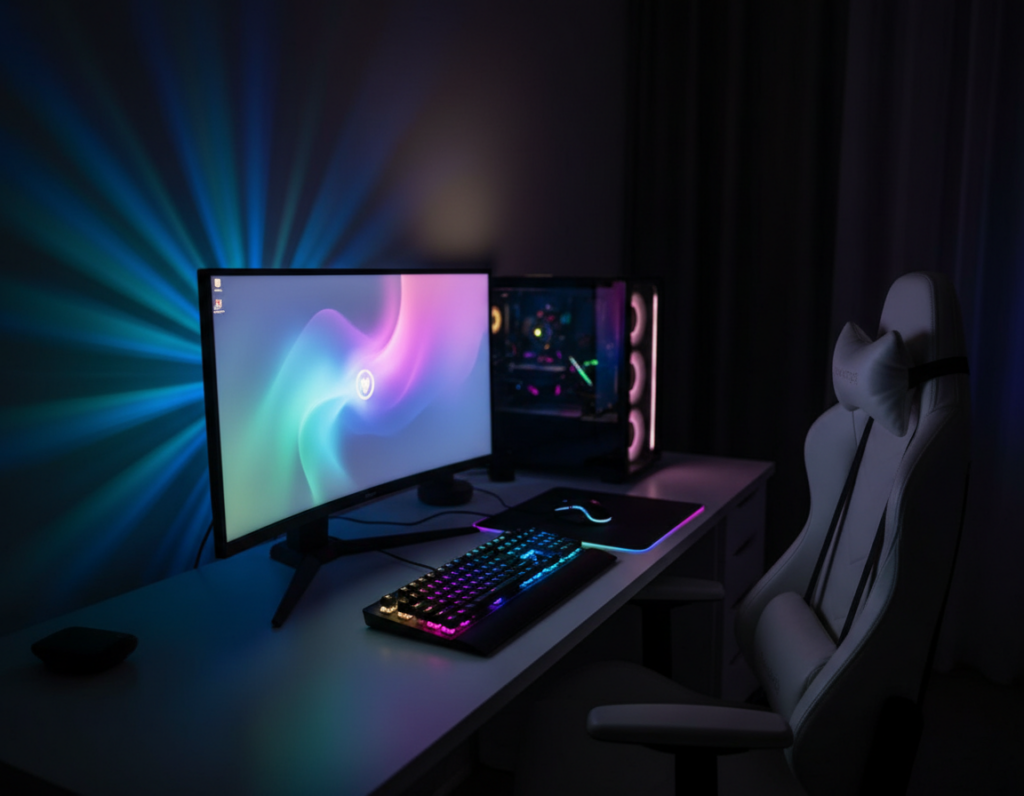
Nigel Tsopo noted in September 2024 that turning a compact bedroom into a premium play sanctuary is a major trend for 2025.
The guide opens with ways they can craft a rich, dark aesthetic without shrinking the space. It shows how a careful gaming setup, smart storage, and layered lighting create an inviting atmosphere.
Readers will learn how to pick the right furniture and a sturdy gaming desk or chair to boost comfort and style. Simple decor, discreet shelves, and LED strips keep the area tidy and immersive.
These tips prove a tiny room can feel like a professional suite. They balance price and performance so any gamer can upgrade their space and enjoy longer, more comfortable sessions.
Establishing the Dark Aesthetic
A carefully chosen palette gives a compact bedroom a polished, immersive look. Deep tones like navy or charcoal create depth while letting LEDs and displays pop. This approach makes gear and furniture read as intentional elements in the overall room design.
Color Palette Selection
Use the 60-30-10 rule to balance a dominant dark shade with complementary mid-tones and bright accents. Pick one primary color to cover walls and large surfaces, a secondary hue for textiles, and an accent for trim or lighting.
Creating Mood and Atmosphere
Layered lighting controls how the space feels at different times. LED strips behind the desk and screen add vibrant contrast against deep walls. Task lights keep the desk usable without washing out the mood.
- Ground the space: dark walls make the layout feel cohesive and professional.
- Add contrast: glowing LEDs and lighter accessories prevent the area from feeling flat.
- Unify elements: ensure the desk, screen, and decor share a coordinated palette and style.
Essential Black Gaming Room Ideas for Small Bedrooms
Smart furniture and curated accents let a modest bedroom deliver a rich, distraction-free play experience. Maxrip’s black and gold setup shows how minimal pieces can read as luxury while keeping the layout clean.
Use dark walls to hide cables and make the monitor pop during longer gaming sessions. Anchor the layout with low-profile cabinets that double as storage and a desk surface. This keeps controllers and accessories tucked away.
Prioritize layered lighting: a task light at the desk, subtle LED strips, and a warm accent lamp. Proper lights prevent the space from feeling closed while preserving contrast for the screen.
- Multi-use pieces: combine desk and storage to save floor space.
- Wall shelves: display collectibles and free up surfaces.
- Personal touches: pick decor that matches the gamer’s preferences.
For extra reference, see black game room inspiration to visualize layout and style options that fit a tight space.
Maximizing Vertical Space for Storage
Stacking storage upward turns unused wall into a tidy showcase and frees valuable floor area. In a compact bedroom, height is often the easiest untapped resource. A loft bed clears the floor so a desk or workstation fits neatly underneath.
Utilizing Wall-Mounted Shelving
Wall-mounted and floating shelves display collectibles without crowding the main surface. They keep games, figurines, and controllers visible and organized. This makes the room design feel intentional and clean.
Install shelves in staggered heights to balance storage and visual flow. Use a narrow shelf above the desk for frequently used items and higher compartments for less accessed gear. Always fasten anchors correctly to protect valuable equipment.
- Loft beds free the floor for a desk or storage units.
- Floating shelves showcase games and collectibles while saving surface area.
- Vertical storage keeps controllers handy and keeps open spaces uncluttered.
“Look up — unused vertical space is the single best trick to expand a compact layout without adding clutter.”
Selecting Ergonomic Furniture
Well-chosen chairs and desks turn a tight layout into an efficient, healthy setup that supports long sessions. Ergonomic pieces protect posture and make time at the screen more productive. They also keep the space tidy so accessories and controllers stay accessible.
Choosing the Right Gaming Chair
Invest in a proven brand like Herman Miller, SteelSeries, or AKRacing. These chairs provide lumbar support and adjustability to suit different body types. Good chairs reduce strain during long gaming sessions and improve overall experience.
Desk Functionality
Pick a desk from reliable makers such as IKEA, AmazonBasics, or Vertagear to balance price and durability. Look for built-in cable management, enough surface for a triple-monitor setup, and storage that houses controllers and games.
- Mattec1714 proves a triple-monitor setup fits when furniture is scaled smartly.
- Choose desks with shelves or drawers to keep the gaming room organized.
- Prioritize ergonomic combos: the right chair and desk improve focus and prevent injury.
“Ergonomic furniture is not just comfort; it is the foundation of a long-term, high-performance setup.”
Lighting Techniques for Immersive Ambiance
Smart use of LEDs and task lights defines zones and elevates the entire gaming experience. Cullen246’s neon blue approach proves color can turn a standard bedroom into a futuristic sanctuary.
Place LED strips behind the monitor and under the desk to create a soft backlight. This reduces eye strain during late-night games and makes the wall and screen pop without glare.
Mix ambient and task lights to balance comfort and performance. Ambient LEDs set mood while a focused desk lamp keeps controls and keyboards easy to see.
“A dynamic light plan lets the space react to the game and the player’s mood.”
- Syncable smart lights: link colors to in-game action for a reactive setup.
- Zone definition: place strips along shelves or a single accent wall to make the space feel larger.
- Color play: experiment with blue tones for calm or warm hues for intense sessions.
Good lighting upgrades both the design and the user experience, making a compact area feel intentional and premium.
Managing Cables and Hardware
Taming cables and arranging hardware transforms a cluttered setup into a streamlined command center. Good cable work makes the bedroom feel bigger and the desk more usable.
Streamlining Console and PC Setups
Start by grouping power and data lines with cable sleeves and clips. Wall-mounted channels help route cords so they follow clean paths along the wall and under the desk.
Choose a desk with built-in management and affordable price tags to hide power strips and adapters. This reduces visible clutter and frees valuable floor space for storage or a small chair.
- Use hooks or bins to store controllers and accessories.
- Label cables to speed troubleshooting and swaps.
- Consolidate consoles on a single shelf to cut excess wires.
“A clean hardware layout not only looks better but makes the game experience more immersive.”
Optimizing Acoustics for Sound Clarity
Echo and reflection steal clarity — treating a few key spots restores punch and dialogue to games. Twinskunk proved that a wall of acoustic foam greatly improved clarity during streaming and recording.
Simple treatments make a big difference in a compact bedroom. Acoustic panels on the primary wall behind the desk and at first reflection points will reduce flutter and sharpen effects.
Soft surfaces matter. A plush rug on the floor absorbs mid and high frequencies so footsteps and ambience sound cleaner. Drapes and a few book-filled shelves also help tame reverberation.
“A well-placed foam wall amplified sound and improved clarity for streams and recordings.”
- Place speakers at ear level and angle them toward the player.
- Use panels near the desk and on opposing walls to cut echoes.
- Combine rugs, panels, and furniture to achieve pro-grade acoustics in a tight space.
Good sound design separates a basic setup from an immersive gaming experience. With a few targeted moves, any gamer can enjoy clearer audio during long gaming sessions and streaming time.
Adding Personal Decorative Touches
Personal touches turn a compact setup into a space that truly feels like home. Simple accents make the area more inviting during long sessions and help the gamer relax between matches.
Displaying Collectibles
Showcase favorite pieces on floating shelves near the desk. This keeps controllers and figurines safe while adding visual interest to the wall.
Rotate items seasonally so the display stays fresh. A neat layout reads like curated decor instead of clutter.
Incorporating Natural Elements
Add small plants or succulents to soften tech-heavy corners. Greenery contrasts LEDs and plastic gear, bringing balance to the design.
Plants also boost air quality and lend a calm, home-like vibe during long game time.
Using Mirrors for Depth
Strategic mirrors expand perceived space and reflect light from strips and desk lights. Place one opposite the screen or near a lamp to brighten the bedroom.
“Mirrors are a simple, high-impact tool that makes tight spaces feel larger and more open.”
- Keep it cohesive: match decor colors to the main palette.
- Mix function and style: shelving can display collectibles and store games.
- Personalize: add photos or trophies that reflect preferences and achievements.
Conclusion
Smart choices in scale, storage, and light convert limited square footage into a premium retreat. A cohesive room design and focused layout make the space feel intentional and calm.
By refining a gaming setup and prioritizing comfort, the daily gaming experience improves with every session. Small changes to furniture, cable runs, and placement lift play and let each game feel sharper.
They should treat the area as an evolving project. Swap decor, tweak the wall accents, or upgrade gear over time to chase the perfect gaming balance. These steady moves will shape a functional gaming room that supports longer sessions and better play.
Start the transformation today and enjoy building a setup that reflects taste and performance.