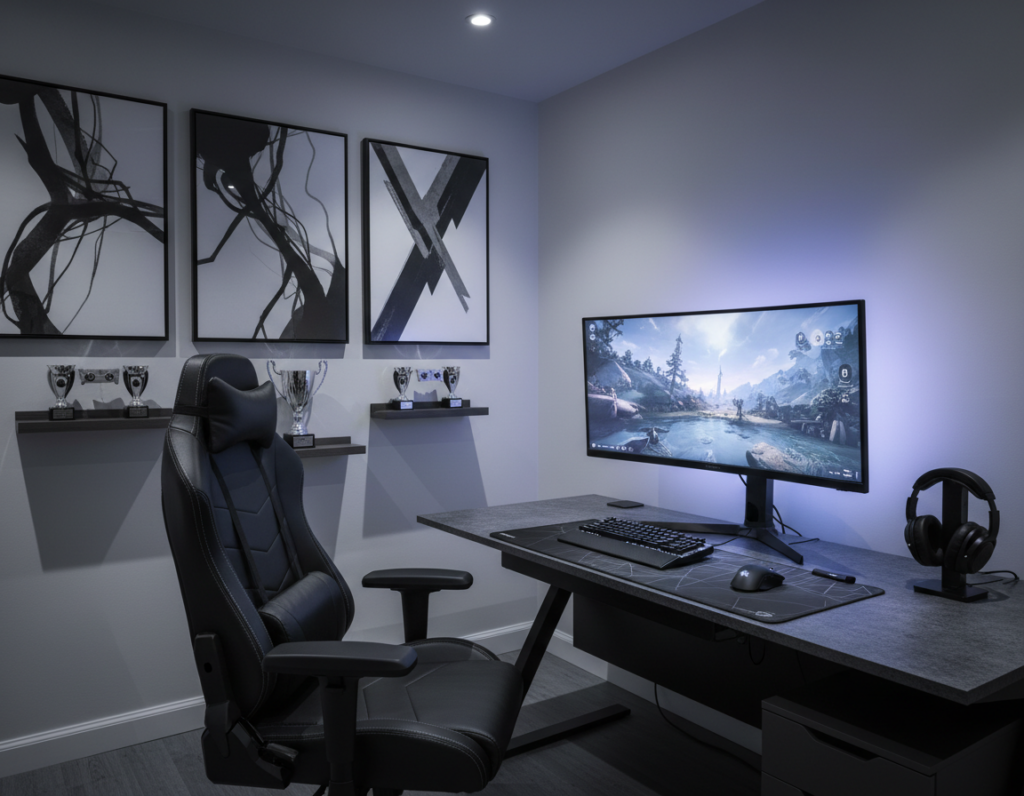
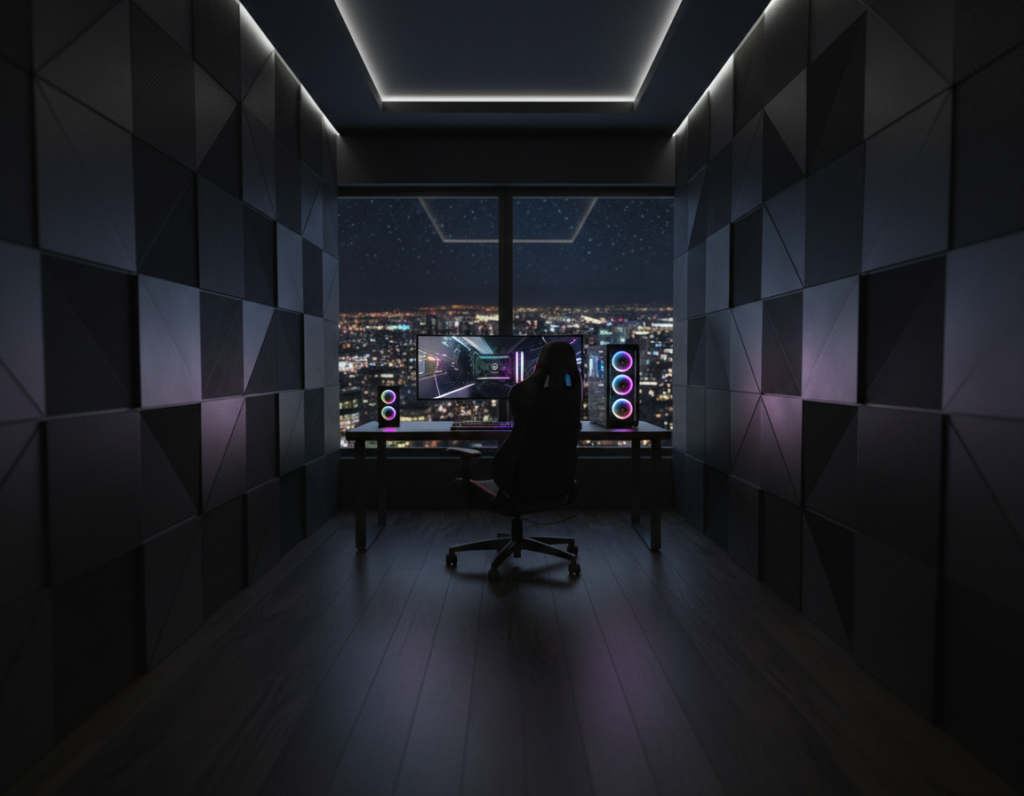
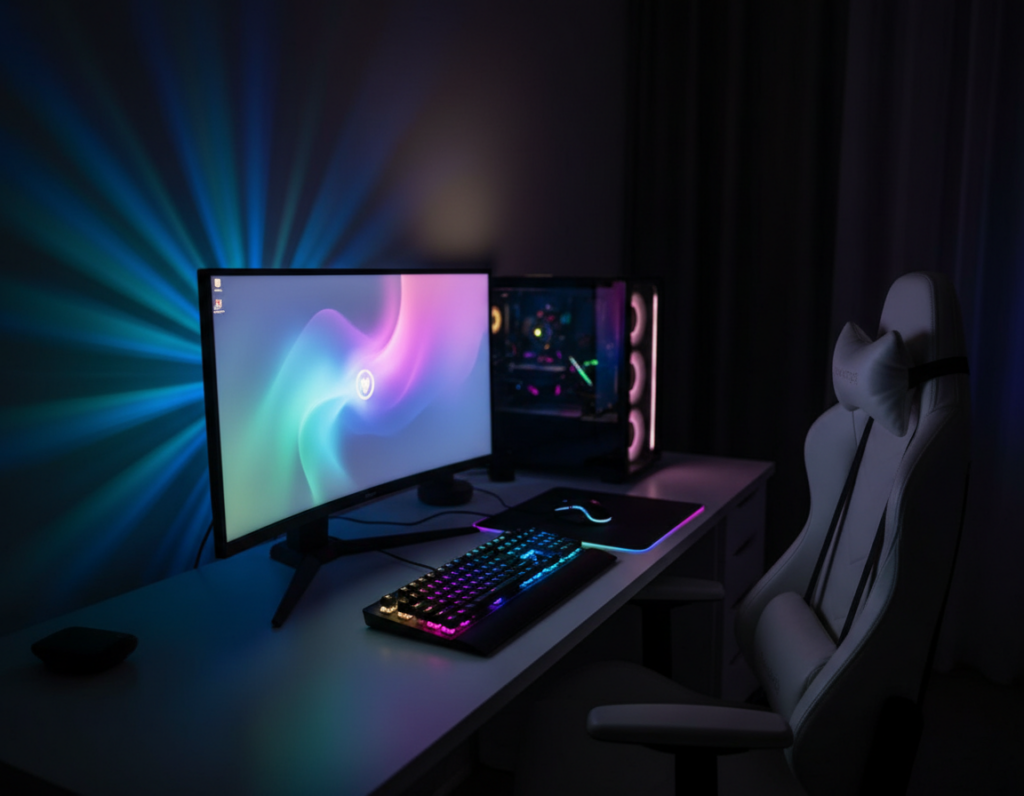
He wanted a sleek, immersive area that felt open, not cramped. The plan balanced style and functionality from the first sketch.
They started with a height-adjustable desk — the FlexiSpot Gaming Desk GT5 — to keep posture and focus steady during long sessions. Good lighting and careful color choices prevented the space from shrinking while keeping a dark theme.
Cable management and targeted storage made every accessory earn its place. A neat gaming desk and a compact case gave the build room to breathe. Smart lighting tied the look together and improved the overall gaming experience.
Later, they watched for Black Friday deals to upgrade parts without overspending. The guide that follows shows how to combine ergonomics, aesthetics, and practical choices to create a professional, open-feeling black-themed gaming area.
Designing Your Minimal Black Gaming Room Setup
Start by choosing furniture that keeps sightlines clear and gives each element room to breathe. A careful plan prevents a dark palette from making the area feel tight.
The Arozzi Arena Gaming Desk is an excellent choice for those who need a wide surface for monitors, controllers, and a few essential accessories. Its generous surface anchors the space while leaving edges free to reduce visual clutter.
Keep the look cohesive with matching peripherals and a restrained color story. A cohesive black-themed gaming arrangement and a minimalist desk setup help maintain a professional aesthetic without overcrowding.
- Choose a single large desk rather than several small tables.
- Limit desktop items to essentials—monitor, keyboard, mouse, and one accessory.
- Let the desk surface act as a focal point for clean, functional design.
These gaming setup ideas transform the area into a cozy, functional sanctuary that stays open and stylish.
Selecting the Right Ergonomic Foundation
A sturdy, adjustable base preserves posture and keeps the play area efficient. Choosing the right desk and chair reduces strain and helps maintain focus during long sessions.
Choosing a Height-Adjustable Standing Desk
Invest in a quality standing desk that supports your height and hardware. The FlexiSpot Gaming Desk GT5 rises to 123cm, which suits taller gamers and ensures a comfortable standing position.
Pick a surface that holds monitors and peripherals without wobble. A stable gaming desk makes a minimalist desk setup practical and clean.
Prioritizing Comfort with Ergonomic Gaming Chairs
The Secretlab TITAN series offers strong lumbar support and adjustable features for extended gaming sessions. Look for chairs with adjustable armrests and neck support to reduce fatigue.
- Use a standing desk to alternate positions and improve posture.
- Choose a TITAN-style chair for lumbar support and long-session comfort.
- Integrate cable management and hidden storage to preserve functionality and a clean look.
- Ensure the desk surface can support your monitor, keyboard, and accessories without clutter.
These ergonomic choices protect health and boost productivity. They form the backbone of a focused, efficient gaming setup.
Optimizing Your PC Hardware for a Sleek Aesthetic
A well-chosen PC case can turn internal parts into a clean focal point without adding visual clutter. The right chassis balances airflow, cable routing, and a refined style so components look curated rather than chaotic.
Selecting a Case with Tempered Glass and Clean Lines
Choose a case like the NZXT H510 Elite to showcase hardware behind a tempered glass panel. That clear side emphasizes a tidy build and supports a sleek immersive aesthetic.
The ASUS ROG Strix Z590-E pairs well for a cohesive interior color story. During Black Friday, this motherboard often appears in deals, making upgrades easier on the wallet.
- NVIDIA GeForce RTX 3080 gives high performance while keeping the color palette consistent.
- Neat cable routing inside the case is vital when you display components through glass.
- Use subtle RGB lighting to highlight parts without overpowering the overall look.
“The right case becomes the heart of a build, marrying performance with clear, intentional aesthetics.”
Essential Peripherals for a Clutter-Free Experience
They focused on a few high-quality accessories to keep the surface tidy and responsive. A small, deliberate gear list reduces distractions and improves performance.
Logitech G Pro X keyboard and mouse pair well for competitive play. Both offer precise tracking and crisp feedback while keeping the desk visually restrained.
Complement those with a large SteelSeries QcK mouse pad for a consistent surface. The pad smooths mouse motion and helps define usable desk area.
Effective cable management and tucked storage turn a crowded desk into an open workspace. Every accessory should serve a purpose to maintain a clean, professional environment.
- Choose peripherals that match the case and desk for a cohesive look.
- Limit items on the surface to essentials to preserve space.
- Use hidden storage and routing channels to keep lines clear.
A well-chosen case and peripherals can transform the desk into an efficient, stylish workspace. For deeper build principles, review minimalist PC principles in this concise guide: minimalist PC setup.
Strategic Mood Lighting and Ambient Effects
Ambient light is the easiest tool to change a room’s feel without swapping furniture. Thoughtful lighting adds depth to a dark palette while keeping the desk area calm and uncluttered.
Implementing Understated Ambient LED Strips
The Philips Hue Lightstrip Plus works well behind a monitor to create a soft halo. It offers adjustable brightness and color so the look stays subtle.
Place strips along the back edge of the desk, under shelves, or inside shelving units. This hides controllers and keeps visible lines clean.
Synchronizing RGB Lighting for a Unified Look
Syncing RGB across peripherals and case lighting ties the space together. Devices that share color patterns reduce visual noise and support longer play sessions.
- Reduce eye strain: warm backlight with cooler task lighting helps focus during long sessions.
- Maintain minimal lines: store light controllers and route cables behind the desk.
- Add depth: use two or three complementary hues to enrich the color story without overpowering the aesthetic.
“The right ambient lighting can transform a gaming area into an immersive space that reflects personal style.”
Mastering Cable Management and Storage Solutions
Taming cables and stashing peripherals are the quickest ways to keep a desk feeling crisp and intentional.
Start with under-desk trays and cable sleeves to route power bricks, surge protectors, and long cords out of sight.
Use velcro wraps for bundles and adhesive clips to guide lines along table legs. This prevents tangles and keeps the standing desk clear for motion.
Dedicated storage complements routing. A shallow drawer for controllers and a wall-mounted pegboard for headphones and small accessories keeps the surface functional.
- Choose trays and sleeves rated for heat dissipation to protect the case and improve airflow.
- Label power leads and keep frequently used cords easy to reach.
- Route longer cables behind furniture to preserve clean sightlines.
“Hidden management lets the player focus on experience without distraction.”
Investing in quality cable management accessories extends hardware life and makes any gaming setup feel more organized and professional.
Conclusion
When parts, peripherals, and lighting work in concert, the space feels refined and inviting. They found that pairing a quality desk with a focused gear list—keyboard, mouse, and a tidy cable plan—keeps the area functional and elegant. Thoughtful lighting and subtle RGB add depth without crowding the view.
Using seasonal discounts like Black Friday deals makes premium components more attainable. With careful planning, a cohesive black gaming setup can blend performance and style while staying uncluttered.
For a deeper look at building this kind of space, see the guide to a sleek and immersive black gaming setup. Small, intentional choices deliver a better gaming experience and a lasting aesthetic.