They noticed a messy room was hurting their gaming experience and chose a practical path to change it.
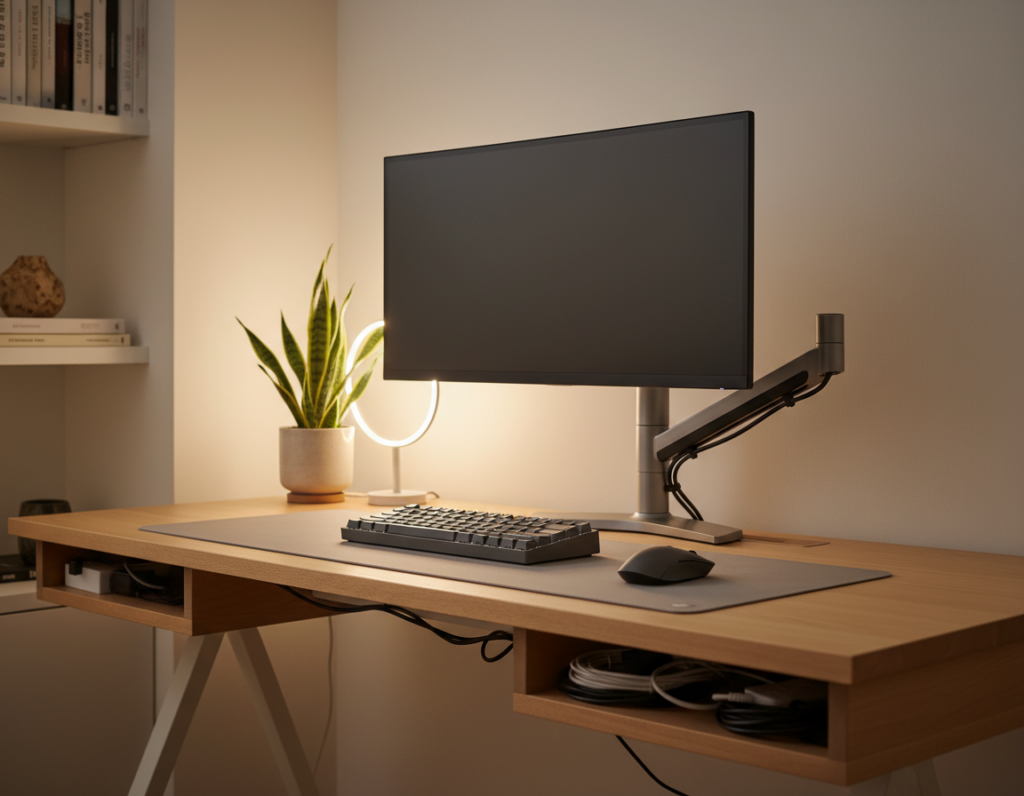
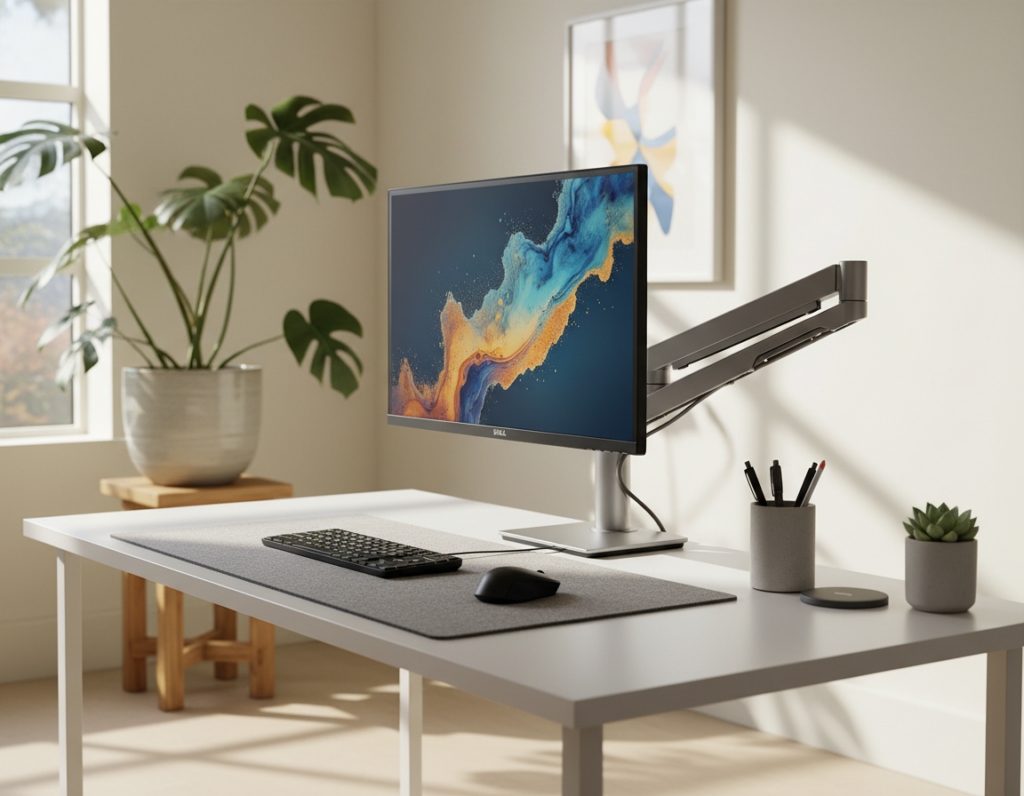
The first move was to organize the desk and clear the surface. This created a cleaner space and a calmer environment for longer sessions.
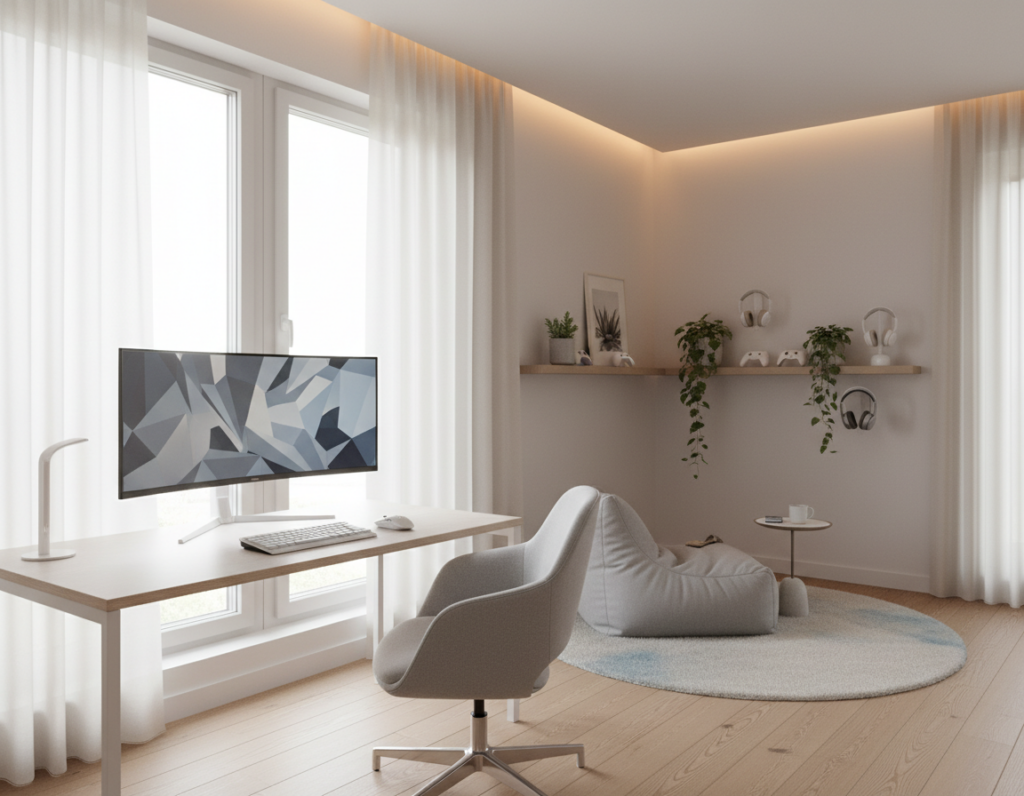
Next, they added LED lighting strips behind the monitor to ease eye strain during late play. The lighting also made the room feel more professional and focused.
They kept the console and equipment tidy and chose solutions that boost functionality. Small tips—like smart cable routing and a dedicated place for the headset—made the area easier to use.
By making these changes, the setup became a more reliable system for serious play and daily enjoyment.
Key takeaways: A clean desk and smart lighting improve performance and comfort.
The Impact of a Clean Gaming Environment
A tidy room helps players keep their focus when the stakes are high. Professional players often report that a neat gaming space reduces distractions and improves reaction times during intense sessions.
Well-organized desks support better posture and shorter reach to peripherals. That ergonomic boost is one of the simplest ways to raise overall experience and comfort during long play sessions.
Proper lighting in the room also matters. Soft backlighting behind the monitor cuts eye strain and makes visuals pop without adding glare.
Many gamers find that keeping surfaces clear and choosing quality monitor options delivers clearer visuals and faster target acquisition. This prepares the gaming area for any game and keeps gear ready for action.
- Focus: A clean area helps maintain concentration in high-pressure matches.
- Comfort: Organized desks improve ergonomics and reduce fatigue.
- Clarity: Good lighting and better monitor options enhance visual fidelity.
Essential Strategies to Declutter Gaming Setup
A targeted purge of extra devices and old boxes instantly opens up usable surface on the desk. This step helps create a calm area that supports longer sessions and better focus.
Removing Unnecessary Items
They should remove items that do not belong in the gaming area, such as expired game cases, spare cables, and duplicate controllers. Keep only the console, primary controller, keyboard, and mouse within arm’s reach.
Deep Cleaning Surfaces
Wipe the gaming desk, monitor bezel, and shelves with gentle cleaner to remove dust and sticky residues. A clean room reduces allergens and keeps equipment running cooler.
“Declaring a single home for each accessory makes returning gear effortless and lowers distractions.”
Quick solutions:
- Designate a shelf or bin for games and accessories.
- Use small storage boxes for batteries and cables.
- Schedule a weekly wipe-down to keep the environment ready for play.
These simple ways to organize the area improve the overall experience and keep the gaming space functional.
Mastering Cable Management and Power Solutions
Taming loose cables and powering gear reliably transforms a messy desk into a functional play area. Good cable management prevents trips, reduces wear on connectors, and keeps the room looking intentional.
- Use cable clips and sleeves to bundle cords along the back of the desk. This keeps the area neat and lowers tangles.
- Keep charging points close to controllers and accessories so devices recharge between games.
- Consider a magnetic-tip option like the Volta Max Cable for fast, easy connections during intense play.
For travelers or compact rooms, a versatile adapter helps. The Volta 140W Travel Adapter offers multiple ports and power modes that fit small spaces. Together, these solutions free visual space and improve the overall gaming experience.
“Proper cable management will significantly improve the gaming experience by removing visual clutter from your room and setup.”
Learn more in this master cable management guide.
Optimizing Desk Space with Vertical Storage
Stacking upward rather than outward reclaims crucial surface on a crowded desk. Vertical storage makes room for a full keyboard and mouse while still keeping essential gear close.
Install wall shelves or a pegboard to display favorite games and collectibles. This keeps the gaming desk clear and puts items within sight without taking valuable surface space.
- Elevate the monitor: A stand creates storage underneath for controllers and small accessories.
- Use shelves: Open shelving stores games and controllers while improving room flow.
- Add hooks or trays: Pegboards hold cables, headsets, and other items off the desk.
A focused, vertical approach improves the gaming experience by freeing surface area and keeping the room organized.
“A clear desk supports faster reactions and a calmer play environment.”
Best Practices for Cleaning Gaming Hardware
A simple cleaning habit lets the room and system run cooler and quieter. They should treat hardware care as part of regular room maintenance.
Safe Console and PC Dusting
Use a soft microfiber cloth to wipe exterior surfaces. This prevents dust buildup on the console, PC case, and monitor bezel.
For vents and fans, use compressed air in short bursts. Hold fans in place to avoid spinning and damaging the bearings.
Sanitizing Peripherals
Wipe the mouse, keyboard, and controllers with isopropyl wipes or a damp microfiber cloth. Focus on high-touch areas to protect equipment and players.
“Regular cleaning with microfiber cloths and compressed air preserves performance and reliability.”
Managing Food and Drink
Keep food and drink off the desk to prevent spills that can ruin accessories and cables. A spill-free gaming area saves costly repairs and downtime.
- Routine: Clean weekly to maintain functionality and extend equipment life.
- Storage: Store spare cables and controllers in labeled bins or shelves.
- Care: Clean the monitor and peripherals before long sessions to ensure the best gaming experience.
Establishing a Sustainable Maintenance Routine
A simple, repeatable maintenance plan keeps the room ready for long play sessions. They should build habits that protect equipment and preserve a focused environment.
Start with a daily five-minute tidy. Put controllers and accessories back in their place, wipe the surface, and check cables for tangles.
Once a week, perform a deeper clean of the desk and shelves. Dust vents, use compressed air for fans, and sanitize the mouse and headset to extend their life.
For larger schedules, they rely on professional help. Services like Sweepsouth provide periodic deep cleaning that keeps the entire room free of dust and debris. That service helps protect consoles and PCs from grime that can affect performance.
- Daily: quick wipe, return items to storage, inspect cables.
- Weekly: deep clean desk area, dust equipment, tidy shelves.
- Tools: cable management clips, labeled bins, and a dedicated place for controllers and chargers.
These low-effort routines reduce clutter and make sessions easier to start. The result is a cleaner room, longer-lasting equipment, and a more consistent gaming experience.
Conclusion
Small daily habits can protect equipment and sharpen the overall play experience.
They should keep the desk clear, wrap cables neatly, and store accessories on shelves or in labeled bins. This makes the room easier to use and reduces time wasted before sessions.
Regularly cleaning the console, mouse, and headset keeps the system responsive and extends life. Professional services like Sweepsouth are an option for deeper care if preferred.
With steady cable management and simple storage solutions, gamers keep their setup reliable and focused. The result is a calmer room and a better gaming experience every time.