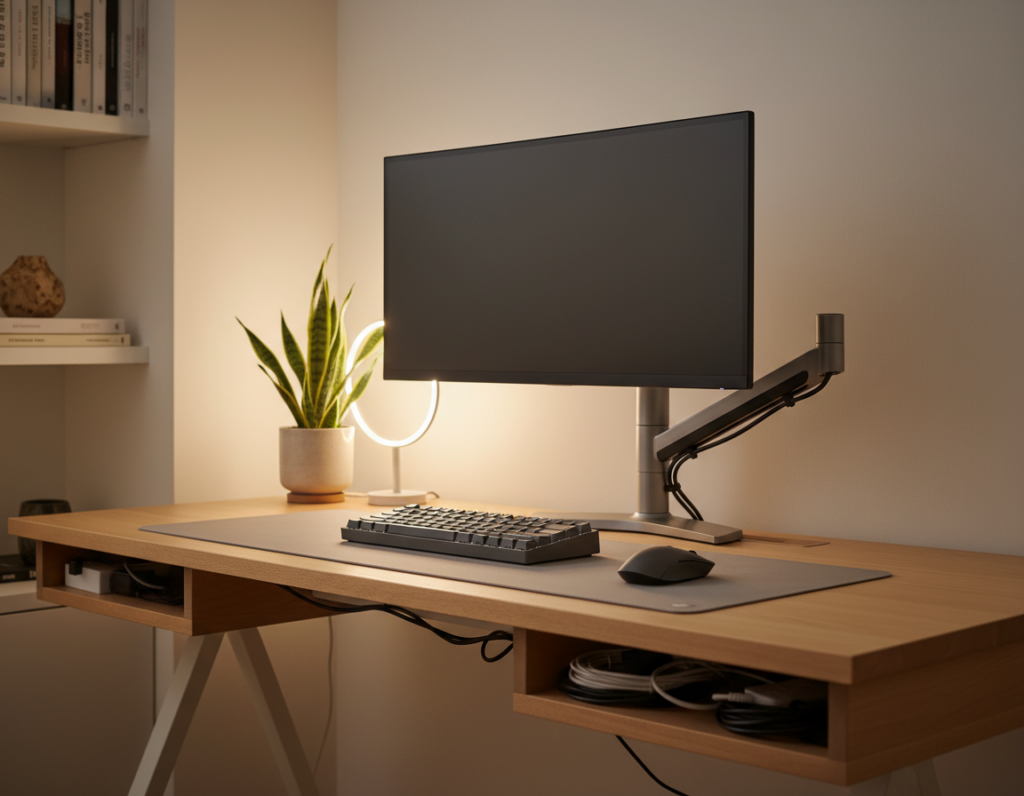
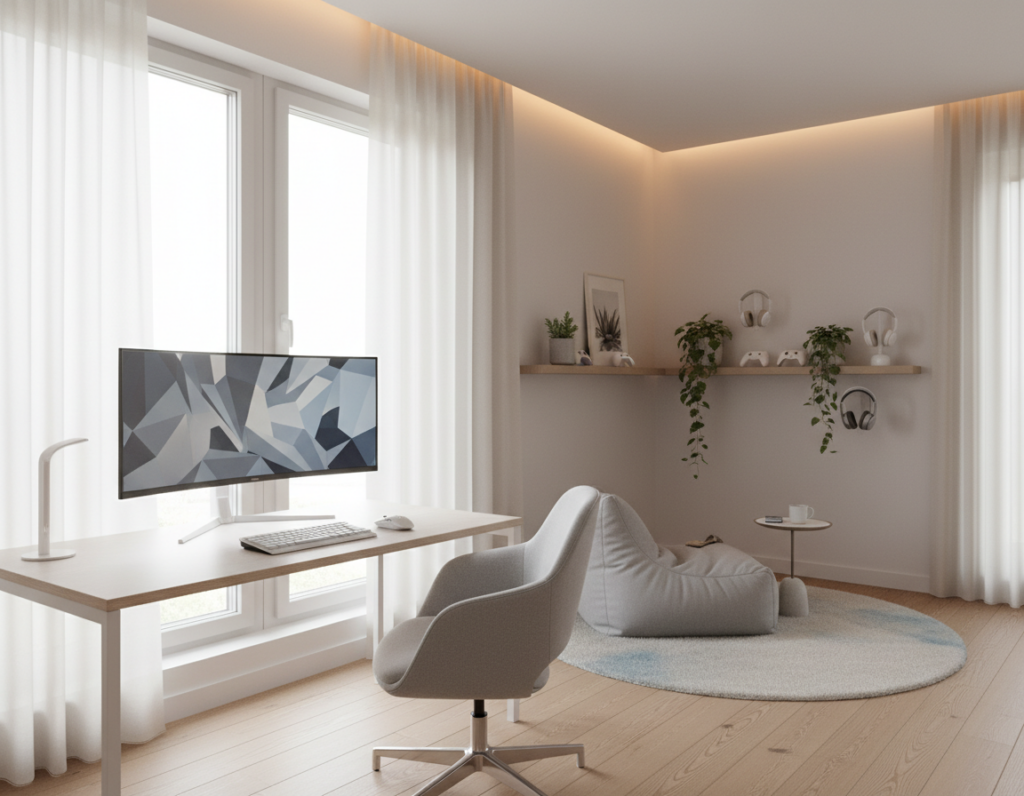
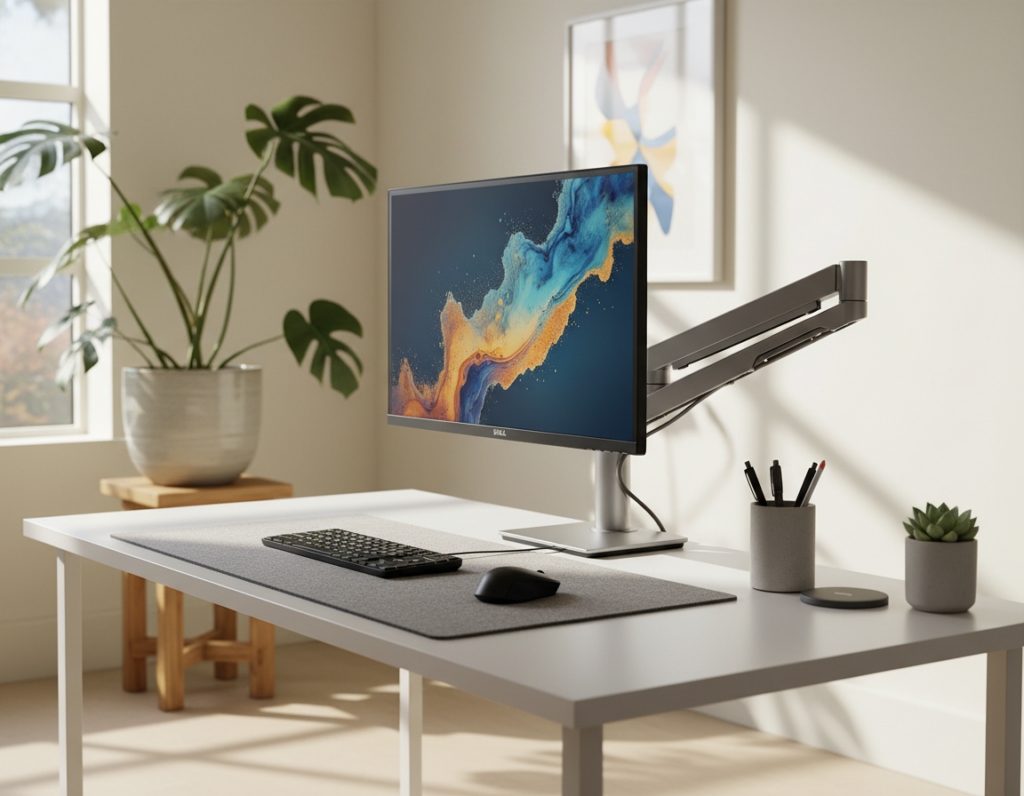
They transformed a small, boring room into a smart gaming room that doubled as a home office and guest area. The makeover cost about 170€, roughly $200, and prioritized function over clutter.
The setup focused on a compact desk, a comfortable chair, and clever storage to free up floor space. Shelves and drawers kept accessories and games tidy so the space stayed usable for work or play.
Careful lighting choices, including subtle LED lights, adjusted the atmosphere without overwhelming the wall art or decor. Each piece was chosen to preserve a clean look while making the room feel lived-in.
With smart furniture and multi-functional items, the gaming room setup allowed quick transitions between gaming, work, and hosting guests. The result was a cohesive, professional style that any gamer could appreciate.
Defining Your Minimalist Gaming Room Inspiration
Start by envisioning a clear, calm space that supports play and work without extra clutter. This helps set priorities for layout, furniture, and storage.
Core principles focus on clean lines, deliberate pieces, and consistent color choices. The goal is a cohesive look that still feels personal.
- Limit furniture to essentials that serve work and play.
- Use shelves for accessories and favorite games to reduce surface clutter.
- Choose wall art and posters that reflect the gamer’s taste but stay restrained.
Balancing style and function means blending decor with usable items. Favor a keyboard and monitor setup that supports long sessions and a chair that works for both tasks.
Browse platforms like TikTok—with over 121,000 #gamingroom posts—for ideas. Then narrow those ideas to a single theme and color palette that keeps the atmosphere calm and useful.
Assessing Your Available Floor Space
A clear tape measure and a simple sketch make planning the floor layout fast and accurate.
Before buying any new furniture, measure the floor space and note door swings and window placement. This prevents cramped corners and keeps walking paths open.
Maximizing floor space often means thinking up. Install wall-mounted shelves and vertical units to free the floor for a desk and chair. Under-bed storage also hides games and accessories without crowding the main area.
- Place the desk so it doesn’t block the main walkway.
- Map where large pieces like a bed will affect flow.
- Plan storage near the play area to keep controllers and games handy.
With careful measurements and deliberate storage choices, the final setup becomes versatile. The result is a small, inviting gaming room setup that works for work, play, and daily living.
Selecting a Cohesive Color Palette
A restrained palette can make compact spaces look larger and more intentional. Choosing white, gray, and black as base tones helps the setup feel open and calm.
Using Neutral Tones
Apply the same tones across walls, furniture, and accents to create a cohesive design. A consistent color choice ties the entire gaming room together and reduces visual clutter.
Use paint to define zones. A single focal wall in a darker gray adds depth without breaking the theme. This trick gives the space character while keeping most surfaces light.
Subtle LED accents bring modern flair. Place soft LED strips behind the desk or shelves so the lighting enhances displays of games and posters without overwhelming the neutral palette.
- Limit the palette to two or three neutral tones for balance.
- Repeat colors in textiles and small accessories to unify the setup.
- Reserve brighter accents for a single shelf or poster to keep focus.
Choosing Functional and Sleek Furniture
Choose furniture that balances comfort and clean lines to keep the space functional and stylish. The right pieces make a small gaming room setup feel organized and calm.
Ergonomic Chairs for Comfort
An ergonomic chair protects posture during long gaming and work sessions. Look for adjustable lumbar support and breathable fabric.
Investing in a quality chair reduces fatigue and keeps the homeowner productive at the desk and comfortable during play.
Compact Desks for Small Areas
Compact desks give enough surface for a monitor, keyboard, and mouse without crowding floor space. Desks with built-in drawers add discrete storage for controllers and accessories.
Many gamers revamp older tables or paint desk drawers to match the color scheme and save money while keeping custom style.
Wall-Mounted Monitors
Wall-mounting the monitor clears desk area and creates a cleaner profile. It also opens space for shelves above the desk for games and decor.
- Built-in storage keeps cables and games tidy.
- Choose pieces with multi-use function to boost overall functionality.
- Prioritize durable finishes that match the room setup and home style.
Implementing Smart Storage Solutions
Thoughtful storage choices hide clutter and highlight the pieces that matter.
The IKEA KALLAX unit is a go-to for organizing a gaming room. It fits games, consoles, and bins that hide cables. Adding doors or drawers turns visible shelves into clean storage that doubles as decor.
Floating shelves lift games and accessories off the floor and free walking space. Place them above the desk so the surface stays clear for work and play.
Choose multi-functional furniture—benches with storage, desks with drawers, or ottomans that hold controllers. DIY upgrades, like custom doors or cable cutouts, improve function and match the room setup.
Keep one spot for controllers, one for cables, and one for smaller items. A tidy routine makes maintenance fast and keeps the space usable for hobbies and daily tasks.
- Hide cables to protect the desk and improve lighting flow.
- Use labeled bins for games and accessories.
- Prioritize pieces that serve storage and decor at once.
Enhancing Atmosphere with Strategic Lighting
Thoughtful light layering turns a functional setup into a focused, atmospheric space. Good choices make the desk area easier on the eyes and give the room a clear vibe.
Ambient LED Placement
Place LED strips behind the monitor to reduce contrast and cut eye strain during late sessions. Soft backlight helps when the main lights are low.
Install strips under shelves or along a wall to create a modern accent. This highlights posters, collectibles, and key accessories without adding clutter.
Mix task lights and ambient lighting so the space adapts. A focused desk lamp works for work. Dimmer switches or smart bulbs shift the lighting from bright to cozy in seconds.
“Lighting is one of the most important elements of any successful setup.”
- Use warm ambient lighting for a relaxed vibe.
- Place task lighting for clear visibility at the desk and monitor.
- Keep LED accents subtle to enhance furniture and games on display.
Personalizing Your Space with Subtle Decor
Subtle accents can show a gamer’s taste while keeping the area calm and usable.
Choose two or three high-quality pieces rather than many small items. A framed poster, a signed print, or a themed pillow adds personality without clutter. Well-chosen art and a single shelf of favorites make the setup feel intentional.
DIY wall art and custom prints offer a unique, budget-friendly touch. Many players make posters or framed game screenshots that match the room theme. These pieces keep the space personal and affordable.
Use LED strips to highlight a shelf or collectible. Soft backlight draws the eye to games and accessories and keeps the wall display tidy. Lighting helps objects read as decor, not clutter.
- Pick a small collection of meaningful accessories.
- Keep textiles — pillows or throws — in the same palette for cohesion.
- Let one wall host the curated display to maintain open floor space.
For more decorating ideas, see gaming room ideas that focus on clean, personal touches.
Managing Cables for a Clean Aesthetic
Tidy cables are the invisible backbone of any polished gaming setup. Proper routing keeps the desk surface clear and the whole space safer. It also helps the wall and furniture look intentional rather than cluttered.
Start with simple tools: cable sleeves, clips, and under-desk trays. These products hide bundles and make cleaning faster. They also protect cables from wear during swaps or moves.
A few habits improve long-term upkeep. Label cords for the keyboard, monitor, and consoles so swaps are quick. Route lines along the wall or behind furniture to keep them out of sight.
- Use clips to secure cables under the desk and keep the floor open.
- Bundle power and data lines in sleeves to reduce visual noise.
- Mount an under-desk organizer to centralize adapters and surge protectors.
Small time investments pay off: clean cable work lifts the entire room setup and makes lighting and decor read better. A tidy setup shows attention to detail and keeps the space ready for work, play, and display.
Incorporating Multi-Functional Elements
Smart, multi-use furniture turns a tight space into a versatile area for play, work, and guests.
Choose a desk that doubles as a workspace and craft table. A clear surface lets the homeowner switch between work and game sessions fast. Desks with built-in drawers hide accessories and keyboards when not in use.
Storage ottomans and beds with drawers keep games and gear tucked away while adding seating for friends. Foldable chairs and wall-mounted monitors help keep the floor open and improve traffic flow in small rooms.
Ambient lighting and adjustable LED strips make the space useful for both focused tasks and relaxed sessions. Use lights that dim or change color to match the activity and vibe.
- Pick furniture with two or more uses to boost functionality.
- Prioritize pieces that match the color and theme to keep decor cohesive.
- Keep shelves accessible so games and accessories stay organized and visible.
“Every element should earn its place by combining utility and style.”
Conclusion
A concise plan that prioritizes quality pieces and clever storage delivers a room that serves many uses. This approach keeps the space tidy and personal while supporting daily tasks.
Focus on smart storage, ergonomic furniture, and well-placed lighting to make even a small area feel complete. These choices improve comfort, reduce clutter, and boost function.
Maintain a cohesive color palette and clean lines to anchor the aesthetic. Add subtle decor and simple DIY touches to reflect personality without crowding the space.
With careful planning, the setup will work as a productive home office and a welcoming guest area. Start applying these tips today to build a space that fits lifestyle and play.