A clean desk starts with intentional choices. A well-planned setup improves focus and the overall user experience. It also makes a workstation, whether for work or play, feel professional.
Choosing the right keyboard and mouse colors helps unify a desk without adding clutter. Neutral tones and a single accent color tie the screen, case, and mouse pad together. Subtle lighting and tidy cable routing keep lines crisp and distractions low.
This page shows practical ways to pair a keyboard and mouse to match your monitor and chair. It highlights quality accessories, a reliable mouse pad, and options that support long hours of work or game. By picking one consistent palette, they build a refined setup that balances design and performance.
The Philosophy of Minimal Gaming Peripherals
A stripped-back desk puts purpose ahead of flash, letting each tool earn its place. This approach values sober design over excess and treats every item as part of a cohesive design language.
Defining the Minimalist Look
The ideal setup focuses on clean lines, restrained color, and durable materials. It is not about weak hardware; a powerful computer can sit quietly behind a calm surface.
Benefits of a Clutter-Free Space
Reducing the number of accessories and keeping cables tidy improves focus and boosts performance. Proper storage and routing mean the monitor and microphone never dominate the desk.
- Choose quality parts that match a palette rather than flashy lights.
- Plan a dedicated place for each item to save time and preserve clarity.
- Curate lighting and chair options to support long hours at the screen.
Classic All-White Color Schemes
An all-white desk instantly brightens a room and makes a workstation feel more spacious.
White desks, cases, and peripherals create a cohesive design that reflects light and reduces visual clutter. This makes a small desk look larger and more inviting for long hours of use.
Many builders in the market choose a white monitor and chair to lift a setup’s overall quality. A white computer case provides a neutral backdrop for other items and ties the screen and microphone together.
- White surfaces help the screen and microphone appear integrated.
- Consistent white color keeps multiple setups visually balanced.
- Choose white accessories and options that maintain high performance.
- Investing time to match components yields a cohesive, modern look.
Sophisticated Monochrome Black Aesthetics
A monochrome black approach gives a desk quiet authority and visual depth. It makes the screen, case, and chair read as one cohesive unit.
Achieving Depth with Matte Finishes
Matte black surfaces reduce glare and keep the eye from wandering during long hours at the computer. A matte keyboard and mouse improve focus and limit reflections that distract during intense gaming sessions.
Choose sober cases like the BitFenix Nova Mesh or the Corsair 110Q for a closed, professional look. The Nova Mesh at about 65€ gives a strong foundation for a high-performance gaming setup without visual noise.
- Hide cables: Black tones make cable routing less visible, keeping the desk and monitor tidy.
- Subtle depth: Soft RGB can add dimension without overpowering the design.
- Consistent color: Matching black accessories and a quality chair or microphone yields a timeless setup.
Incorporating Soft Pastels for Visual Balance
Soft pastel accents can calm a desk and make a high-performance setup feel more personal. Pastel blues, greens, or pinks add character without overwhelming the visual space.
Their gentle tones balance the technical nature of a computer and monitor. This makes long hours at the screen easier on the eyes and helps reduce visual fatigue.
Choose quality components—a pastel keyboard and mouse should match form with function. Good switches and sensors keep performance high while the color enhances the overall design.
- Personality without clutter: Soft hues add warmth to a minimalist gaming setup.
- Eye comfort: Pastel monitors and screen accents help during extended sessions.
- Balanced accents: Keep the microphone and chair neutral to preserve cohesion.
Small pastel accessories complete the look and help the desk feel like a sanctuary for work and play. Careful color choices ensure the setup stays clean, inviting, and built for performance.
Dual-Tone Contrast Strategies
A dual-tone approach gives a desk clear structure and a refined look. It helps separate the PC tower zone from the main surface so each area reads with purpose.
Using two colors, like black-and-white or grey-and-tan, highlights key accessories such as the keyboard and mouse against a neutral surface. This draws attention to the tools that matter while keeping the rest of the space calm.
Good contrast choices also improve how the monitor and screen blend into the overall design. The quality of materials and finishes will determine whether the scheme feels high-end or makes the room look busy.
- Contrast pinpoints specific tools on the desk and keeps the layout intentional.
- Balance two tones to create a minimal gaming look that stays tidy and modern.
- Plan how the monitor stand and tower interact with color for a unified setup.
For a practical guide on pared-back builds, see this minimalist PC setup. Small, deliberate contrasts save time and boost perceived performance without clutter.
Selecting Keyboards and Mice for a Clean Look
Picking compact, quality input devices streamlines a gaming setup and highlights the monitor and case. A single, well-chosen keyboard and mouse reduce visual clutter and improve focus for work or play.
Mechanical Keyboard Form Factors
Compact layouts matter. A 65% board like the Keychron K6 keeps essential keys while removing extra media rows. That saves desk space and supports a tidy design.
Choosing one simple keyboard is the best way to maintain a cohesive look and limit cables and extras.
Choosing a Wireless Gaming Mouse
Wireless options remove cable drag and free up surface area. For a clean aesthetic, pick a high-quality mouse such as the SteelSeries Rival series or a reliable wireless equivalent.
They improve desk performance and make the setup feel less busy while keeping precision and comfort for long game sessions.
Importance of Neutral Desk Mats
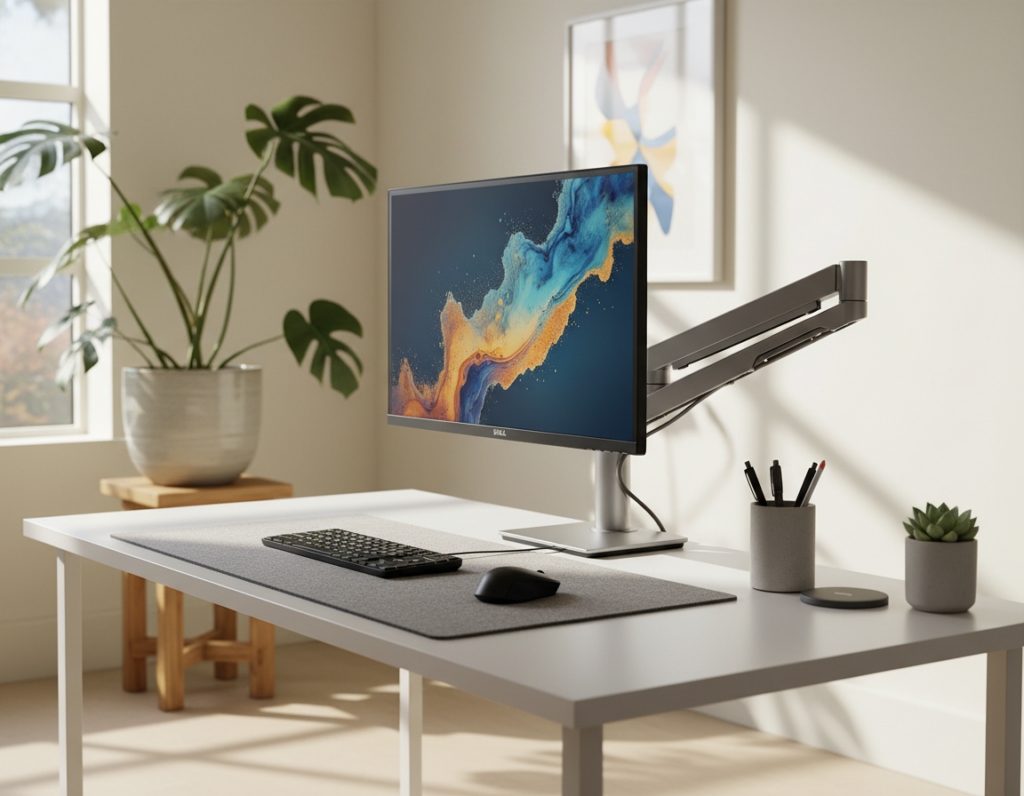
A neutral mouse pad ties the keyboard mouse combo together. Choose muted tones to match the desk and case and avoid distracting RGB that breaks the visual flow.
- IKEA MICKE: affordable storage to hide accessories and cables.
- HYTE Y70/X50: clean lines and strong cable management for a sharp look.
- Lighting & monitor arm: position to reduce glare and showcase the setup.
Managing Cables and Storage for Visual Clarity
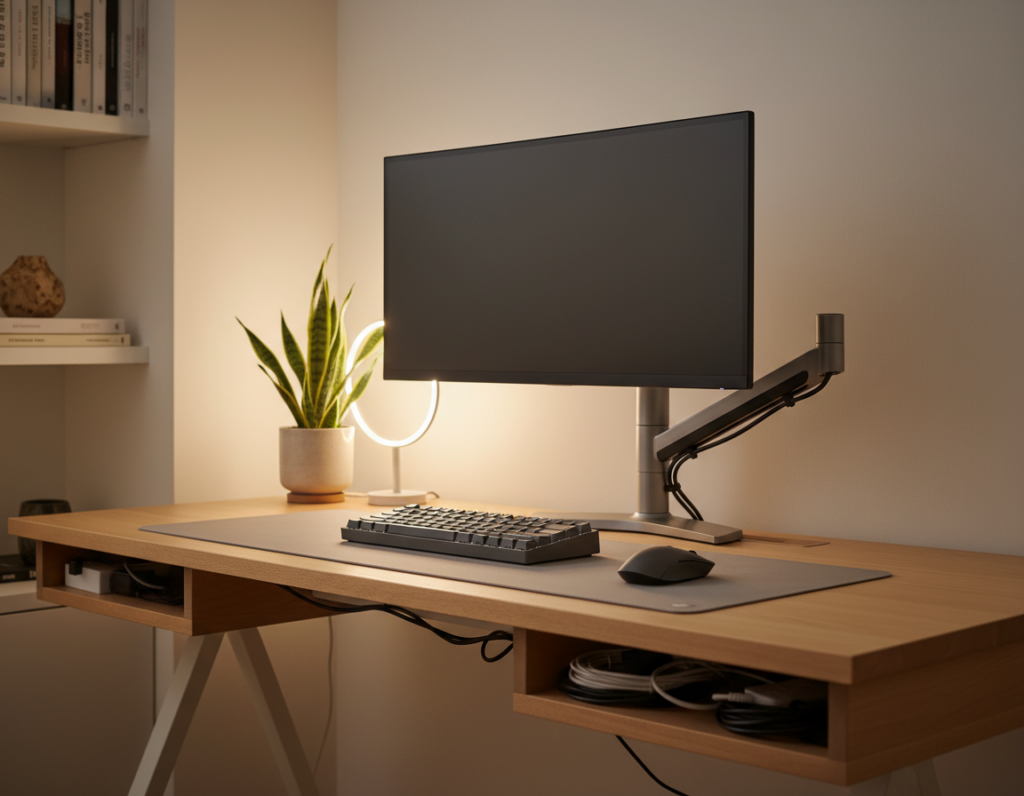
Tucked-away wires make the whole setup feel intentional and calm. Good cable routing keeps the desk clear so the monitor and tools stand out.
Under-desk trays, raceways, and Velcro straps hide power and data lines. Hiding the case cables behind the desk gives a professional look and reduces distraction.
- Foundation: Effective cable management is the base of any minimal gaming setup and prevents tangled messes.
- Storage: Floating shelves and small side cabinets keep gaming accessories and the gaming chair stowed when not in use.
- Access: Wall-mounted hooks or slots keep essentials close while preserving clear surface space.
- Quality: Invest in sturdy trays and straps so routing stays neat over time.
Managing cables is a simple step that improves the overall gaming experience. A well-organized setup showcases each accessory as an intentional choice, not clutter.
Strategic Lighting for Minimalist Setups
Subtle illumination defines the edges of a desk and improves both comfort and clarity.
Use lighting to enhance a setup rather than flood it with bright RGB. HYTE’s Noodle products offer flexible, ambient light that complements a clean workspace without overwhelming it.
Philips Hue serves as a discreet, high-quality option for smart control. LED strips behind the desk create a soft glow that highlights the area while keeping cable clutter out of sight.
- Indirect light: reduces eye strain during late sessions and keeps the desk inviting.
- Smart control: adjusts color and intensity to match mood and task.
- Quality over quantity: choose durable fixtures that integrate with the setup.
Placed correctly, strategic lighting frames the workspace and makes a small setup look intentional. This approach keeps the focus on the tools and preserves a professional, cohesive atmosphere for both work and gaming.
Essential Desk Accessories to Maintain Order
A small set of smart accessories keeps a desk orderly and focused on the task at hand.
Start with compact audio. The Logitech Z207 speakers are an unobtrusive option at about 45€, giving clear sound without taking up prime surface space. They fit a clean, minimal setup and free room for the monitor and keyboard mouse pair.
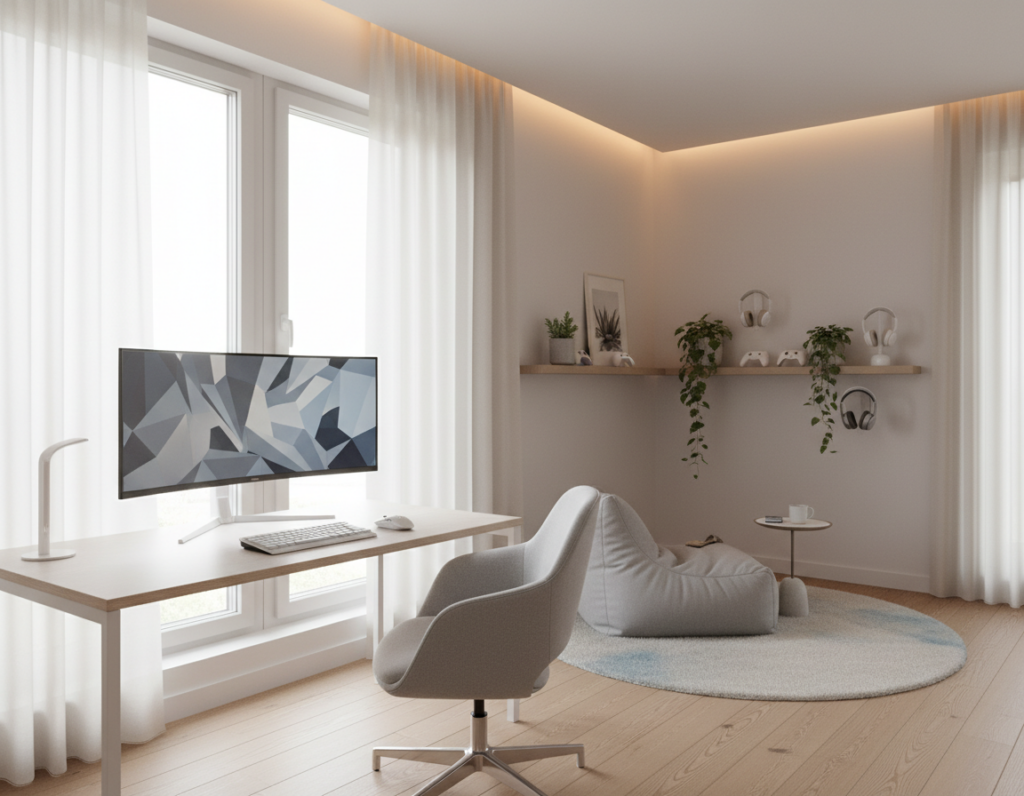
Wall storage saves the desktop. Pegboards and floating shelves store wireless gaming mice, headsets, and small accessories. This keeps the case and work surface clear while keeping must-haves at hand.
- Quality storage: a good case or box hides cables and spare gear.
- Comfort: a proper gaming chair and a dedicated pad support long sessions.
- Subtle lighting: small, directed light highlights tools without stealing focus.
Keep accessories few and purposeful. A well-chosen keyboard mouse combo, modest speakers, and tidy storage preserve a calm desk that performs for work and gaming alike.
Conclusion
, A thoughtfully arranged desk blends form and function to make work and play feel effortless.
The suggestions on this page show how a clean gaming setup can lift both style and function. They make the experience easier to enjoy and maintain.
Following these tips is the best way to build lasting setups. Prioritize quality parts and intentional design to keep the surface tidy and focused.
With a well-planned layout, the user spends less time fixing clutter and more time on the game. This guide aims to inspire confident, lasting changes to every desk and setup.