Designing a dark space for high-performance gear demands a clear plan. The look should not hamper function. Enthusiasts must balance style with ergonomics.
Many users overlook ambient lighting and then face eye strain during long sessions. Proper light reduces fatigue and keeps focus. Experts at the International Ergonomics Association stress posture as a long-term health priority.
Smart lighting systems can mimic natural cycles and lift mood. Reflective wall finishes should be chosen to avoid monitor glare. A well-planned layout keeps peripherals reachable and workflow smooth.
Good design blends immersion with safety. Small adjustments to light, paint, and placement create a comfortable, efficient space that supports long sessions without harm.
Common Black Gaming Room Mistakes to Avoid
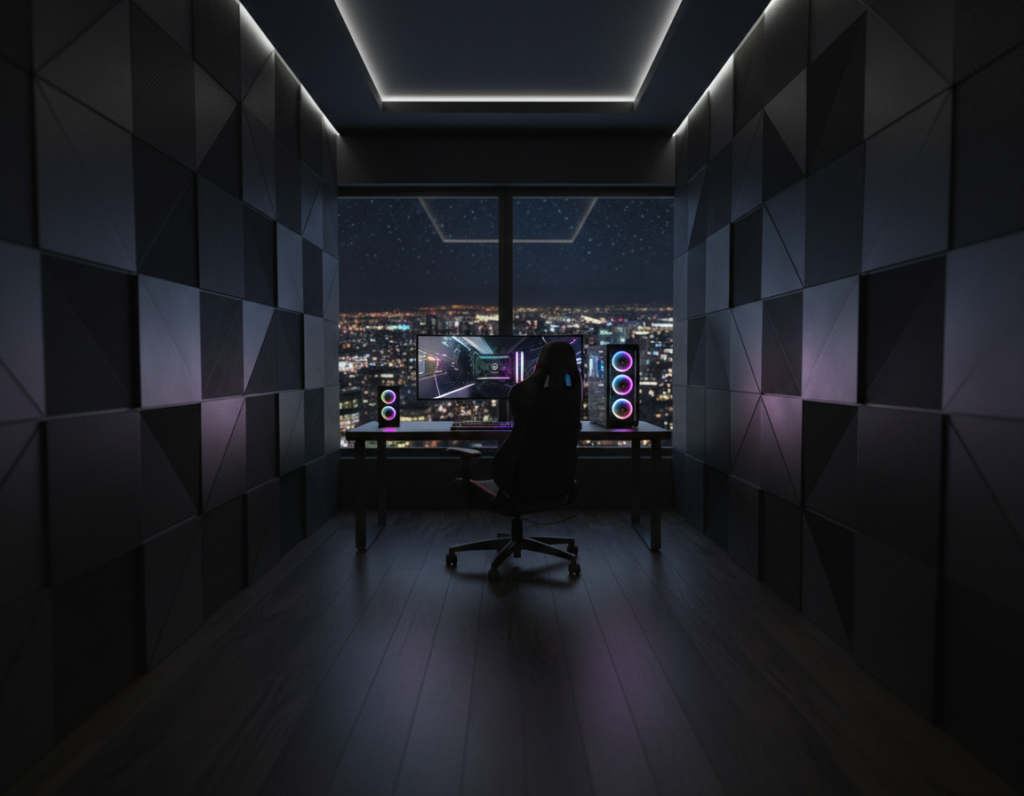
Aiming for atmosphere without testing light behavior often leads to practical pitfalls. Matte paints can soak up light and make a space feel claustrophobic. Designers should sample finishes under actual LED setups before committing.
Many users run into problems when they ignore natural light. Lack of daylight can disrupt sleep cycles and reduce daytime alertness. Simple window treatments or timed lighting can help reset the circadian rhythm.
The American Academy of Ophthalmology advises targeted task lighting to reduce digital eye strain in high-contrast spaces.
“Proper task lighting is necessary to reduce the digital eye strain associated with high-contrast gaming environments.”
Neglecting secondary light sources often causes depth-perception issues during intense play. Uneven reflections appear when surface textures and LEDs are not tested together.
- Map room dimensions early to avoid making the area feel smaller.
- Test paint sheens with your chosen LEDs and monitor setup.
- Plan layered lighting—task, ambient, and accent—to solve most problems.
Hardware Placement and Airflow Challenges
A tight layout and blocked vents can make even efficient hardware overheat quickly. Proper placement inside the case and around it is essential to keep temperatures down. A clear plan prevents thermal throttling and extends component life.
CPU Case Ventilation
Effective CPU cooling is critical: high-performance processors can exceed 80°C under heavy loads in confined spaces. Users should allow manufacturer-recommended clearance for the CPU cooler to ensure efficient heat dissipation.
Managing Internal Heat
Position the case so intake fans draw cool air unobstructed from the room. Exhaust fans should be configured to push warm air out and prevent buildup around sensitive parts.
- Match case size to component dimensions for adequate airflow and ease of maintenance.
- Install high-quality fans in push-pull on radiators or heat sinks to maximize air movement.
- Avoid placing cables or drives where they block intake paths; poor placement leads to throttling.
“Strategic exhaust and intake balance keeps internal temperatures stable and performance consistent.”
Managing Cable Clutter and Desk Ergonomics
A messy workspace reduces available mouse area and makes precise movements harder. This affects posture and focus during long sessions.
Optimizing Desk Space and Placement
Choose the correct desk size based on monitor count and peripherals. Experts often recommend at least 30 inches of depth to keep a comfortable viewing distance.
Proper placement of the monitor at eye level reduces neck strain and long-term back problems. Center the screen and keep the primary keyboard and mouse within easy reach.
- Use cable sleeves or an under-desk tray to route power and signal lines cleanly.
- Keep the back of the desk clear so vents and power strips stay accessible.
- Lay out peripherals to preserve uninterrupted mouse movement and a stable wrist angle.
Prevent common cable problems by fastening cords with labels or Velcro ties. A tidy setup lowers the chance of accidental pulls that can disconnect hardware at critical moments.
For a deeper guide on organizing wiring, consult a focused resource like desk cable management mistakes.
Lighting and Hardware Aesthetics
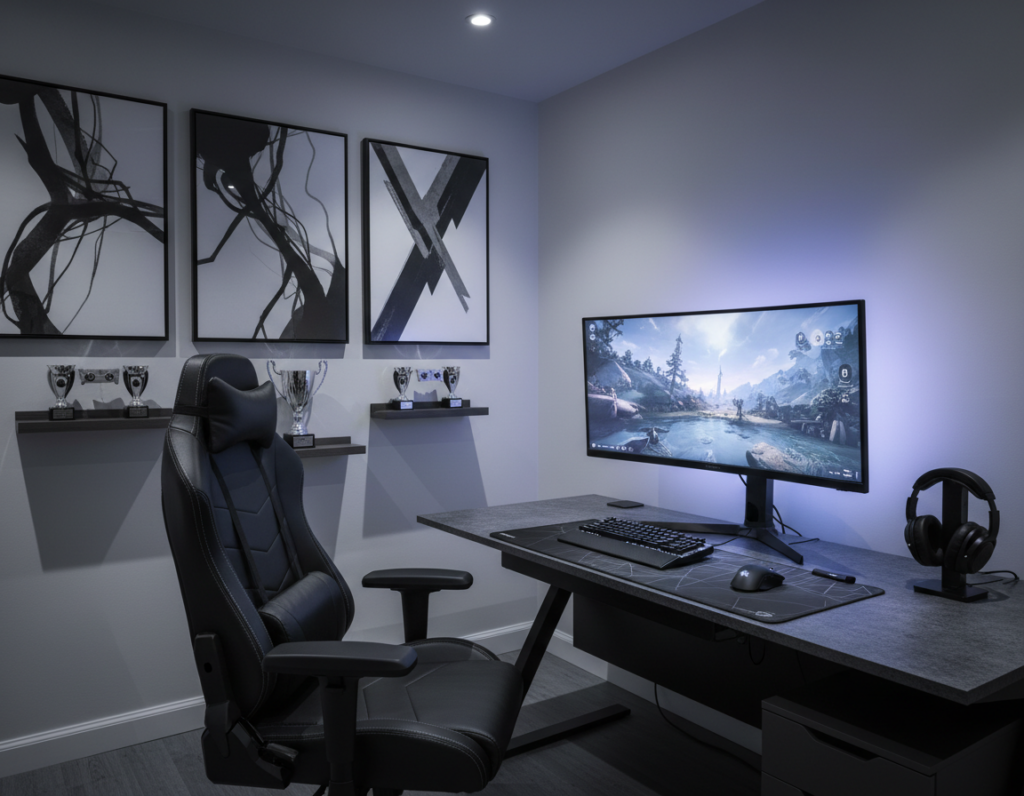
Placing lights with intent transforms both the look and the comfort of a workstation. Bias lighting behind the monitor softens contrast and reduces eye strain by closing the brightness gap between screen and wall.
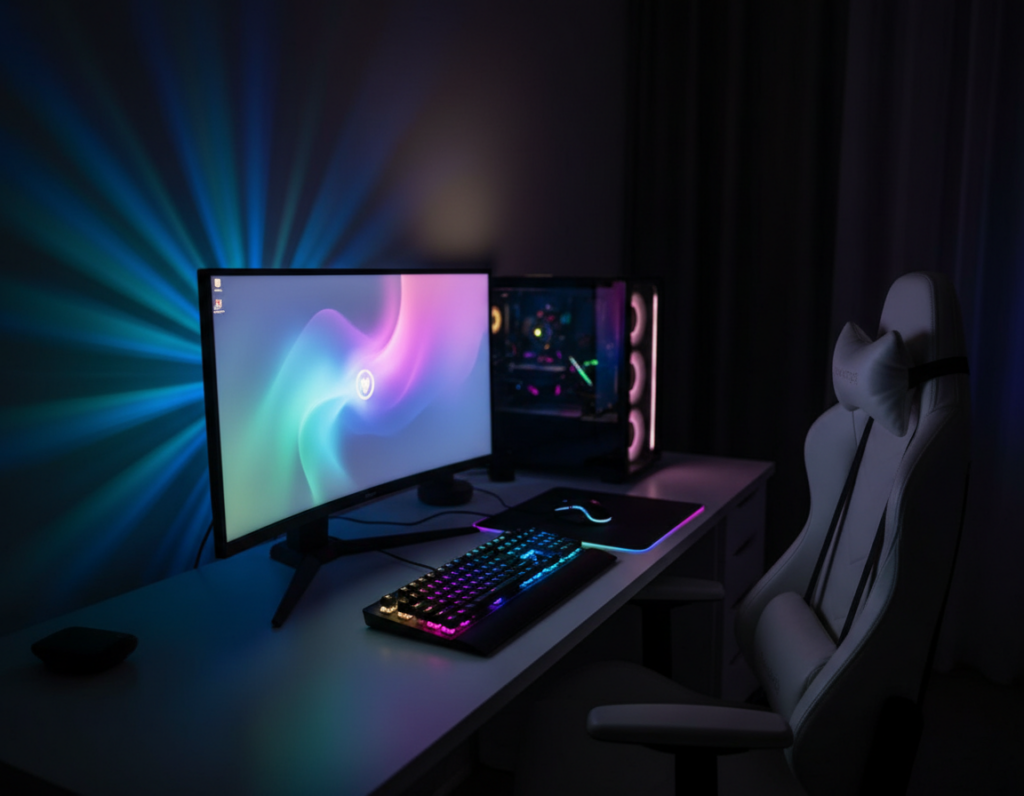
High-end hardware often includes customizable RGB that syncs across parts to create a cohesive aesthetic. Smart presets let users switch tones for work, streaming, or late-night play.
LED placement along the back of the desk creates a subtle halo that increases perceived depth without adding glare. Diffused light sources protect glass panels and glossy surfaces from harsh hotspots.
- Select matte-finished parts to limit reflections and keep light focused where it matters.
- Use warm or neutral color temperatures for long sessions and cooler tones for fast-paced content.
- Plan placement so strips and strips’ controllers stay accessible but hidden from direct view.
Conclusion: Achieving the Perfect Dark Gaming Environment
An ideal dark setup must serve both form and function. It pairs bold aesthetics with efficient cooling, tidy cable routing, and clear ergonomic choices.
Addressing thermal management and clutter keeps hardware reliable and reduces distraction. Strategic lighting eases eye strain and deepens immersion without overpowering the desk.
When ergonomics lead the plan, long sessions stay comfortable and sustainable. Small, deliberate changes turn a simple space into a professional-grade environment that supports performance and comfort for every player.