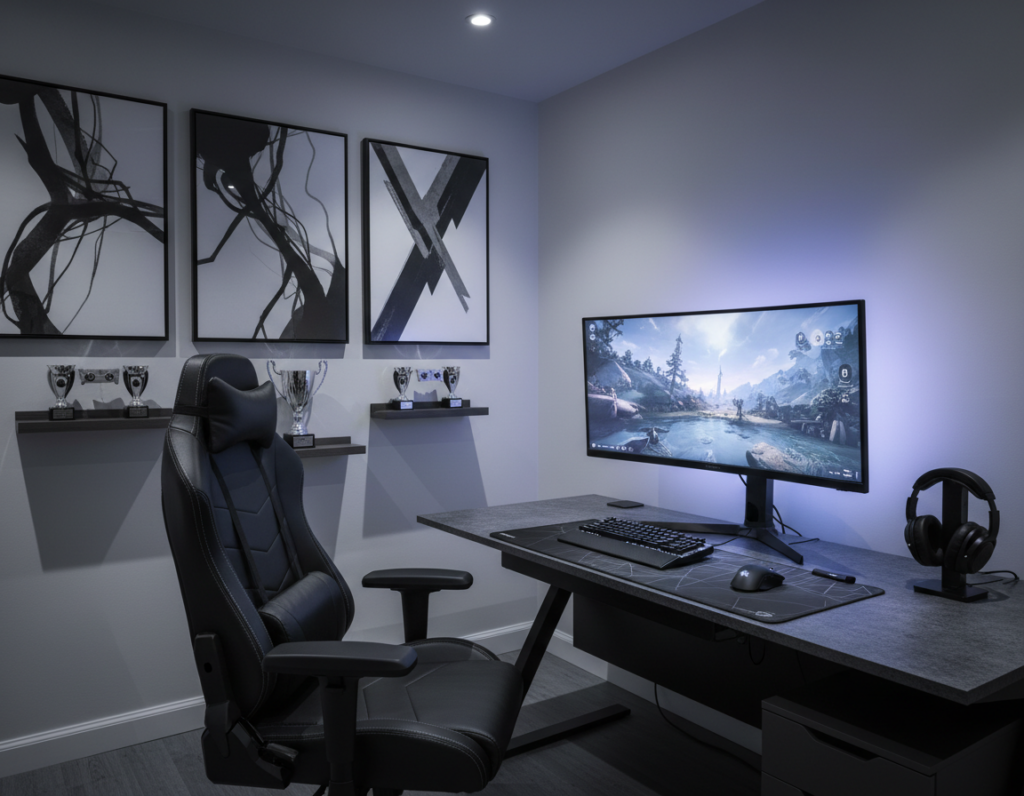
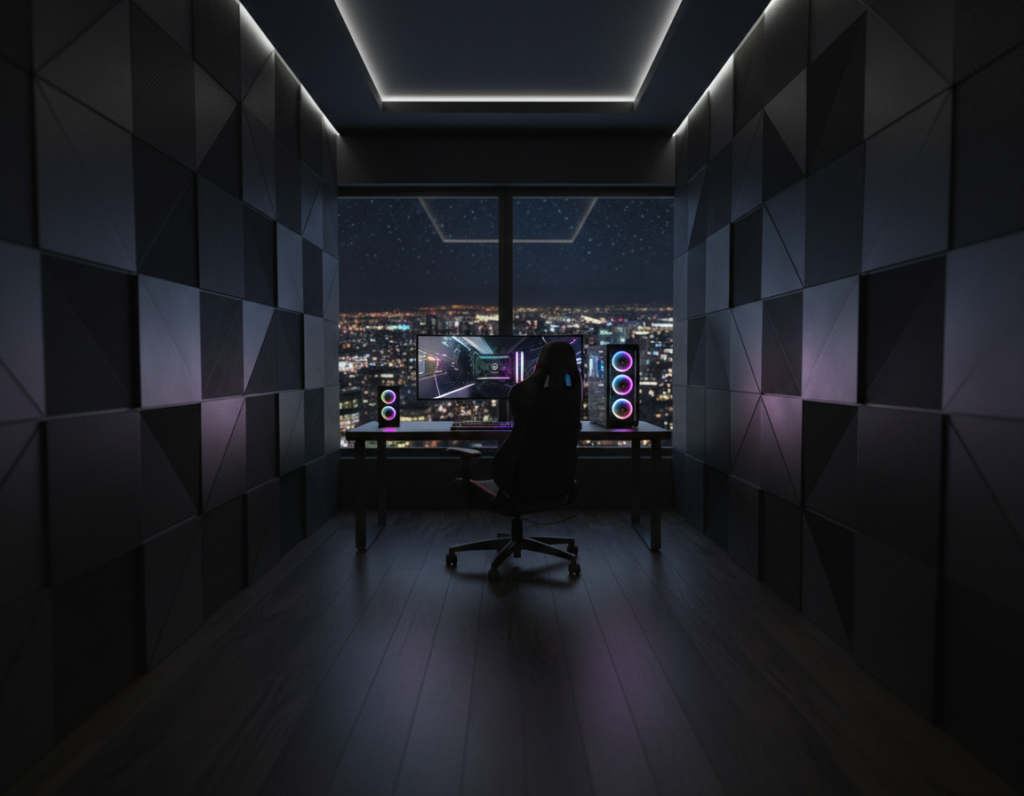
A well-chosen workspace helps players stay focused during critical matches. A clean surface and restrained palette cut visual noise and let the player concentrate on performance.
Design choices influence mood and clarity. An executive, dark-themed desk area brings an elegant, professional feel that many top teams prefer. This style also resists visible dust and grime, keeping the room looking tidy between sessions.
Practical benefits include a streamlined top that limits distractions from peripherals and cables. With the right furniture and computer system in place, the entire area becomes a dedicated performance zone.
For competitive gamers, the difference is simple: fewer visual interruptions lead to better focus. The result is a modern, cohesive room that supports long hours and high-stakes play.
The Psychological Benefits of a Matte Black Gaming Desk Setup
A cohesive color scheme and tidy surface steer attention where it matters: the screen. This arrangement reduces competing visual cues so the mind can prioritize play and decision-making.
Visual Clarity and Focus
Low-contrast surfaces lower visual noise, which helps players track targets and read information faster. Removing bright clutter on the primary surface gives the eyes a single focal plane.
Integrating multiple monitors into a single, managed area improves situational awareness. Proper monitor placement and a restrained palette together enhance reaction speed and reduce fatigue.
The Executive Aesthetic
An executive style signals professionalism and makes the space feel intentional. Many pro gamers and developers prefer this look because it supports a consistent, modern gaming experience and hides dust more effectively.
Choosing a high-quality chair that supports the back completes the ergonomic picture. Comfort and posture work with visual clarity to extend productive sessions without strain.
- Reduced visual distractions for sustained focus
- Cleaner room appearance with easier maintenance
- Better use of space for multiple monitors and peripherals
Explore how desk shapes influence focus with this guide on desk shapes that enhance focus.
Selecting the Ideal Desk Surface and Frame
A solid table top and a stable frame form the backbone of any high-performance play area. Choosing the right surface affects durability, glare, and how accessories sit during long sessions. Good materials keep monitors level and mice tracking true.
Visual clarity and focus come from a tidy top and reliable support. The FlexiSpot Electric Height Adjustable Gaming Desk 55″ W uses double-steel tubing to deliver industry-grade stability. That support helps protect heavy equipment and prevents wobble when players shift position.
The Executive Aesthetic
Choose an L-shaped option to maximize space and keep accessories within reach. A well-chosen black desk or table surface paired with sturdy legs creates a cohesive style that feels professional.
“Durable furniture forms the foundation for long-term performance and comfort.”
- Pick a surface that resists wear and supports monitors and peripherals.
- Consider a standing desk frame with electric motors for smooth height changes.
- Double-steel tubing adds the core support needed for intense sessions.
Investing in quality desks and surfaces improves the gaming experience and protects gear over time.
Ergonomic Seating for Competitive Performance
Top-tier players treat seating as a performance tool, not just furniture. Proper seating and a responsive surface help maintain focus during long matches. This section explains how adjustable chairs and height-capable tables work together in a pro-level environment.
Customization for Unique Body Types
Adjustability is the core advantage. An ergonomic chair that lets users change seat height, back recline, tilt, armrests, headrest, and footrest fits a wide range of bodies.
Players who spend long hours benefit most. A quality chair reduces fatigue and keeps posture steady through tense rounds. Combining that chair with a standing desk gives freedom to switch positions and stay alert.
“With a rapid ascent rate of 2.1 inches per second, modern standing desks let players change posture without missing any action.”
- An ergonomic chair is vital for professional play and long practice sessions.
- High-performance standing desks help lower cardiovascular risk by encouraging movement.
- L-shaped desk options give ample room for multiple monitors and all controls.
Optimizing Monitor Placement with Adjustable Arms
Adjustable monitor mounts let players align displays for speed, comfort, and clean table space. Mounted arms lift screens off the surface, freeing space for peripherals and better cable routing.
Visual Clarity and Focus
Proper monitor placement reduces eye movement and improves reaction time. Arms that clamp to a table hold single or dual monitors steady at the ideal height and distance.
For a standing desk, these mounts move with the table’s height so monitors stay aligned during posture changes. This keeps the line of sight consistent and reduces neck strain.
The Executive Aesthetic
Removing fixed stands creates a cleaner, more professional look. Flexible arms give a minimalist surface and make multiple monitors feel like one continuous field.
- Clamp-mounted arms work on most tables and gaming desks.
- They support single and dual monitor configurations for streaming or multitasking.
- Proper alignment helps manage several screens without increasing visual clutter.
“Monitor arms are the most effective way to declutter your top and keep screens at the perfect viewing angle.”
Learn more about ergonomic aim and view alignment in this ergonomics and aim guide.
Managing Cables for a Distraction-Free Environment
Tidy wiring keeps attention on the screen where split-second choices happen. Good cable management removes visual clutter and reduces the chance of accidental disconnections during play.
Utilizing cable trays under the table hides power strips and bulky adapters. A sturdy cable tray keeps cords off the floor and clears the surface so the player can stand or sit without snagging anything.
Utilizing Cable Trays
A quality tray that mounts beneath the table supports power bricks, surge protectors, and extra cables. It makes the space safer and frees room for accessories on the surface.
Securing Loose Wires
Zip ties, Velcro straps, and adhesive clips straighten bundles and prevent tangles. Labeling both ends of long cables speeds troubleshooting during long sessions.
- Keep cables off the floor to avoid trips and damage.
- Use trays and clips to maintain a clean surface for monitors and peripherals.
- Bundle and label power and data lines for fast access and repair.
“Professional players rely on organized cabling to keep equipment responsive and the room focused.”
Enhancing Ambiance with Strategic Lighting
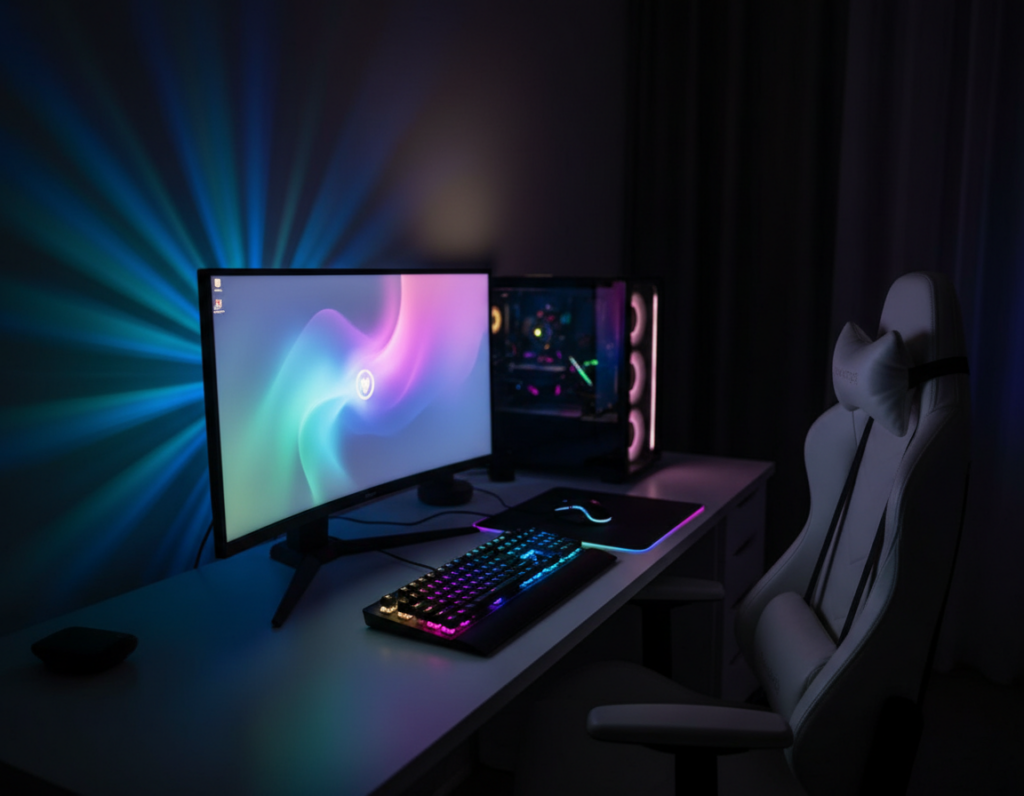
Ambient light behind screens changes how the whole room feels and performs. Good lighting reduces eye fatigue while keeping distractions low. It also creates a focused, immersive area for long sessions.
Visual Clarity and Focus
Backlighting and dimmable LED desk lamps let players tune brightness to match each game. Placing soft light behind monitors reduces harsh contrast between screen and room. This keeps the eyes comfortable and reaction times steady.
Indirect lighting often works best. It brightens the space without creating glare on screens or controllers. Players can darken the rest of the room to keep attention on the monitors and on-screen cues.
The Executive Aesthetic
A refined palette and well-chosen accessories make the area feel professional. A black gaming desk can act as a neutral canvas for colors like teal or orange to pop.
“Strategic light management creates a professional atmosphere and improves comfort during long sessions.”
- Choose dimmable LEDs and bias lighting behind monitors.
- Favor indirect sources to avoid screen glare and eye strain.
- Match accent colors to the room for a cohesive, executive look.
Essential Power and Connectivity Solutions
A well-placed power dock transforms a crowded table into an efficient command center. It keeps chargers and adapters within reach so the player stays focused on the match.
Practical features include three power outlets and two USB ports. Clamping the unit to the desk surface prevents extension cords from crossing the floor and clears valuable space for peripherals.
Whether seated or standing, accessible outlets make transitions seamless. A dock that moves with an adjustable height table supports both sitting and standing positions without interrupting play.
Visual Clarity and Focus
Putting power at the edge of the surface reduces clutter and improves cable routing. This simple step sharpens focus and shortens downtime when devices need charging.
The Executive Aesthetic
Quality power accessories complement a refined room. Neat placement and built-in ports keep the computer system and other accessories ready for hours of play.
- A reliable power dock gives fast access to outlets and USB ports.
- Clamping to the table keeps the floor clear and improves cable management.
- Good power planning supports multiple devices and preserves a professional space.
“Having power and ports within arm’s reach removes small interruptions and keeps performance steady.”
Improving Comfort with Anti-Fatigue Accessories
Standing for competition requires more than willpower; it needs purpose-built support underfoot. The right accessories help players stay alert and comfortable through long hours.
Customization for Unique Body Types
The FlexiSpot Standing Desk Anti-Fatigue Mat MT1 is a practical option for those who spend extended periods standing at their desk. It cushions the feet and reduces strain during intense play.
Ergonomic chair adjustments are still vital for when the player sits. Adjustable height, lumbar support, and recline features protect the back and keep posture steady.
- Using an anti-fatigue mat is a reliable option for long standing sessions.
- A swivel drawer keeps peripherals and small items tucked away to clear the surface.
- Combine a quality mat and an adjustable chair to alternate between standing and sitting.
- Drawers make storage simple and maintain a tidy work area for better focus.
“With the right mat and ergonomic support, long hours standing become far more manageable.”
Tip: Place the mat where the player’s feet naturally rest and pair it with a chair whose height matches the table. This small change improves comfort and preserves performance over time.
Conclusion
Organized surfaces and smart accessories let a player treat the room like a performance tool. Equipping the right furniture and a quality gaming desk setup is the first step toward a refined, modern gaming experience.
They should prioritize cable management, ergonomic aids, and subtle lighting to keep the top clear and eyes fresh. Simple choices in furniture and accessories make a measurable difference in focus and comfort.
A clean room and efficient use of space help gamers train without distraction. With careful planning, a black desk or similar desks can form a durable, stylish foundation for years of competitive play.