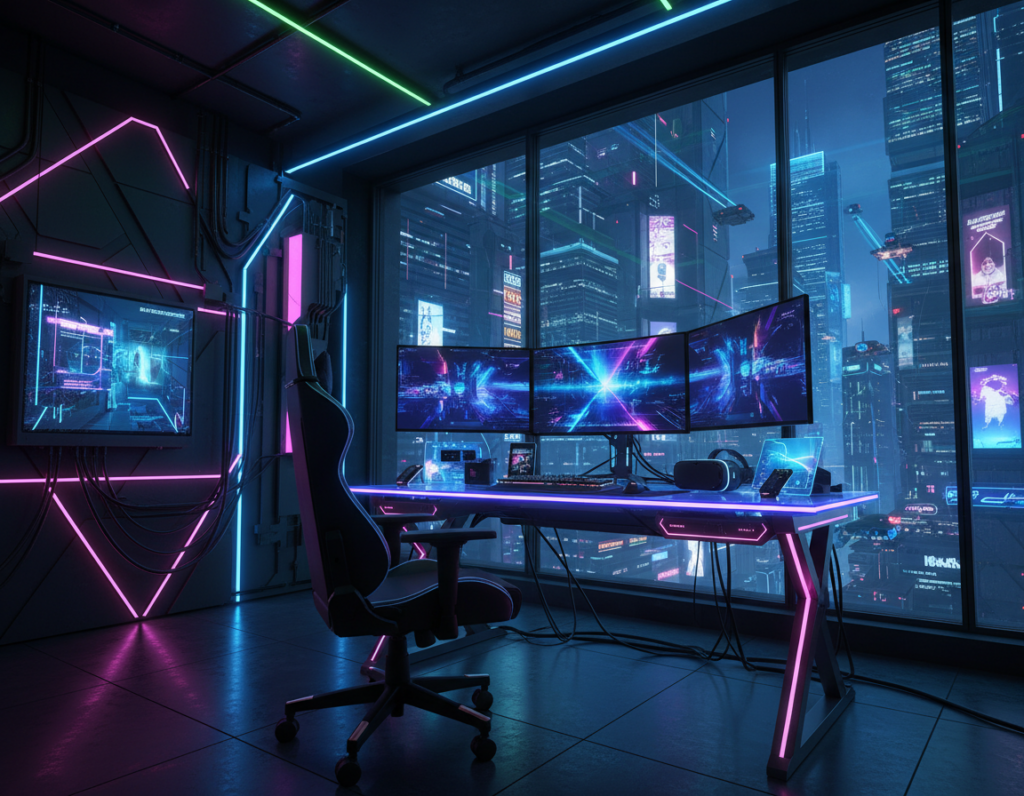
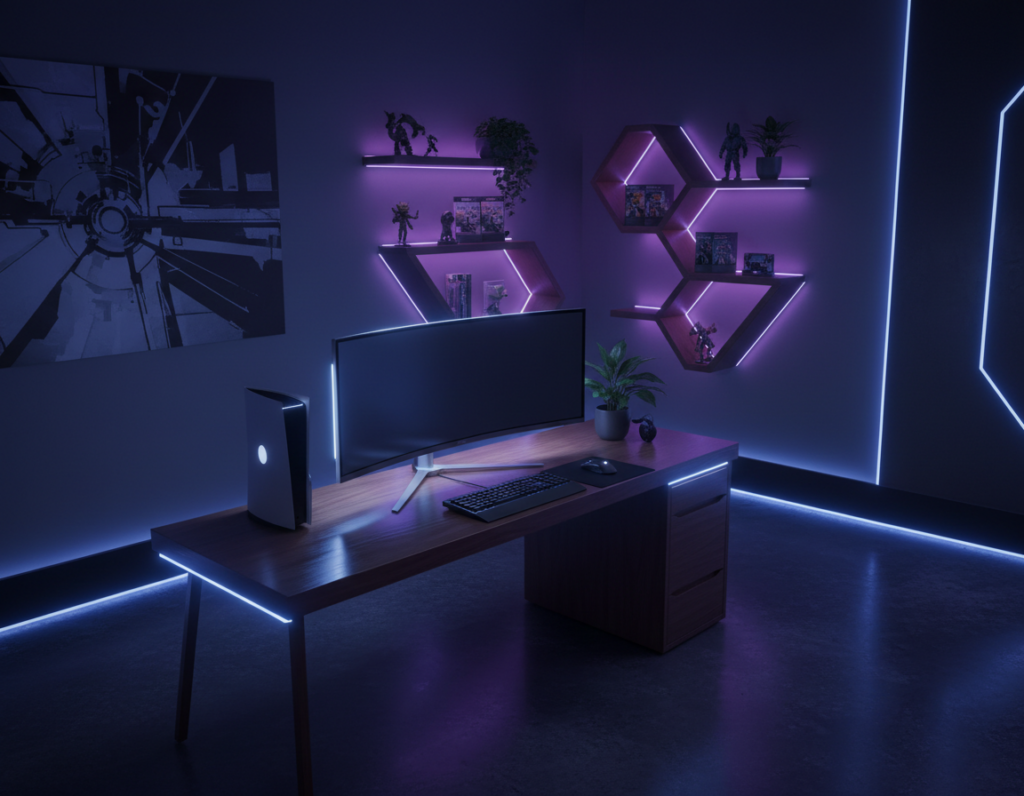
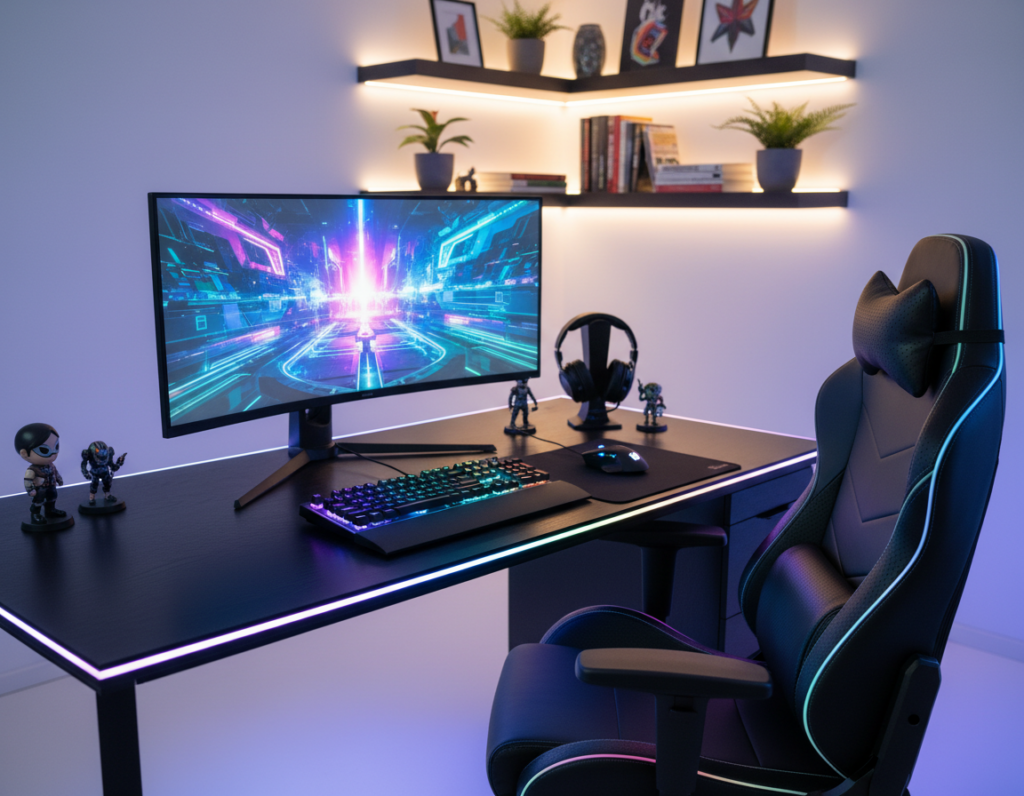
Balanced backlight transforms a plain workstation into a focused, comfortable area for long sessions. The BenQ ScreenBar Halo 2 offers a tri-zone backlight that covers far more area than past models. That extra coverage helps set a consistent ambiance without harsh contrasts.
By adding high-quality led strips behind a monitor, one strip can boost visual depth across the entire setup. Proper selection of each source keeps the space functional, not scattered. Clever use of light prevents distracting reflections while improving perceived balance at night.
Integrating subtle rgb elements creates a cohesive aesthetic that feels professional and immersive. Modern solutions let users customize tones so every strip and bulb contributes to a unified look. This introduction previews practical tips to achieve a calm, balanced atmosphere for any serious player.
Why Lighting Shapes Your Gaming Experience
Smart use of lights shapes mood and performance when someone settles in for long sessions. Proper light helps the eyes focus on the screen and cuts distracting glare that breaks concentration.
Professionals use layered light to tune an environment. By mixing soft backlight, task lamps, and subtle color, a gaming space can feel deeper, calmer, or more intense depending on the genre.
“Good light reduces the need to constantly tweak display brightness and supports sustained comfort,” experts note in user guides.
- Comfort: High-quality light lowers eye fatigue and helps players stay focused during long sessions.
- Atmosphere: Layering lights creates an ambiance that matches play — sharp for competition, warm for relaxed titles.
- Function: Thoughtful use of rgb elements adds motion and color without overwhelming the environment.
Strategic RGB Lighting Placement Gaming Room Layouts
Start by mapping furniture and screen locations to avoid future clutter and ensure a cohesive setup. Planning first keeps the desk area functional and makes later decisions simpler.
Planning Your Layout
Identify where monitors and desks will sit, then mark likely cable runs and outlets. This prevents last-minute changes that create tangled cords or blocked access.
Zone the space by function: work, display, and relaxation. Organizing lights into zones helps maintain balance and supports a steady ambiance.
Choosing the Right Hardware
Choose high-quality led strips and controllers to avoid a chaotic rainbow effect. Reliable strips last longer and offer smoother color shifts.
- Place strips behind a monitor to create bias that reduces eye strain and frames the screen.
- Use soft, indirect glow on shelves and the wall to add depth without glare.
- Pick options that let the user zone lights and match the overall setup.
Good hardware and a clear plan make any gaming setup feel intentional and inviting.
Establishing Your Lighting Zones
Break the area into task, screen, and background sectors so each light adds intent.
Task zone: This covers desks and control surfaces. Use a focused light to keep buttons and keyboards visible without glare. Proper desk illumination helps maintain a steady setup feel and reduces eye strain during long sessions.
Screen zone: Add bias light behind monitors with soft, neutral tones. Back bias from led strips creates contrast that improves perceived contrast and keeps the environment comfortable across multiple monitors.
Background zone: Use subtle rgb accents or warm tones to give depth to the room. Background glow separates the task area from the backdrop and makes the overall setup feel modern and intentional.
- Define zones to keep the gaming space functional and tidy.
- Use strips under desks or behind screens to create consistent setup feel.
- Zone control lets users change ambiance to match a title or mood quickly.
When each light has a purpose, the entire environment feels more balanced and easier to manage.
Reducing Eye Strain with Bias Lighting
A gentle halo behind the monitor reduces the gap between a bright screen and a dark wall, helping eyes relax. This simple change softens contrast and cuts the glare that often causes eye strain during long sessions.
The benefits of soft backlighting include steadier contrast and less pupil dilation. A soft led strip mounted behind the screen creates a uniform glow that keeps the eye from working too hard.
When the eye sees a less drastic difference between screen and background, fatigue drops and comfort rises. Many pro setups use bias to keep players focused and comfortable for hours.
- Reduces glare and perceived contrast that cause discomfort.
- Provides consistent ambient illumination to support long sessions.
- Combines well with subtle rgb accents to add depth without distraction.
For practical tips and a deeper look at bias light benefits, see rgb bias lighting research.
Enhancing Desk Visibility Without Glare
A monitor-mounted light bar can brighten keys and controllers without casting glare on the screen. The BenQ ScreenBar Halo 2, for example, uses a 24° adjustable lamp head and an 8-section reflector to aim light down onto the desk while protecting screen contrast.
Direct downward aiming keeps the work area clear so a player can find gear fast. It also reduces reflections that cause discomfort and slow reaction times.
Professional setups often pair a dedicated desk light with a soft backlight or an LED strip to balance contrast across the space. That balance lowers eye strain and improves overall comfort during late-night play.
- Use a narrow-beam bar to illuminate the surface without washing out the screen.
- Choose quality LED options that dim smoothly to match ambient tones.
- Position the bar to hit the keyboard and controller evenly for steady focus.
When glare is eliminated, users can play longer with less strain, and the desk area looks more organized and professional.
Creating Depth with Layered Ambient Effects
Layered ambient effects give a small setup a dramatic sense of distance and scale. They help turn flat walls into a backdrop that supports focus and comfort.
Indirect LED Strip Placement
Indirect led strips behind the desk or under shelving produce a soft glow that avoids harsh points of light. This reduces glare and eases eye strain while keeping the monitor contrast steady.
- Use strips under shelves to lift the background without adding bright spots.
- Combine bias with ambient glow to make the screen feel integrated into the area.
Using Wall Washers for Texture
Wall washers or smart options like the Hue Wall Washer add texture and visual depth. A washed wall makes the space appear larger and gives the setup feel a professional finish.
Try subtle color or warm tones to add dimension without distracting from the screen.
Highlighting Collectibles
Focused accents turn shelves and displays into curated highlights. Small, directional lights can showcase figurines, trophies, or tech, making them part of the design rather than clutter.
When bias lighting meets ambient effects, the result is a balanced environment that supports long play sessions and keeps the desk area tidy.
For compact ideas and advanced setups, see lighting setup ideas and a guide to memorable tech experiences.
Managing Cables for a Clean Aesthetic
Tidy cable runs make the whole setup look intentional and let visual accents take center stage.
Desky offers desks and monitor arms with built-in cable channels that hide power and data lines. This removes visual noise and keeps the desk surface uncluttered.
Use clips, trays, and adhesive mounts to route cords from monitors, strips, and peripherals. A consistent path makes it easier to add or swap led devices without creating a tangle.
When cables are hidden, the lights and ambient accents become the focal point. That tidy approach improves the perceived quality of the environment and helps maintain a professional ambiance.
- Keep power bricks off the floor with a mounted tray.
- Label runs to speed future upgrades or troubleshooting.
- Choose desks with integrated channels to simplify routing.
Good cable management also protects gear and makes the space easier to clean. For users who want a polished look, hiding cords is as important as choosing the right strips or monitor.
Advanced Techniques for Immersive Gameplay
Real-time color sync turns a passive backdrop into an active extension of the game’s world. Modern sync boxes analyze the screen and spread matching hues across the setup to heighten presence.
The Philips Hue Play HDMI Sync Box 8K mirrors on-screen tones to up to ten lights, so explosions, weather, and health meters echo through the environment instantly. Paired with the Philips Hue Bridge Pro, SpatialAware maps furniture in 3D so effects distribute naturally around the wall and shelves.
Syncing Best Practices
- Combine bias lighting with reactive effects to keep contrast steady and cut eye strain during long sessions.
- Use strips and diffuse accents for depth without adding glare on the monitor.
- Choose synced scenes for competitive play or cinematic modes to match focus and comfort.
“When the space reacts to the game, immersion deepens and the setup feels like part of the experience.”
Advanced options like SpatialAware make the light behave like real-world cues, so every hit or ambient change adds sensory feedback rather than distraction.
Conclusion
Small changes in contrast and glow can have an outsized effect on comfort and immersion. A balanced approach to lighting — combining monitor bias and quality light bars — helps reduce eye strain and keeps the user focused for long sessions.
Design the setup so each source adds depth and useful contrast. One well-placed strip behind the monitor and a dimmable desk bar create a calm, consistent glow that protects the screen view and enhances immersion.
When the space feels intentional, it supports better focus, comfort, and performance. Investing in smart solutions makes the room more inviting and ensures the setup works well for both play and work.