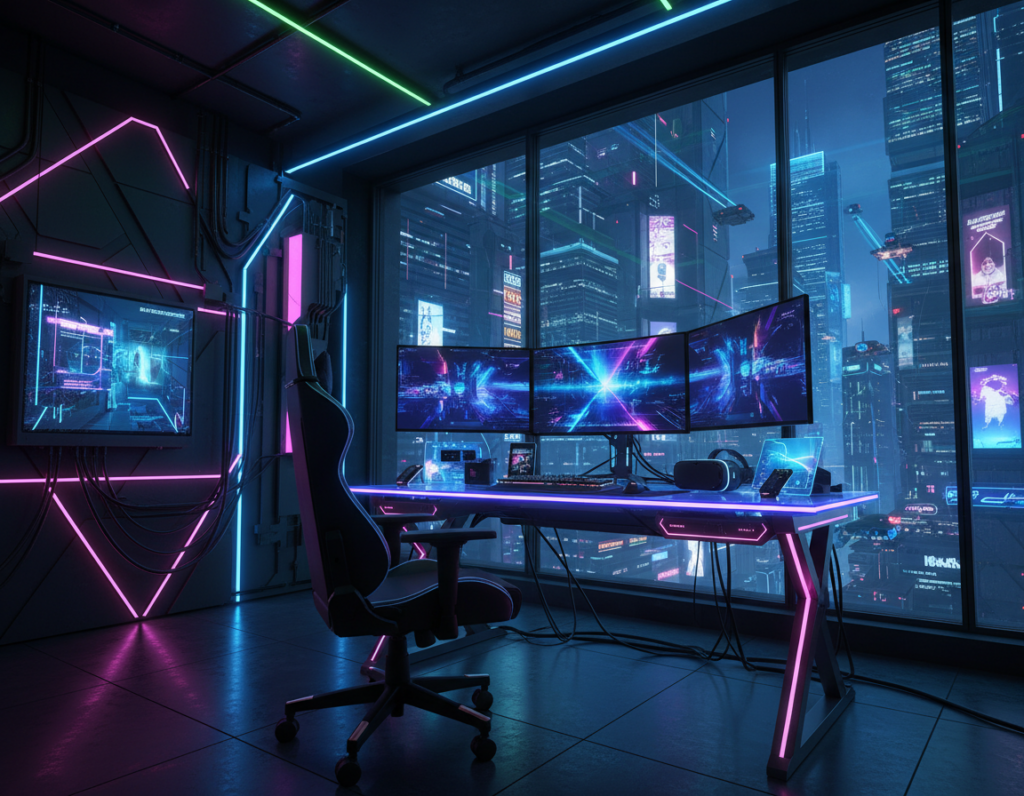
This guide examines how improper lighting placement can harm a small gaming setup and affect visual comfort. It notes common pitfalls that make long sessions tiring and less immersive.
They should avoid placing lights directly in line with the screen, as direct glare breaks focus and strains the eyes. A well-placed light source reduces reflections and improves contrast for a better game experience.
Choosing the right LED strip and planning the overall setup can transform a tight space into a professional-grade area. Quality products matter; a lifetime warranty from brands like Horus X signals durability and long-term value for any dedicated gamer.
This page offers clear, practical tips to balance ambiance and function. It helps readers pick the best spots for lights and use rgb accents wisely while keeping comfort and performance front and center.
The Importance of Proper Lighting in Your Gaming Space
Good placement of light changes how a player feels, reducing fatigue and improving focus at the desk. Proper lighting preserves vision and keeps long sessions comfortable.
Experts recommend bulbs between 2400°K and 6000°K to produce comfortable white light during the day. This range helps lower digital eye strain and keeps contrast steady on the screen.
A balanced setup blends task lights at the desk with softer ambient lights around the room. Adding a quality led strip behind the monitor or under shelves creates depth and an immersive atmosphere.
“The right combination of color and placement turns a cramped corner into a professional game room,”
- Protects vision for hours at the desk.
- Maintains focus and boosts the gaming experience.
- Lets the player customize color without increasing eye strain.
This page serves as an extension of that knowledge, helping readers match color and light to build a safer, more enjoyable setup.
Common RGB Lighting Mistakes Gaming Room Setups Often Suffer From
Accent lights set in the wrong place can cause bright reflections that break immersion. This section highlights key pitfalls so players can avoid glare and uneven color across a small space.
The Dangers of Direct Glare
Direct glare from strips or desk fixtures hits the display and forces the eyes to refocus constantly. That creates fatigue and lowers performance during long sessions.
Ignoring Color Temperature Consistency
Mismatched color between bulbs, strips, and monitors makes a setup feel disjointed. Inconsistent hues also increase visual stress and reduce the perceived quality of the atmosphere.
- Place strips behind the monitor, not facing it, to cut reflections.
- Match color temperature across all light sources for a unified look.
- Avoid rapid strobe effects from cheap controllers that cause distraction.
“Balanced light and color help a gamer stay focused and comfortable through intense play.”
For common fixes and layout tips, see this setup mistakes reference. This page offers practical steps to make lights an extension of the desk, not a source of strain.
Selecting the Right Light Sources for Small Bedrooms
Picking appropriate light sources helps balance mood and function in a tight setup. Choosing the proper options ensures comfort and a clear visual field for play and work. This section outlines practical choices that fit compact spaces.
Versatility of LED Strips
led strip solutions offer flexible placement behind a monitor, under shelves, or along the ceiling to add depth without taking floor space. A quality led strip lights kit can serve as ambient backlight or accent on the desk.
Benefits of Smart Bulbs
Smart bulbs let the player control white light and color intensity with an app or voice. They switch scenes fast, so the game room can shift from work to play in seconds.
Decorative Wall Panels
Modular wall panels provide a distinct look and useful ambient glow. These panels act as both design and functional sources, filling shadows and creating a cohesive setup.
- Choose certified products for safety and longevity.
- Mix task lights and accents to avoid glare.
- Use smart control to simplify scene changes.
Strategic Placement to Prevent Eye Strain and Glare
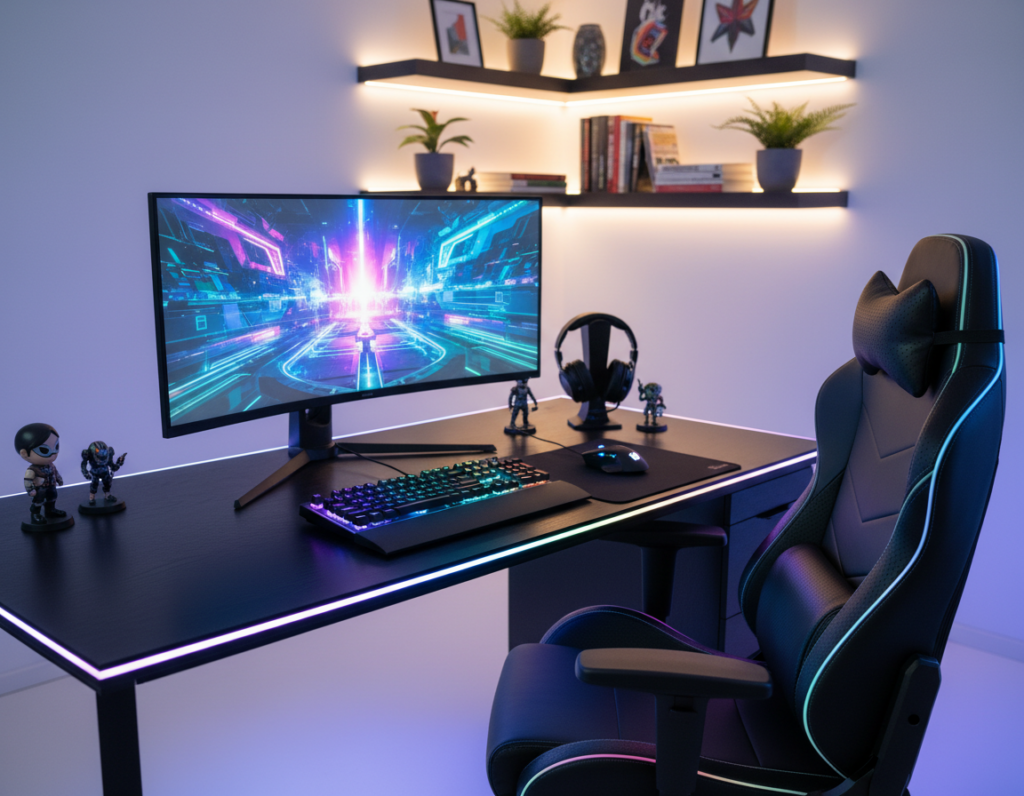
A subtle halo behind the monitor balances contrast and reduces eye strain without pulling attention from the game. The ideal bias color matches the screen at about 6500K, which helps stabilize perceived brightness and lower visual fatigue.
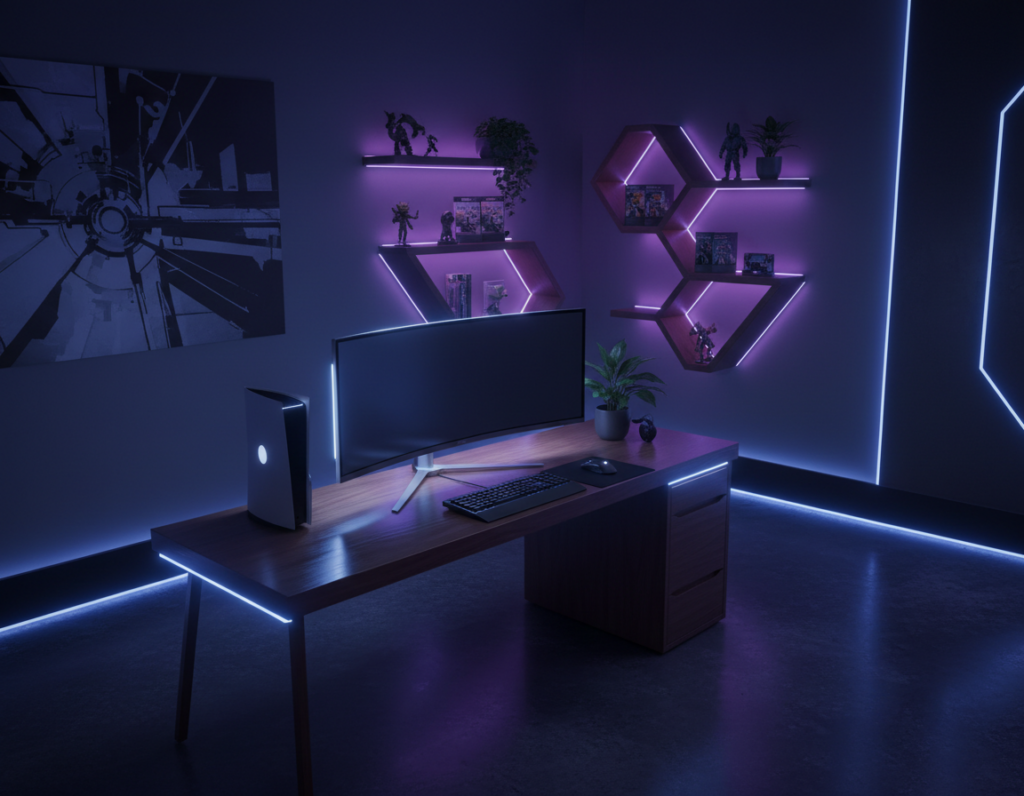
Place a led strip behind the display so it casts a soft, even glow on the wall. This reduces the contrast jump between the bright screen and a dark room.
Avoid aiming rgb lights directly at hard surfaces where they can reflect into the viewer’s eyes. Reflections on the screen or glossy desk surfaces cause distraction and strain.
- Behind the monitor: use led strip lights to create bias lighting that calms the eye.
- Angle your desk lights: prevent harsh reflections by testing positions before mounting.
- Use panels sparingly: position them to fill shadows, not to point at the screen.
“Bias lighting is a simple technique that protects vision and improves focus during long sessions.”
This page extends practical setup advice so every gamer can place lights to protect vision and keep the space comfortable and immersive.
Balancing Ambient and Task Lighting for Maximum Comfort
Combining soft ambient glow with focused task lamps creates a workspace that feels balanced and calm. This section explains how layered light helps reduce fatigue and improve focus during long game sessions.
Creating a Balanced Light Layer
Start with a steady overhead ceiling source as the primary white light. It sets the base brightness so the eyes do not jump between dark and bright zones.
Add a quality led strip or led strips behind the monitor or under shelves for indirect fill. These soft accents support contrast without causing glare on the screen.
Use a focused desk lamp for tasks that need clarity. Angle the desk lamp so it illuminates the work area, not the display.
- Layer: ceiling + strip + desk lamp for flexibility.
- Match color: keep white light consistent across sources.
- Adjust intensity: dimmers and presets make transitions smooth.
“A well-layered setup is the hallmark of a great game space, blending function with visual appeal.”
Advanced Techniques for Immersive Gaming Atmospheres
When light responds to sound, the display no longer stands alone—the whole space becomes part of the action.
Syncing Lights with Audio
Audio sync lets a led strip or panels pulse with explosions, footsteps, and music. This creates a richer gaming experience by matching on-screen events to visible cues.
Products like Twinkly Squares can link up to 16 panels, producing coordinated effects across a wall. Mapping panels to game audio keeps the player engaged throughout sessions.
Utilizing Smart Home Integration
Smart control lets users change scenes with voice or routines. Integrating lights into a home system makes switching presets fast and hands-free.
- Use voice commands to shift scenes for streaming or focus.
- Map strips and panels to react to alerts or media playback.
- Combine presets with dimmers for smooth transitions.
This page is an extension of setup advice and shows how smart products and proper control lift a gamer’s atmosphere to professional levels. See more lighting setup ideas in this lighting setup guide.
Essential Maintenance and Energy Efficiency Tips
Routine care keeps LEDs and fixtures working at peak performance and prevents surprises during long play sessions.
Check connections on every led strip and power supply monthly. Clean contacts and remove dust from panels, desk lamps, and ceiling fixtures to avoid dimming or flicker.
Energy-efficient options reduce running costs while keeping the space vibrant. Modern led lighting gives strong output with low draw, so days of long play won’t spike the bill.
- Inspect cables and anchors to prevent shorts and protect the screen.
- Wipe strips and panels with a dry cloth; avoid liquids near power modules.
- Choose certified products and check your warranty before DIY fixes.
- Use dimmers or presets to lower power use during idle periods.
If issues persist, contact Super Bright LEDs at 866-590-3533 for technical support. This page acts as an extension of regular care, helping keep desk, wall, and ceiling lights reliable for every gaming setup.
Conclusion
Thoughtful placement and color choices turn a compact setup into a comfortable, high-performance space. This guide gave clear, practical steps to improve the gaming experience and reduce eye fatigue.
By choosing the right led options, matching colors, and placing strip and wall accents with care, a gamer can shape an atmosphere that reflects personal style. Treat each strip and panel as an extension of the setup.
Keep this page as a quick reference for upgrades and maintenance. With a few smart choices, any bedroom can become a professional-feeling play area that supports long sessions and great performance.