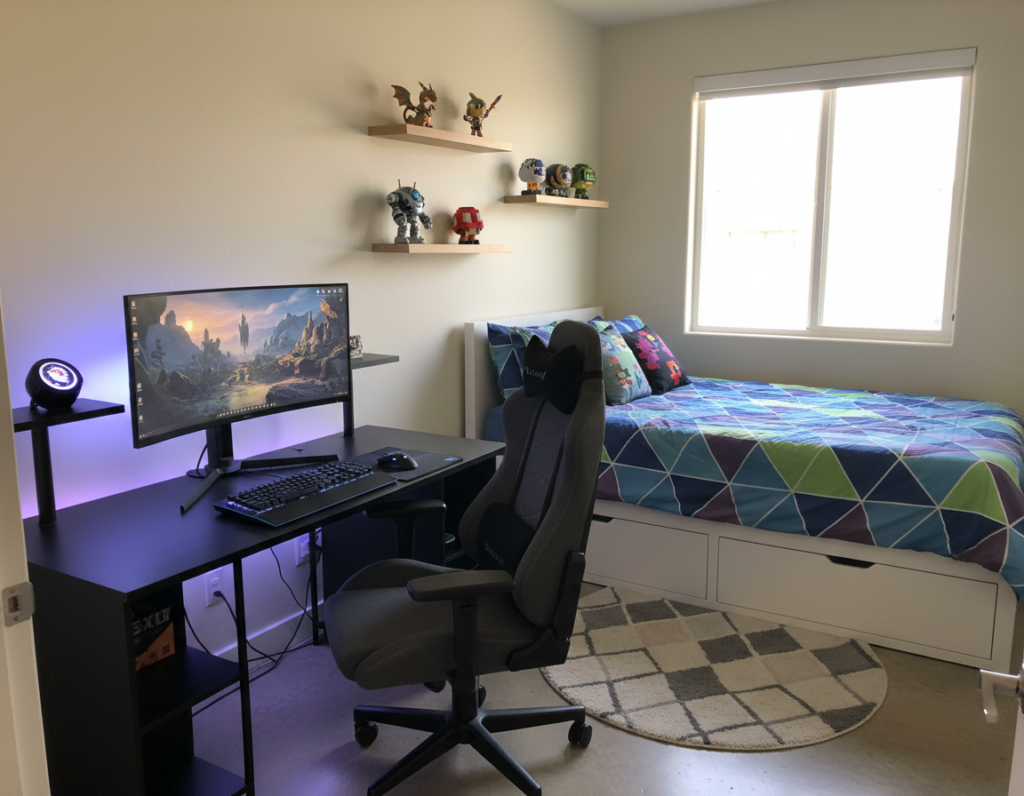
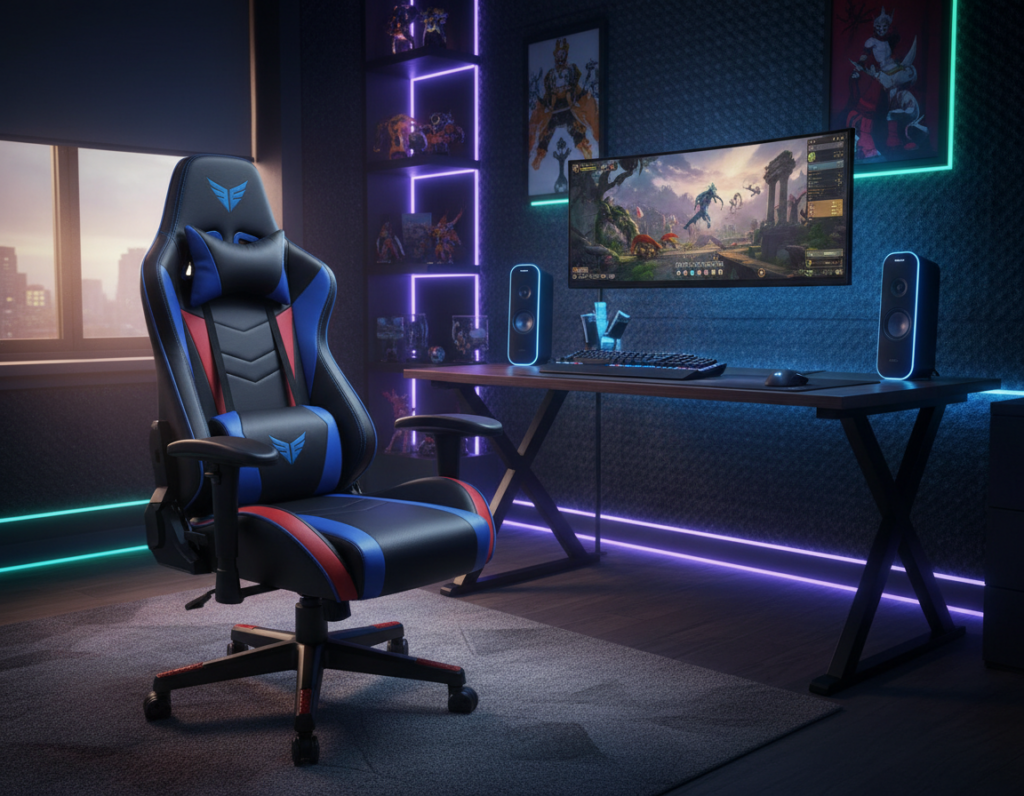
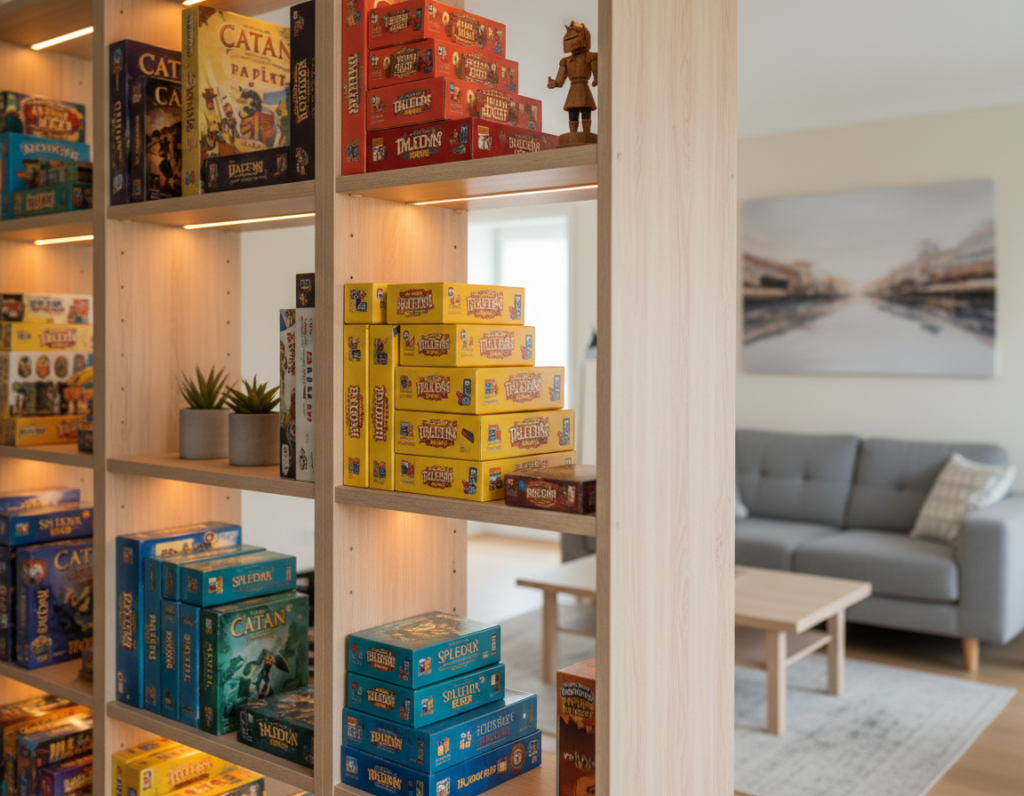
He began with clear goals: better performance and a space that shows personality.
They focused on essential hardware like the CPU and GPU and chose pieces that fit a clean aesthetic. Small changes improved both comfort and the gaming experience.
In 2026, many players find a high-quality setup can look professional without extreme expense. Entry-level PCs sit around 500€–600€, while high-end rigs cost much more.
Key gains came from balancing components and style. Better frame rates and higher image quality made games more immersive. The space stayed functional and personal.
This guide shows how thoughtful choices lift performance and maintain a polished look. It helps readers reach a perfect gaming area that matches their level and keeps quality front and center.
Assessing Your Available Gaming Space
Start by measuring the room so he knows the exact square footage available for a dedicated gaming room. Precise measurements stop ill-fitting purchases and make planning easier.
Evaluate mobility next. A cramped gaming setup limits movement and comfort, so map out walking paths and clearance for the chair and desk. This step prevents a cluttered area and improves ergonomics.
Consider how the dimensions affect gear choices. A small corner favors a compact desk and single monitor. A larger room allows multi-monitor layouts but risks feeling empty without a clear flow.
- Measure length, width, and door swing.
- Sketch where consoles, PC, and storage will sit.
- Check sight lines and natural light for longer gaming sessions.
Planning ahead ensures equipment is accessible and the room stays organized. By measuring today, he avoids common mistakes and secures a practical, comfortable gaming setup.
Planning a Budget Gaming Furniture Setup
Effective planning starts with defining which functions the room must serve and which can wait.
Defining Your Needs
They list core priorities: storage, desk space, and comfort. This helps narrow options quickly.
Decide whether a minimalist surface or extra shelves will help long sessions. Think about how many monitors or consoles the space will hold.
- Storage vs. open design
- Single or multi-screen layouts
- Accessibility for accessories and controllers
Setting a Realistic Budget
They set a clear financial limit so purchases align with goals. Start with the essentials and add items over time.
- Prioritize a sturdy desk and reliable chair.
- Choose multipurpose pieces that save space and money.
- Reserve some funds for key accessories that improve play.
A balanced plan keeps the room flexible. With careful choices, a perfect gaming area grows without overspending.
Selecting the Right Gaming Desk
A solid desk selection is one of the fastest ways to improve comfort and performance. The desk anchors the room, supports heavy hardware, and defines usable space for monitors and peripherals.
Evaluating Desk Materials and Stability
Materials matter: wood or MDF panels give reliable durability for multi-monitor arrays. Glass tops may look sleek, but they can lack the strength needed for heavy rigs.
Stability is non-negotiable. Wobble undermines precise mouse control during intense games. Test a surface before buying, and prefer reinforced frames and sturdy legs.
- A sturdy gaming desk is the foundation of any professional gaming setup.
- The Bifrost Elite 120, at $749.99, offers electric height adjustments to improve posture and endurance.
- An L-shaped desk near $399.99 gives extra space for multiple monitors and tidy cable runs.
Depth matters: ensure enough room for your mouse and keyboard so movements stay precise. Ergonomic height adjustments keep your hands at the right level, which boosts long-term comfort and performance.
For a quick comparison of quality choices, see a curated list of best desks under $800 to match level and performance needs.
Finding Ergonomic Seating Solutions
Choosing the right chair transforms long hours at the desk into a healthier, more focused experience.
An ergonomic gaming chair supports the spine and prevents strain during extended play. Whether he opts for a dedicated model or a high-quality office chair, the goal is the same: reliable back support and good posture.
Key features to prioritize include adjustable armrests, seat height that lets the feet rest flat, and built-in lumbar support. Neck and lumbar cushions add targeted comfort for marathon sessions.
- Adjustable height and tilt for natural movement
- Armrests that align with keyboard and mouse height
- Firm lumbar support and optional neck cushion
Investing in quality chairs is one of the most important choices for any gaming setup. Proper seating reduces fatigue, improves focus, and protects long-term health—so the chair pays dividends in both comfort and performance.
Maximizing Small Room Efficiency
When floor space is limited, smart vertical solutions make all the difference.
Utilizing Vertical Storage
Wall-mounted shelves free floor area and keep the room tidy. They display games and accessories while leaving the desk clear for performance tasks.
Floating cabinets and pegboards make frequently used items easy to reach. This keeps the gaming room organized and prevents clutter from eating useful surface space.
Choosing Compact Furniture
Pick a desk around 120 cm wide to keep a functional gaming setup in tight areas. A small mouse pad (32x27cm) saves surface space and still allows precise mouse control.
- Consider wall-mounted monitors to clear the desktop for keyboard and mouse.
- Choose dual-purpose pieces, like desks with built-in storage for games.
- Keep a minimalist design to maintain style and comfort in a small room.
Careful planning ensures the chair and desk fit together and the overall setup delivers a strong gaming experience without crowding the area.
Integrating Multi-Functional Workspaces
A single room can pull double duty, serving as a focused office by day and an immersive play area by night.
Choose a desk with enough surface for a laptop and a secondary monitor. A versatile gaming desk lets him spread work documents and gaming peripherals without crowding the surface.
Use versatile storage like cabinets or shelving that hold office supplies and controllers. Keep documents in labeled drawers to separate work files from game gear.
- Designate a clear work zone to protect focus and ensure a clean professional look.
- Pick modular furniture that adapts when he switches from work to play.
- Maintain simple cable paths so the room stays neat and ready for both tasks.
With this approach the gaming room remains functional and stylish. The right desk and storage choices preserve comfort for long hours and make transitions between office and play effortless.
Choosing a Theme That Reflects Your Personality
A well-chosen aesthetic turns a plain space into a focused and expressive play area. Picking a direction early helps every decision stay consistent and purposeful.
Minimalist Modern Aesthetics
Minimalist Modern
Clean lines, neutral tones, and uncluttered surfaces create calm. This approach helps concentration and keeps the gaming room feeling open.
Use simple storage and subtle accents. Let one or two pieces stand out so the room keeps a refined look.
High-Tech Futuristic Vibes
High-Tech Futuristic
Sleek surfaces and smart devices create a sci‑fi mood. Add controlled RGB lighting for immersive color shifts that match the action.
LED strips behind monitors and shelves boost depth and frame the gaming setup without clutter.
Retro Arcade Inspiration
Retro Arcade
Vintage posters, neon signage, and classic controllers bring the 1980s energy back. This theme thrives on playful decor and bold color contrasts.
Mix items from different eras to make a unique room that shows his love of old-school games and modern tech.
- Choose lighting and accents that match the chosen design.
- Limit palettes to two or three colors for cohesion.
- Blend comfort and personality so the space feels like home.
Implementing Effective Cable Management
A clean cable run is the simplest upgrade that instantly sharpens any gaming room’s look.
Good cable management prevents tangled wires from cluttering the desk and keeps the room safe. It also makes upgrades faster when he needs to swap a component or add accessories.
Start small: use cable ties and rails to secure keyboard and mouse cords so they do not interfere with movement during intense play.
- Route power and signal lines separately to reduce interference.
- Attach adhesive clips along the back of the desk if there is no built-in storage for cables.
- Label ends and use a cable sleeve for grouped runs to keep the area tidy.
Many modern desks include trays or channels for neat routing. If the desk lacks this feature, simple clips and a small raceway deliver a professional result.
Well-managed cables protect equipment and create a focused gaming setup that feels clean and ready for action.
Enhancing Atmosphere with Strategic Lighting
Well-placed lights turn a plain space into a focused and atmospheric gaming room.
Strategic lighting can transform the mood and make the monitor feel like the focal point of the room. Good design reduces eye strain and adds depth to the screen without adding clutter.
Using LED Strips for Backlighting
LED strips behind the monitor provide soft, even backlight that improves contrast and reduces fatigue. Place strips high on the wall or along the back edge of the desk to create a halo effect.
RGB options let them tune colors to match a theme or the action on screen. Smart led lights that sync with games deliver dynamic color shifts for a more immersive experience.
- Use warm hues for relaxed sessions and cooler tones for focused play.
- Highlight key decor pieces to add personality to the room.
- Layer ambient, task, and accent lights for a flexible design.
Selecting Essential Gaming Peripherals
A thoughtful selection of mice, keyboards, and headsets raises both comfort and competitive edge for a gaming room.
A high-precision mouse with a reliable sensor and adjustable weight is crucial. He should match the mouse to his play style and preferred sensitivity. A mechanical keyboard adds tactile feedback and faster input.
Choose a monitor with a high refresh rate to keep motion smooth and reduce visual lag. Good lighting behind the screen reduces eye strain and improves perceived contrast.
A comfortable chair supports posture during long sessions and protects health. Quality headsets deliver spatial audio so sound cues become actionable in competitive games.
- Prioritize sensor quality and grip for the mouse.
- Pick a keyboard with switches that match his typing and game needs.
- Keep cable management neat at the desk for clean looks and easier upgrades.
“Well-chosen accessories turn a room into a focused, high-performance space.”
Incorporating Personal Decor Touches
Decor can turn a functional room into a space that sparks daily inspiration.
Start with meaningful items. Place action figures, posters, or framed art that reflect favorite games. These pieces make a gaming room feel like a personal gallery.
Use RGB or themed LED strips to highlight shelves and collectibles. Controlled lighting draws the eye to displays without overpowering the desk area.
Keep function in mind. Ensure the mouse and keyboard have clear space to move. Custom pillows or a themed chair cover add comfort and style without crowding the work surface.
- Showcase collectibles on a single shelf to avoid visual clutter.
- Add a few custom desk accessories to reflect personality.
- Balance accent pieces so the room stays organized and efficient.
A thoughtful blend of decor and gear creates a space that inspires play and supports performance. Let items bring joy while the core setup remains fast and functional.
Balancing Performance and Aesthetics
Merging technical strength with clean design makes a room that performs as well as it presents.
Start with a stable gaming desk that holds monitors and a PC without flex. Pair it with a supportive gaming chair that promotes good posture during long sessions.
Smart lighting and tasteful decor lift the visual feel without getting in the way of performance. Use RGB or LED strips behind screens to frame the view and cut eye strain.
Good cable management is both practical and elegant. Tidy runs improve airflow, reduce noise, and keep the desk area clear for precise mouse movement.
- Choose quality monitors and a mouse that match your play style.
- Select accessories that add value and complement the room’s design.
- Let one focal piece of furniture or art set the style tone.
“A balanced design turns a powerful setup into a welcoming place to play.”
Maintaining Your Gaming Environment
Simple, scheduled maintenance protects gear and preserves the room’s aesthetic. They keep a short checklist and tackle one task each week so the area never gets out of hand.
Daily wipes of the desk and a quick mouse pad shake reduce dust build-up. He should clean the monitor and peripherals gently to protect screens and sensors.
Weekly dusting of vents and cable channels prevents heat issues. Organize cords with clips or a sleeve so power and data lines stay separate and tangle-free.
- Wipe surfaces and seating to keep comfort and hygiene.
- Check LED and RGB lights for loose connections or color drift.
- Update drivers and firmware so peripherals perform at peak levels.
Well-kept chairs and a tidy desk support longer play and focused office work. A clean, organized gaming room is a simple way to protect investment and improve the experience.
“A short maintenance routine keeps gear reliable and the room inviting.”
Conclusion
Small, strategic choices build a room that supports long sessions and looks polished. They help him shape a space that balances performance and personal style.
Creating the perfect gaming area is a rewarding process that combines planning with practical updates. Strategic lighting and tidy accessories lift the look and the overall gaming experience.
By following these steps he can craft a high-quality space that reflects personality and provides comfort. With the right care and simple maintenance, the room will deliver a great experience for years to come.