Creating a dedicated gaming room in a tight bedroom requires clear planning. The right choices blend comfort, ergonomics, and personal style so the player can game long and stay healthy. A smart setup turns limited space into an efficient home hub.
Every gamer values a design that keeps gear organized and accessible. Thoughtful pieces, such as a compact desk from IKEA or wall storage, free up floor space and offer strong support during long sessions. These ideas help optimize the room while reflecting personal taste.
The goal is simple: build a functional game room that supports play without clutter. With smart planning, one can create a stylish, efficient environment that improves focus and enhances the overall game experience.
Assessing Your Gaming Space
An accurate floor plan is the first step toward a practical gaming setup. Measure walls, doorways, and clear pathways. Write down exact dimensions for desks, chairs, and storage so nothing feels crowded.
Map the layout to spot the best corner for a setup that keeps the living room or bedroom functional. Consider sightlines to windows and where noise or glare may affect the game.
Use a simple checklist to evaluate flow and comfort. Include electrical outlets, ventilation, and walking space behind the chair.
- Measure usable floor area and mark the desk footprint.
- Test seating positions to ensure clear movement.
- Note outlet locations for power and networking.
When in doubt, a professional assessment can prevent overcrowding. Smart planning preserves living area function while creating a focused game corner for the serious gamer.
Essential Small Bedroom Gaming Furniture
Smart selections of desks and storage transform limited areas into efficient play zones. This section helps a gamer pick the core pieces that support long sessions without crowding the room.
Space-Saving Desks
Selecting the right desk is the most critical step. A corner table or slim office desk offers solid support for the computer and monitor while freeing walkways.
Look for:
- Sturdy desktops that fit monitor arms and a keyboard tray.
- Compact desks with cable channels to streamline power and headphone lines.
- Options with fast delivery and clear price tiers for better budgeting.
Compact Storage Units
Efficient storage keeps the room tidy and the game area accessible.
- Wall-mounted shelves and slim cabinets for a headset bag and spare cables.
- Multi-use boxes that slide under the desk to save floor space.
- Durable products that balance price and long-term support for gear.
Choosing the Right Gaming Desk
Choosing the ideal desk starts with how it supports both gear and posture. A quality gaming desk must offer sturdy support for a computer so monitors and peripherals stay stable during play.
Check size, style, and logistics. Measure the room and confirm dimensions before ordering. Review price and delivery options to avoid delays or extra fees.
Many players pick a corner table to save floor space. These products often include a handy bag hook for a headset. An ergonomic office table can be an elegant alternative that fits into a home office and still supports long sessions.
- Prioritize solid support for your computer and monitors.
- Confirm dimensions, price, and delivery windows before purchase.
- Consider corner models with accessory hooks for convenience.
- Explore office-style tables for a professional look and comfort.
Final idea: choose a desk that blends design, stability, and practical features. A well-matched table becomes the foundation of a productive setup.
Ergonomic Seating for Limited Areas
Choosing the right seat is essential when floor space is tight. Comfort, adjustability, and how a chair fits under a desk all matter. Players need a setup that supports long sessions and keeps posture steady.
Adjustable Features
Adjustability separates a quick seat from a proper solution. Height, tilt, and lumbar controls let the user match the chair to their body.
- Invest in an ergonomic gaming chair: it preserves posture during long hours at a desk.
- Customize fit: height and lumbar support adapt to different body types for better comfort.
- Space-smart design: pick chairs that slide fully under the desk to free walking space.
- Reduce strain: ergonomic gaming furniture helps prevent fatigue and keeps focus during matches.
- Quality matters: a durable chair improves performance and long-term comfort.
“A properly adjusted seat is the foundation of a healthy setup and sharper play.”
When choosing gear, they should test fit, confirm desk clearance, and prioritize support. The right combination keeps sessions comfortable and helps sustain competitive performance.
Maximizing Vertical Storage Solutions
Rethinking walls as storage changes how a room functions and feels. Using vertical options frees floor area and keeps gear organized.
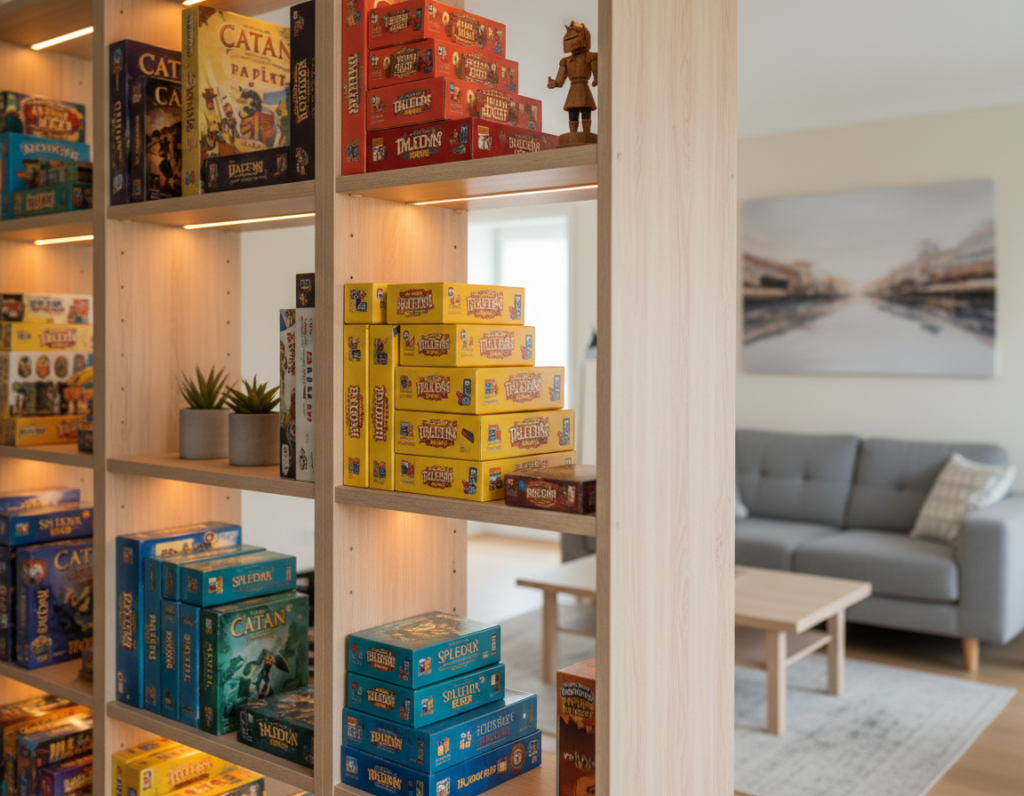
Wall-mounted shelves make it easy to display collectibles and stash accessories without cluttering a desk or floor. A single floating shelf can hold controllers, headsets, or boxed games while adding a clean line to the room.
- Install tall shelves to use unused height and keep items off the floor.
- Choose a wall-mounted shelf near outlets to combine storage with charging hubs.
- Mix closed and open shelves to hide cables and show off favorites.
Creative storage ideas transform blank walls into purposeful features. Good vertical storage keeps the living room or home office tidy and helps the gaming room remain a comfortable living area. By planning shelf placement, the bedroom stays neat and the setup feels more spacious.
Integrating Monitor Stands and Mounts
Choosing the right mount transforms cluttered surfaces into a streamlined command center. A proper monitor setup lifts the screen to eye level and opens space on the desk. That improves posture and creates room for a computer, keyboard, and accessories.
Wall Mounting Benefits
Wall mounts deliver a clean, minimalist look while saving surface area. Mounting a monitor removes bulk from the desk and clears the corner for a controller or bag. This option also reduces cable clutter and gives flexible viewing angles.
Desk Clamp Options
Desk clamp stands attach to the back edge to free up tabletop real estate. A sturdy stand supports heavy monitors and keeps them stable during intense play. When choosing a monitor stand, consider the price and expected delivery so the product fits budget and schedule.
- Key advantage: elevation prevents neck strain for long sessions.
- Space gain: frees the corner of the desk for the computer and peripherals.
- Buy smart: compare price, specs, and delivery before ordering.
Lighting Ideas for Small Gaming Rooms
Thoughtful light choices can turn a tight room into an immersive game sanctuary. Layered light improves visibility and mood without eating floor space.
Start with LEDs behind the monitor to cut glare and reduce eye strain during long sessions. Backlighting gives a soft contrast that helps focus on the screen.
Use a light strip along the desk edge to add style and a clear peripheral glow. RGB strips can change color for different games or moods.
- Task light: a focused desk lamp helps for non-game chores and keeps overall lighting balanced.
- Accent LEDs: mount strips on shelves or under floating units to free floor space.
- Color strategy: cool whites for focus, warmer tones for relaxation between matches.
For more setup inspiration, check a concise guide on lighting setup ideas that fit compact room layouts.
“Good lighting reduces eye fatigue and makes any game room feel more professional.”
Selecting Compact Gaming Chairs
A well-chosen seat makes the whole desk setup feel more balanced and efficient.
Comfort should guide every purchase. When choosing a chair, compare price and delivery windows so the product fits the budget and timing for the build.
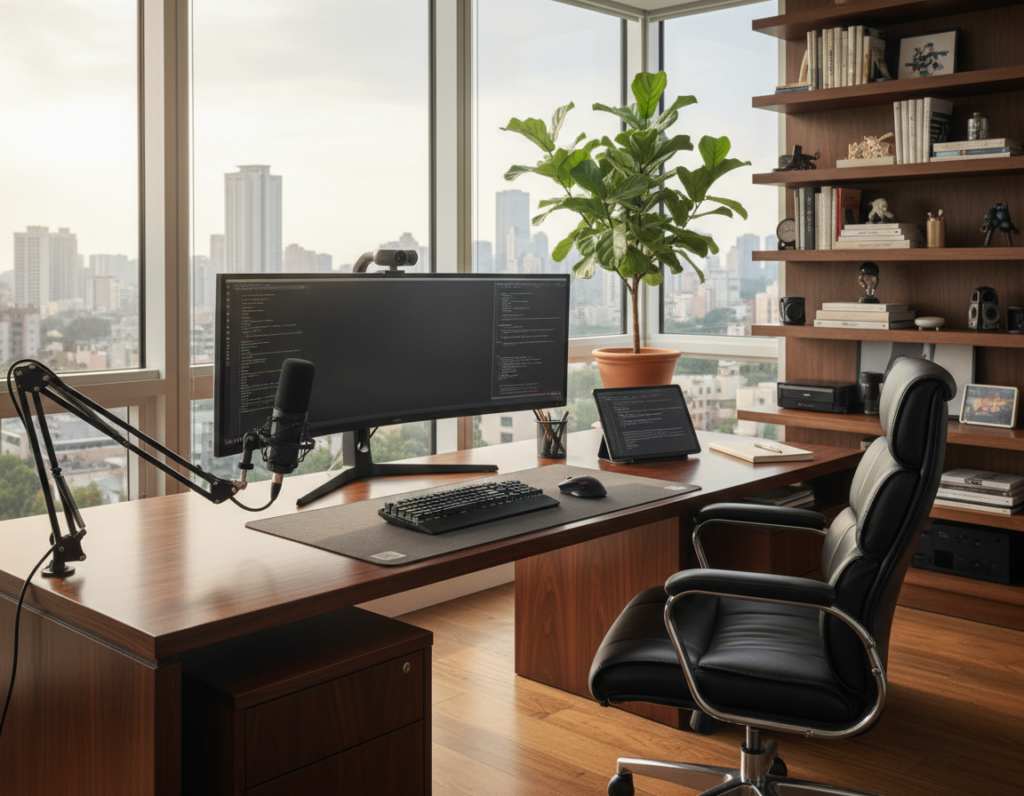
Many office chairs work as a space-friendly alternative to a bulky gaming chair. They slide under the table and still suit a computer setup.
- Measure first: check chair width and height to ensure it clears the desk and fits circulation paths.
- Adjustability: pick a seat with lumbar support and a height range that matches the desk surface.
- Try before you buy: test the feel when possible, or confirm a good return policy for the product and delivery.
- Extras: a bag hook or compact base can keep accessories tidy without taking floor space.
Choosing the right chair reduces fatigue and improves posture during long play or work sessions. Prioritize fit, support, and reliable price and delivery details to build a productive setup.
“A properly fitted chair is the backbone of any focused desk arrangement.”
Cable Management for Clean Setups
A tidy cable layout makes the desk feel larger and the room calmer. Good cable work removes visual clutter and improves the overall design of a game room.
Start with a cable management center or clips to bundle power and data lines. Clips along the back of the desk keep headphone and monitor cords out of sight. A simple clip system reduces trips over wires and protects equipment.
Use an under-desk tray or raceway for extra storage of power bricks and extension cords. Trays hide cables and free floor space in a living room or home office. They also make cleaning easier and speed equipment swaps.
Route computer and console cables along consistent paths and label each end. This small step saves time when troubleshooting and keeps the setup neat. Hiding cables creates a focused environment and improves the user’s experience during play.
- Bundle cords with Velcro straps.
- Mount a power strip under the desk center for easy access.
- Use adhesive clips to guide headphone and monitor wires.
“A well-organized setup is the hallmark of a great gaming room.”
Incorporating Multi-Functional Furniture
Multi-purpose pieces can turn a tight corner into a full-featured workstation. A bedside desk combination merges sleeping-area storage with a proper surface for play and work. This approach reduces clutter while keeping essentials close at hand.
Consider the Gamer 120 Bedside Left as a practical example. At W1210mm D84mm H735mm it fits a narrow wall and acts as both a nightstand and a computer table. The profile works well beside a bed while freeing a dedicated corner for a monitor and chair.
Look for integrated storage. A unit with a shelf or drawer creates a compact office setup that holds controllers, chargers, and notes. That hidden space keeps the desk surface clear for a mouse and keyboard.
- Confirm the product price and ask about delivery windows before ordering.
- Match desk height to chair range so posture stays correct during long sessions.
- Use the bedside table as a corner table when you need a devoted computer spot.
“A well-chosen bedside desk gives more function than its size suggests.”
Decorating Your Gaming Sanctuary
Personal touches and layered lighting turn an ordinary room into a dedicated play retreat. Simple decor choices make the space feel intentional and pro-level without crowding the layout.
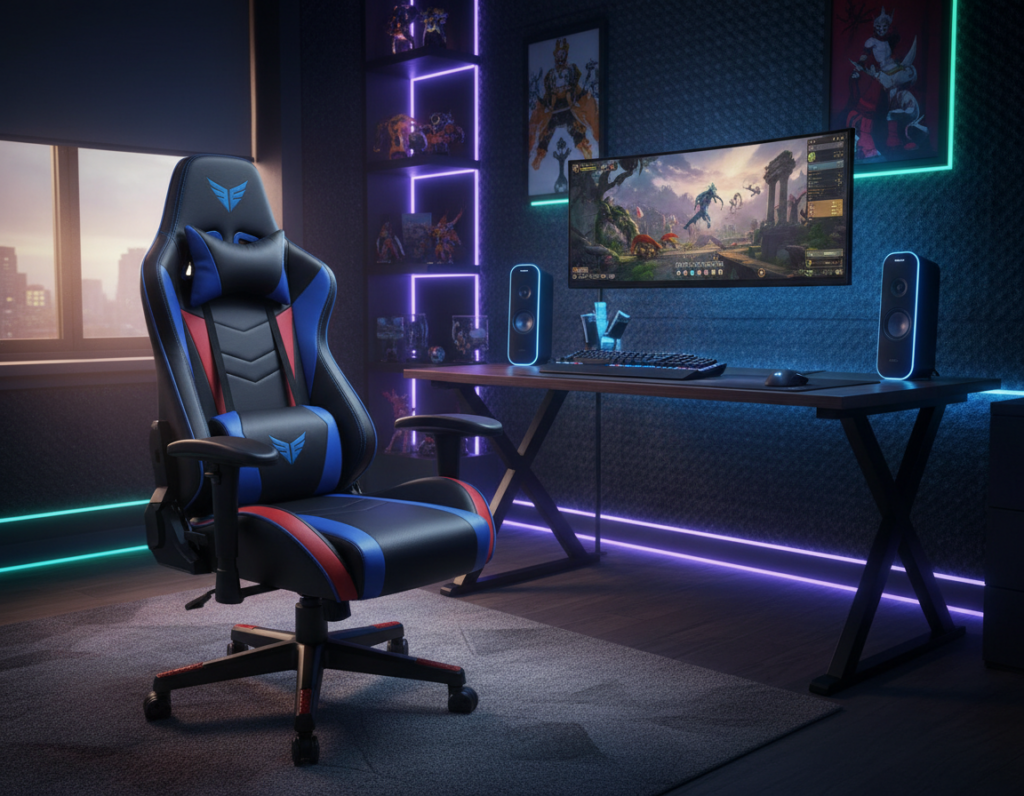
Use vibrant LED lights behind monitors and along shelves to create depth and reduce eye strain. LED strips can shift color by game or mood and highlight key displays.
Pick a few themed pieces—posters, figures, or framed art—that reflect play style. These items define the room and make the setup feel curated rather than cluttered.
- Balance: mix accent LEDs with practical task lights for a layered effect.
- Display: use a single wall to show collectibles and keep surfaces clear.
- Consistency: match color tones and texture to preserve a unified style.
A thoughtfully decorated gaming room becomes both a personal studio and a relaxing living space. The right decor and led lights help the player focus, feel inspired, and enjoy every game session.
“A well-lit, personalized space turns play into an experience.”
Optimizing Floor Space for Comfort
Clearing floor pathways around the desk directly improves comfort and movement. When they free the central floor, the chair moves easily and the room feels less crowded.
Use vertical options first. A monitor stand and wall-mounted shelves lift the monitor and controllers off the floor. This gives more room behind the chair and more visible surface on the table.
Affordable room furniture, like a slim desk or corner table, stretches usable space without a big price tag. They should compare price and delivery to avoid surprises.
Keep the floor tidy. Route cables into trays and stash power bricks in under-desk storage so the walking area stays clear. A cleared floor makes the computer setup easier to use and the gaming room feel larger.
- Mount a monitor on a stand to reclaim desk surface.
- Install shelves near outlets for quick charging and storage.
- Choose a narrow table or office desk to maintain walking clearance.
“A clear floor creates a calmer, more efficient room for focus and play.”
Budgeting for Your Gaming Setup
Planning costs in advance helps prioritize which table or desk delivers the best value. Start by listing required pieces: desk, chair, monitor stand, and a shelf for accessories.
Keep total price visible as you compare options. For example, the Gamer Youth Bedroom product is listed at $899.00 and can serve as a complete solution for a compact game room.
Factor in delivery and add-ons. A headphone bag, extra monitor support, or a cable tray add to the final cost. Buyers should check delivery windows and return policies before purchase.
- Compare prices: evaluate desks and tables across sellers to find the best offer.
- Prioritize support: choose a table or desk that safely holds the computer and monitors.
- Plan extras: include shelf, bag, and cable management in the budget.
“A modest budget, used with care, creates a professional-looking setup without overspending.”
Conclusion
With measured planning, even limited space becomes a productive game hub. Prioritize ergonomic seating, vertical storage, and clean cable routes to keep the setup healthy and efficient. Simple adjustments to layout and lighting improve comfort and style.
Before buying, measure the area and test clearances so the chosen furniture supports posture and circulation. For practical space-saving ideas and display tips, see our concise space-saving tips.
Finally, note that the Coohom Group provides a privacy policy and cookie notices, including strictly necessary cookies like qunhe-jwt, to protect the user experience. With careful design choices, the room can become the ultimate sanctuary for every game and personal style.