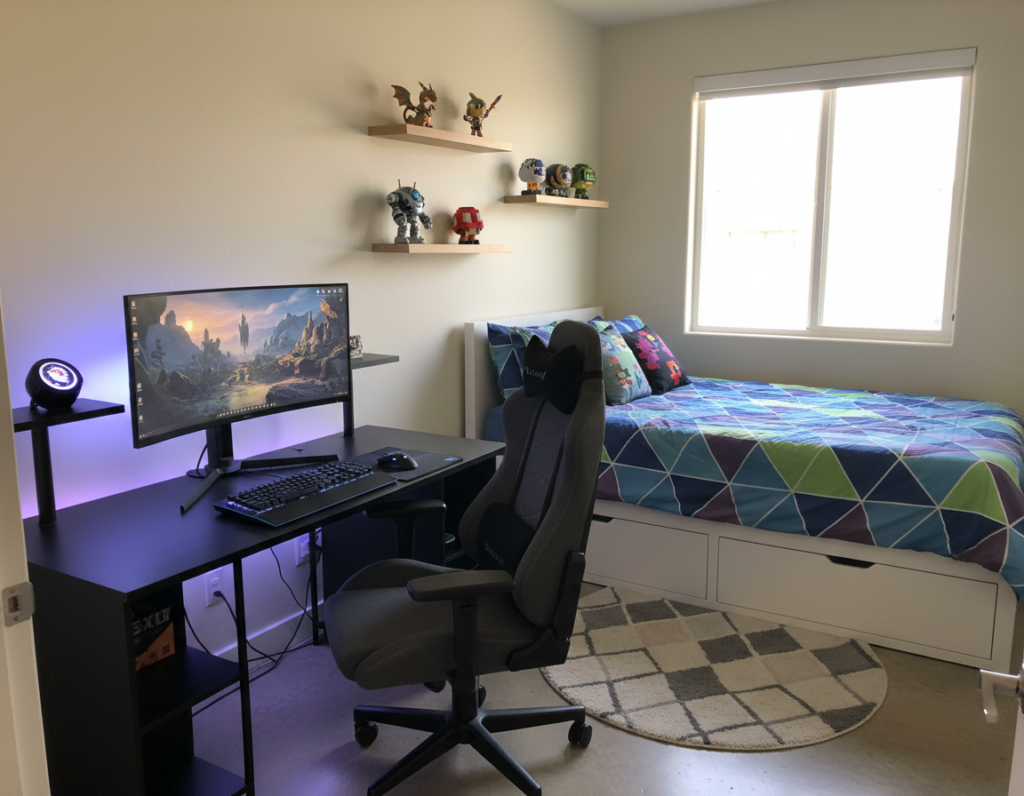
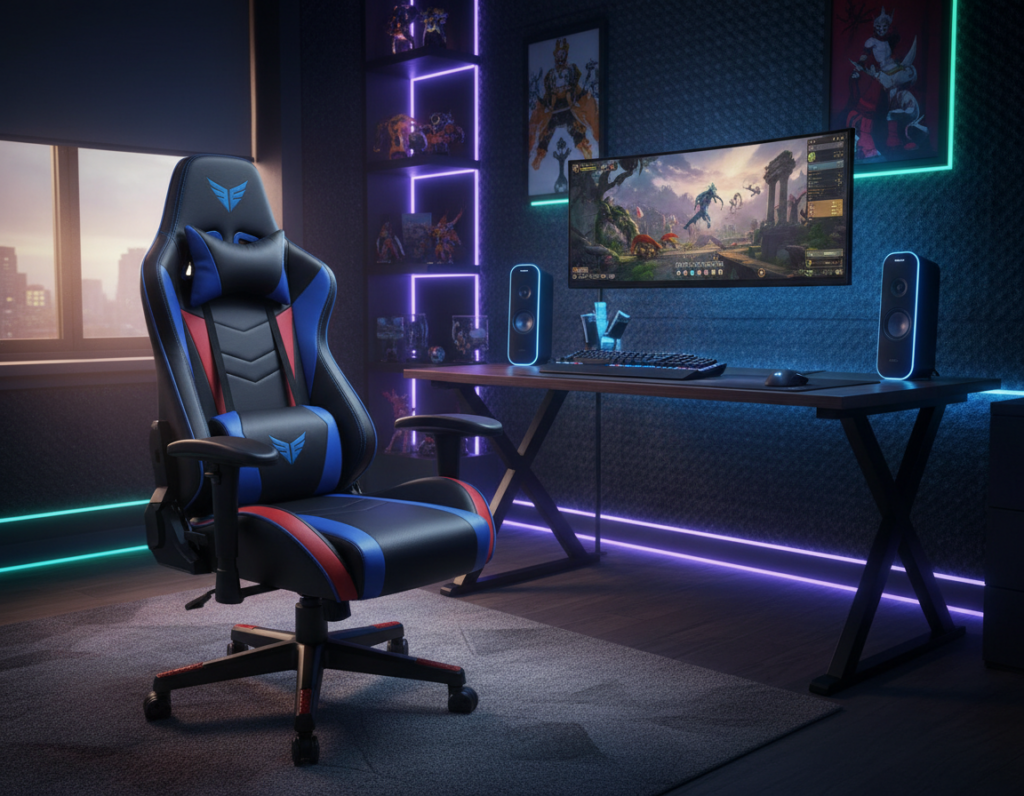
An L-shaped desk gives users a flexible command center for work and play. It creates clear zones so a monitor and keyboard stay in one area while a secondary station handles chat, streaming tools, or video editing. This layout helps reduce neck twisting, which OSHA notes is key for neutral posture during long sessions.
Comfort matters: keeping the primary surface depth near 60–75 cm keeps most people within a 24–28 inch reach. That distance limits strain on the shoulder and wrist during hours of focused activity.
With smart cable management, proper lighting, and the right chair height, the setup cuts clutter and supports steady performance. Gamers and creators alike find that a well-planned station boosts focus and comfort.
Design choices — from surface finish to accessory placement — shape how gear sits and how the room feels. The right l-shaped gaming desk balances ergonomy, style, and space to support longer, healthier sessions.
Why L-Shaped Desks Are Ideal for Streaming and Productivity
An L-shaped workstation separates high-intensity play from low-effort streaming tasks, so each activity has its own clear area. This zoning reduces clutter and keeps the primary surface free for the keyboard, mouse, and main monitor.
Users can dedicate the secondary wing to chat, capture controls, and a laptop. That split helps them stay focused and switch tasks without moving gear across the room.
Health and placement matter: adding a sit-stand converter can cut daily sitting time by an hour or more, according to a Cochrane review. Angling side monitors 15–30 degrees toward the user follows IG2 guidance and limits neck rotation.
- More usable top area: wraparound surfaces fit extra monitors and accessories while keeping cables tidy.
- Improved posture: proper height and chair support reduce back and neck strain during long sessions.
- Customization: the layout supports varied lighting, colors, and accessories to match a player’s style and performance needs.
Essential L Shaped Gaming Desk Ideas for Your Workspace
A practical L-shaped gaming desk idea starts by matching frame strength to the gear it will hold. Measure the room carefully so the frame fits without blocking doors or walkways. Plan surface area for multiple monitors, speakers, and a PC tower.
Choosing the Right Frame
Durability matters: pick a frame with a clear weight rating to support heavy monitors and peripherals. The GTG-L60 Pro shows how a 60×23 inch glass standing model adds height adjustability while keeping a sleek look.
Tip: favor metal legs and cross-bracing for long-term stability and less wobble during intense sessions.
Measuring Your Room
Measure length, depth, and clearance for chair movement. Research Insight IG6 warns against placing the main monitor in the corner because it forces spinal twisting. Position the primary monitor on the longer run and use the return for secondary tasks.
- Check cable routing and built-in management to cut clutter.
- Confirm total surface area fits your monitors and accessories.
- Balance height and reach to reduce strain for long gaming sessions.
Choosing the best l-shaped desk is about matching strength, space, and workflow so gamers get a stable, comfortable setup that lasts.
Zoning Your Desk for Maximum Efficiency
A divided workstation layout ensures primary controls stay within reach while secondary tools stay accessible but out of the way.
Research Insight IG7 recommends placing high-input tasks—like competitive play—on the main leg of an l-shaped gaming desk. Keep the keyboard and mouse on that run to preserve a neutral posture and quick response.
Reserve the side wing for low-input work: chat windows, audio controls, or a secondary laptop. That arrangement keeps the main monitor centered and the primary area uncluttered for peak focus.
- Reduce reach: place secondary monitors where a small pivot is enough, not a full swivel.
- Prevent strain: align the primary monitor directly in front to avoid diagonal viewing.
- Streamline workflow: assign clear roles to each surface so gear stays organized and efficient.
For streamers and serious players, zoning turns a simple setup into a professional command center. It saves space and keeps attention on the action without unnecessary movement.
Minimalist Approaches to Clean Gaming Setups
A minimalist station keeps only the essentials on the main surface to reduce visual noise and boost focus. This approach helps streamers and remote workers keep a professional frame and a calmer mind.
Practical minimalist builds rely on hidden infrastructure. Research Insight IG3 notes that clean L-shaped setups often need quality cable raceways and under-desk power strips rather than cheap clips. Investing in that infrastructure creates a seamless look.
Selecting Essential Gear
Choose items that earn their place: a reliable monitor arm, wireless keyboard and mouse, and a comfortable chair form the core. A pull-out keyboard tray reclaims surface depth and supports proper arm posture.
- Use dual monitor arms to remove bulky feet and free space.
- Keep passive equipment—like a console dock—on the side wing to avoid clutter.
- Hide power and cable runs under the table for a distraction-free style.
Designing a Maximalist Battlestation
A dense, equipment-heavy station can become ergonomic if the owner centers weight and sets a smooth monitor arc. This approach lets a full-featured setup deliver performance without wobble or strain.
Managing Weight Distribution
For heavy builds, Research Insight IG12 recommends keeping 60–70% of total weight near the lifting columns or inner legs. That prevents flex and keeps height-adjust mechanisms stable.
Place the PC tower on a ventilated cart on the short wing to free surface space and shift bulk toward support points. Use under-desk trays to relocate power supplies and batteries beneath the surface.
Creating a Monitor Arc
A gentle monitor arc keeps side screens within eye movement so the neck stays neutral. Angle secondary monitors slightly toward the center so the user glances rather than turns.
This arc protects the back and neck during long sessions and supports faster visual focus across multiple displays.
Using RGB for Eye Comfort
Bias lighting behind displays at about 10% brightness and 6500K reduces perceived visual fatigue, per Research Insight IG4. RGB strips set to cool white or subtle blues soften screen-to-wall contrast and preserve eye comfort.
Controlled lighting plus organized placement of audio gear and accessories creates an immersive station that improves performance and keeps the surface tidy.
For a deeper read on user engagement and immersive setups, see crafting memorable tech experiences.
Ergonomic Standards for Long Gaming Sessions
Simple adjustments to height and support make hours at a station far healthier and more sustainable. Proper setup helps prevent common back and neck pain linked to poor posture.
Canadian guidance recommends a surface that allows elbows to rest at about 90 degrees so shoulders stay relaxed while typing. ISO 11226 also stresses limiting extreme joint angles during static postures to reduce long-term risk.
Follow a rhythm of movement during long sessions. Cornell University suggests a 20-8-2 pattern: sit for 20 minutes, stand for 8, then move for 2. This lowers muscle fatigue and cuts strain from static positions.
- Chair and support: pick an ergonomic chair with lumbar support and adjustable armrests.
- Monitor and height: set the monitor at or slightly below eye level to protect the neck.
- Standing tips: use a height range near 23–49 inches for standing units and add an anti-fatigue mat for extra foot support.
“Investing in proper ergonomics is the best way to ensure long, comfortable play without injury.”
By following these standards, gamers can extend their sessions, protect their back, and keep focus for more productive hours.
Mastering Cable Management and Power Routing
Thoughtful routing and hidden power systems make daily adjustments smooth and cut visual clutter. Proper planning keeps the station safe, improves airflow, and stops trips or accidental unplugging.
Hidden Power Solutions
Use under-desk trays and mounted strips to keep adapters and strips out of sight but within reach. Leave 30–50 cm of slack at any sit-stand junction so cables never tug when height changes.
Extra Installer Tip 4 recommends separating mains on one side of the tray and signal lines on the other. This reduces electromagnetic interference that can affect audio, video, or monitor signals.
- Test a full sit-stand cycle to confirm no cords stretch or pull.
- Invest in quality raceways and clips to keep multiple monitors, keyboard, and power lines tidy.
- Route by weight: keep heavier power bricks near support legs to avoid sag and balance issues.
“A well-managed power system is the foundation of a reliable setup.”
For a step-by-step wiring plan, see mastering desk wire routing.
Optimizing Monitor Placement for Comfort
Positioning screens correctly is the single most effective tweak to cut neck fatigue and sharpen focus.
OSHA guidance recommends placing the top line of text at or slightly below eye level and keeping the primary display at arm’s length. This distance helps the user read without leaning forward or straining the eyes.
For corner setups, align both monitors at the same height and angle them inward about 15–30 degrees. Research Insight IG2 shows this inward arc lets the user glance with the eyes rather than turn the neck.
- Use a monitor arm to set exact height and tilt so the head stays neutral.
- Place keyboard and mouse directly in front of the main screen to avoid offset typing positions.
- Symmetrical layouts create a natural viewing arc and increase immersion for both work and play.
“Small height and angle changes reduce eye strain and preserve posture during long sessions.”
For guidance on more complex multi-screen arrangements, review the detailed triple-monitor layouts resource: triple-monitor layouts.
Integrating Lighting and Natural Elements
Bias and accent lighting can turn a corner workstation into a low-fatigue, high-performance zone. Research Insight IG4 shows that soft bias lighting behind the monitor reduces perceived visual fatigue in dark rooms.
Combine task and ambient lights to create contrast without glare. Use an LED desk lamp for focused work and RGB strips for subtle backlight behind monitors. This mix helps maintain focus during long sessions and supports competitive performance.
Add small plants on the surface or a vertical planter on the wall to soften the tech look. Natural elements improve mood and calm stress, so gamers spend hours with less tension and better posture.
- Balance: task lights for precision, ambient lights for mood.
- Placement: tuck RGB strips behind monitors and along the return to highlight angles.
- Greenery: one or two low-light plants reduce visual monotony and boost focus.
“A well-lit station that includes natural touches feels more inviting and keeps the user alert over longer hours.”
Conclusion
, Clear zones and intentional placement help any corner setup perform at its best.
The right l-shaped gaming desk can maximize space while creating separate work and play zones. By following ergonomic guidelines and setting the monitor at eye level, users protect posture and stay focused for longer sessions.
Good cable management and sturdy hardware keep the surface tidy and stable. Minimalist and maximalist setups both work; the best l-shaped choice depends on equipment, room size, and personal style.
Final note: prioritize comfort, monitor placement, and proper power routing. With the right tools—monitor arms, trays, and quality supports—any desk becomes a professional command center ready for long hours and peak performance.