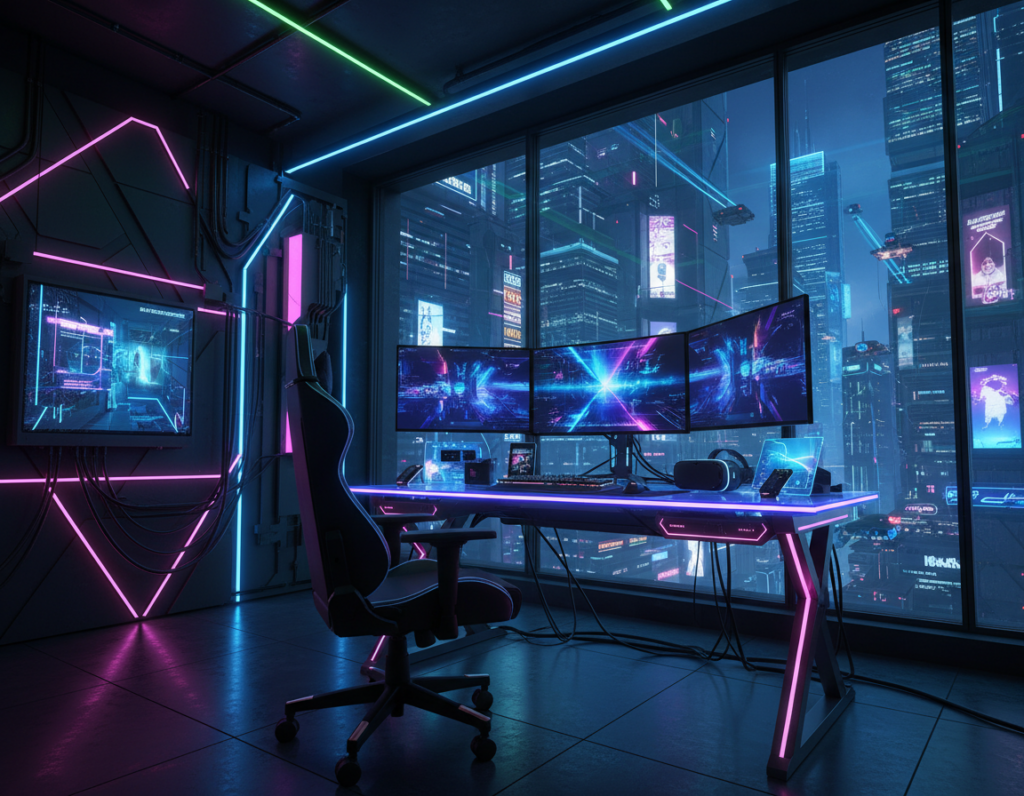
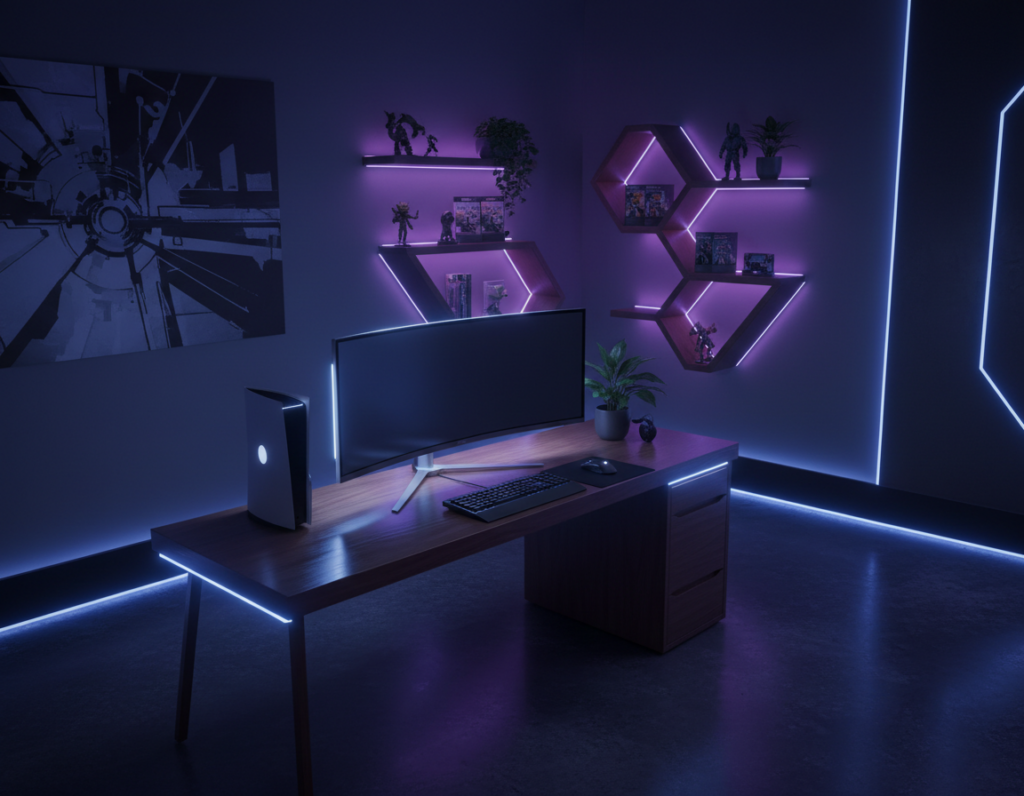
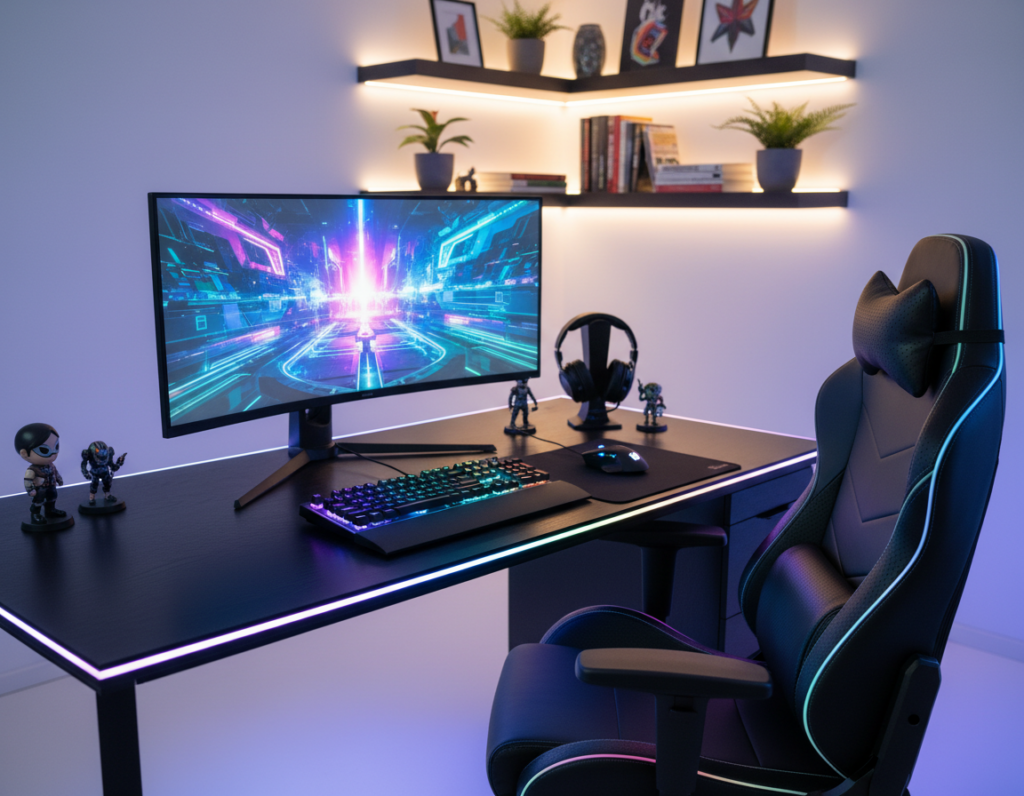
Nanoleaf offers cutting-edge products that aim to immerse players in every pixel. This short guide evaluates whether modern lighting options can match the performance of classic LED strips.
When designing a game room, choosing the right lights matters. The right setup boosts immersion and ties together a professional look.
Many users ask if the latest product innovations deliver the same versatility as standard led strips. This guide compares control, color accuracy, and placement to show how each approach affects the gaming experience.
Practical testing and market analysis help readers decide which path fits their budget and aesthetic. The article lays out a clear plan for upgrading a game room with high-impact lighting choices.
Understanding the Role of Lighting in a Gaming Setup
Effective lighting transforms a plain play area into an immersive, reactive space. It guides focus, reduces eye strain, and shapes the overall experience during long sessions.
Good lights respond to content, match mood, and elevate a game or stream. They also create depth and contrast so visuals feel sharper.
Designers and pros use creative ideas to layer ambient, task, and accent lighting. This approach makes a home setup feel like a dedicated studio.
Advanced gaming lights let users customize scenes that react to audio or screen cues. That dynamic control is one of the best gaming upgrades for immersion.
- Transform a space so it reacts to gameplay.
- Match room lights to mood with centralized control.
- Use simple placement ideas for big visual impact.
Comparing Smart Bulbs and LED Strips for Your Gaming Room
Balancing ambient and task fixtures is key to a polished and practical setup. This section compares real-world performance and the look each option brings to a game room.
Performance Differences
LED strips typically deliver even backlighting and simple installation behind a desk or monitor. They excel at low-profile accent light and wide coverage.
Smart lights (including Nanoleaf panels) offer finer color control and more complex scene scripting. That extra control helps match in-game palettes and reaction effects.
Aesthetic Versatility
Strips are ideal for outlining shelves or a desk. They give consistent wash and work well for subtle bias light.
Modular panels or bulbs add sculptural options and varied surface effects. Many builders pick a hybrid approach: strips for backlighting, panels for focal areas.
- Use strips for even desk backlight.
- Use panels for centerpiece visuals and dynamic color.
- Combine both for the best gaming results.
Achieving Immersive Syncing with Smart Bulbs Gaming Room Tech
Real-time color sync makes game visuals extend into the surrounding area. This effect combines screen mirroring and audio reactivity to deepen the gaming experience.
Screen Mirror via the official Nanoleaf Desktop App lets a PC send on-screen colors to compatible devices. Users can mirror their monitor so back lighting matches game scenes and cutscenes for a unified look.
Advanced integrations, like Razer Chroma Connect, enable lights to react to both visuals and sound. That means spells, explosions, and music cues trigger lighting effects in sync with play.
Screen Mirroring and Audio Reactivity
Placing devices behind a monitor or TV creates a vibrant back effect that follows the action. The Nanoleaf App also lets users customize how hardware responds to audio input and game events.
- Monitor sync: Colors mirror on-screen pixels for accurate scenes.
- Audio react: Music and sound intensity shape dynamic lighting effects.
- Integration: Use app control and third-party plugins for deeper customization.
Installation and Mounting Considerations for Modern Setups
How and where lights are mounted determines coverage and ease of use.
Adhesive pads on Nanoleaf Shapes and Lines remove the need for drilling. This makes installation fast and renter-friendly. Modular connectors snap panels together, so the initial setup needs no special tools or pro help.
For practical back lighting, place led strips under the desk or behind the monitor. That placement reduces glare and adds depth behind the screen. Panels mounted on the wall create focal visuals and enhance the game experience.
Positioning matters: ensure room lights give even coverage across the entire gaming space. The modular nature of panels and strips keeps the layout flexible. Users can swap a panel, move a strip, or expand the array without major rewiring.
- Adhesive pads speed installation and protect walls.
- Modular connectors allow tool-free changes.
- Desk and monitor placements deliver consistent back lighting.
Customizing Lighting Effects to Match Your Playstyle
A tailored palette and smooth transitions turn reactive fixtures into gameplay companions. This section explains how to craft scenes, pick colors, and program transitions so the setup matches a player’s tempo and mood.
Creating Custom Scenes
With the Nanoleaf app, users can build scenes that reflect their favorite titles. They set presets per game, switch profiles for streams, and save favorites for quick recall.
Color Palette Selection
Choose palettes that enhance contrast on-screen and reduce eye strain. Warm bias light eases long sessions, while vivid hues emphasize action sequences. Panels and a single strip or desk accent can work together to balance depth and focus.
Dynamic Lighting Transitions
Programmed transitions react to in-game intensity, audio cues, and screen changes. Players sync lights to the monitor or to music to make effects follow the pace of play.
- Control profiles per title for instant mood changes.
- Use devices together so effects flow across panels and strips.
- Test transitions at low brightness before a marathon session.
Integrating Smart Lights with Your Existing Home Ecosystem
Connecting lighting gear to a home’s automation stack keeps control simple and consistent.
Nanoleaf works with Amazon Alexa, Google Home, and Apple Home for voice-based control. This lets users manage their gaming setup with short commands. The linked app also centralizes scenes, so a single tap prepares the space for play.
Players can sync strips and bulbs with other devices to create one unified color and timing plan. Lights react to game events, music, or schedules. They fit into a broader home routine and help maintain consistent ambiance across rooms.
- Voice control: run scenes hands-free during games.
- Central hub: manage strips, panels, and other devices at once.
- App sync: use an app or tools like sync with PC to mirror on-screen color and action.
Tip: Link lights to a hub first, then fine-tune presets for games and music to keep every session immersive.
Conclusion
Good lighting design blends technical performance with visual identity to lift any play area. This guide showed how a few choices can improve a light setup and the overall gaming experience.
Users can test these products risk-free with a 30-day money back guarantee. The official app simplifies control so effects stay synced to play. One well-chosen product set can change mood, response, and consistency across the home.
Final note: by selecting color palettes and tuning lighting effects, players reach a new level of immersion. The right setup gives measurable gains in comfort and focus, and brings every game to the next level.