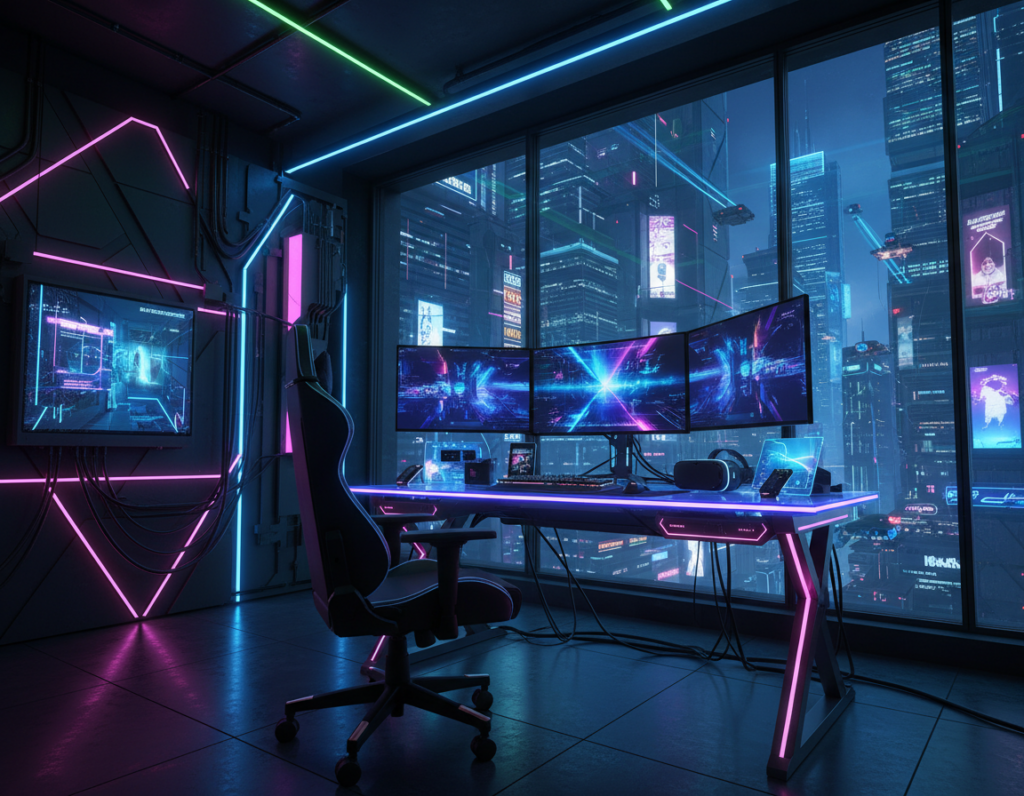
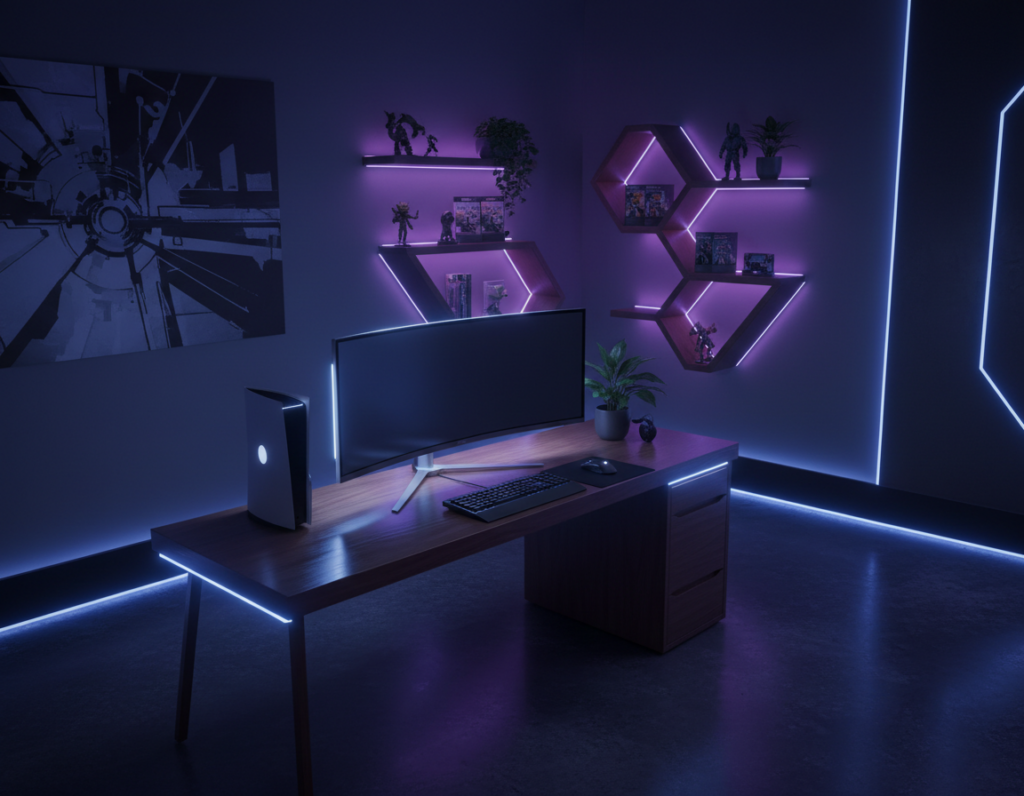
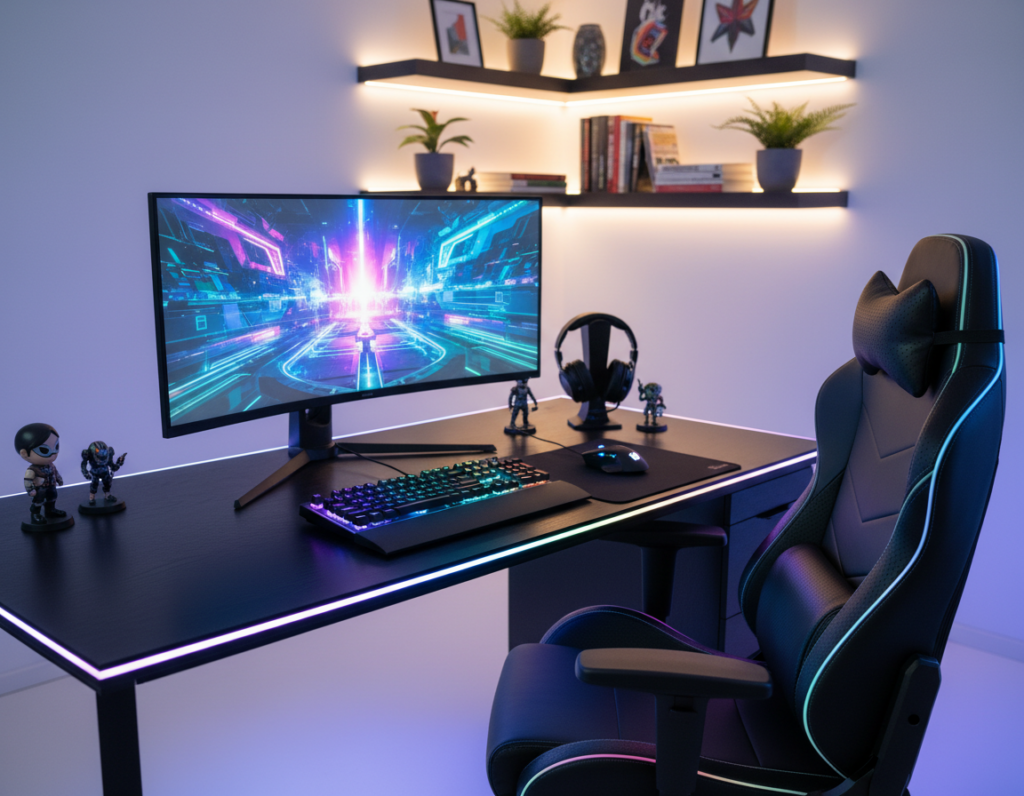
Creating a professional gaming room requires more than high-end gear. The right lighting and color choices shape the entire environment and help reduce eye strain during long sessions.
Thoughtful design uses led strips, neon accents, and subtle wall tones to balance contrast. This approach keeps the monitor and desk accessories from overwhelming the senses.
The ideal setup blends practical lights with a calm color scheme. Gamers gain focus and comfort when the mood supports the game rather than competes with it.
This article explains simple ideas to craft a relaxed gaming space at home. It covers combinations of rgb lighting, strip placement, and small design moves that improve the look and the experience.
The Science of Lighting and Eye Comfort
Careful control of room illumination directly affects visual comfort during long sessions. Light setup choices shape how the monitor relates to the surrounding space. This influences how quickly the eyes tire and how well a player can maintain focus.
The Impact of Contrast on Vision
OSHA guidance stresses reducing glare and extreme contrast between a bright monitor and a dark room. Managing that contrast prevents severe eye strain during gaming sessions.
Balancing Brightness for Long Sessions
Keeping desk lighting at about 20–30% brightness softens the gap between screen and surroundings. This percentage reduces harsh glare and makes the monitor easier to read for longer periods.
Using a desk like the GTG-L60 Pro helps by casting a gentle downward glow. Integrating led strips under the desk and behind the monitor creates a balanced light field. Adjusting rgb lights and overall lighting creates a calm environment that protects the eyes and improves the gaming experience.
- Control contrast to reduce eye strain.
- Use downward-diffusing desk lights to minimize glare.
- Set rgb lighting near 20–30% for long sessions.
Selecting the Best RGB Colors for Gaming Room Environments
Choosing the right light tones sets the mood and protects vision during late sessions. A warm white or soft amber at about 2700K–3000K reduces exposure to alerting blue light and helps players stay focused.
They should match a personal design and the overall setup. Using LED strips on the wall or ceiling creates a subtle neon effect that improves the look without raising glare.
Integrating lighting near the desk and behind the monitor gives a dynamic, layered feel. Accent lights can highlight accessories and make the gaming space feel intentional.
- Pick a primary hue that fits the room’s mood, then add one or two accents.
- Keep main ambient light warm to reduce eye strain at night.
- Use strip placement on the ceiling or behind furniture to create depth.
Many players prefer defined schemes that reflect their style. For ideas and detailed palettes, see the guide on 5 RGB color schemes to tailor a setup and enhance the overall experience.
Technical Strategies for an Immersive Setup
Technical choices shape how immersive a gaming space feels and how long players stay comfortable. The right desk placement, tidy cabling, and layered lighting reduce distractions and lower eye strain during long sessions.
Cable Management and Desk Placement
Keep cables secured and routed behind the desk. Proper cable management protects equipment during height adjustments and keeps the monitor view uncluttered.
Place the desk so natural light comes from the side, not directly behind or in front of the screen. This reduces glare and maintains focus during daytime play.
Utilizing Diffused Lighting Strips
Use diffused LED strips behind the monitor and along the wall to create a soft glow. This layered lighting produces a professional atmosphere and eases the contrast between screen and surroundings.
Set daytime lights to a 4000K neutral white to support focus without clashing with daylight. Use the strips as visual timers to interrupt long, sedentary sessions — a tactic recommended by the World Health Organization.
Smart Home Synchronization
Link lights to smart controllers for voice and schedule control. Smart home synchronization makes it simple to shift the setup from bright focus modes to relaxed ambient scenes without interrupting play.
“Use lighting as a timer to remind yourself to stand and move,”
- Clean cabling keeps the desk safe and the setup tidy.
- Diffused strips reduce eye strain and improve atmosphere.
- Smart sync lets users adjust lighting in real time.
Integrating Color Psychology into Your Space
The palette in a gaming space can steer mood, focus, and physical comfort. Designers use hue and contrast to shape how a player reacts during play.
Warm Versus Cool Tones for Mood Regulation
Warm tones such as red and orange often increase energy and alertness. They work well in zones meant for fast-paced games or social streaming sessions.
Cool tones like blue and green calm the mind and reduce visual tension. These hues are ideal when the goal is long, relaxed sessions that limit eye fatigue.
Using subtle splashes of contrast adds depth. Try placing a contrasting strip of rgb lighting on the wall behind the monitor to make the setup feel layered and personal.
- Purple + white can create an enchanting atmosphere that feels cinematic and immersive.
- Match led lights and accessories so the overall scheme supports mental well‑being.
- Choose neon accents for drama or minimal palettes for a calm, modern look.
For ideas on how to match lighting to a theme, consult this guide: match lighting to a theme. Thoughtful color choices help the room perform emotionally and visually.
Conclusion
,Small adjustments to desk position and ambient light can greatly reduce eye strain over time.
Designing a gaming room is more than setup decoration; it shapes daily comfort and performance. By managing the desk, using subtle rgb and led strips, and tuning monitor intensity, players cut eye strain and extend productive sessions.
Smart lighting and simple tech like ceiling strips or home automation make the space easier to personalize. Color and light balance affect mood and stamina, so adjust them with short breaks in mind.
In short, combine thoughtful design and reliable tools to turn a room at home into a lasting sanctuary for play and focus.