Many enthusiasts struggle to make their gaming room live up to its size. Poor placement of a desk, chair, or console can crowd the floor and break the flow. Designers in 2026 emphasized that balancing high-end equipment with open space improves comfort and play.
When a desk blocks natural light or walls are crowded with decor, the area shrinks visually. Simple changes to lighting and storage can open sightlines and lift the style.
Every piece should serve a purpose. Thoughtful seating, clear paths, and smart storage keep games and memorabilia organized. Monitors and controllers should be placed for easy access without cluttering the floor.
Whether a casual player or a streamer, planning the room setup around scale and function avoids a chaotic look. Small spaces can feel larger with the right design moves.
The Impact of Poor Gaming Room Furniture Layout
Crowded equipment and blocked pathways turn a generous space into a cramped, distracting place. A bad setup restricts movement and makes long gaming sessions uncomfortable.
The social web shows this is common: over 121,000 uses of #gamingroom on TikTok prove people worry about how they organize their space.
When pieces are placed without flow, the entire experience suffers. Players struggle to move chairs, reach shelves, or access consoles. That friction breaks focus during intense matches.
- Cluttered gear can dominate the area and reduce comfort.
- Poor placement shortens how long someone can play comfortably.
- Thoughtful planning lets every item support a cohesive feel.
“A thoughtful layout is the foundation of an immersive gaming experience,” professional designers advise.
Fixing flow and scale restores space and boosts productivity. With clear paths and intentional zones, the game room becomes inviting and functional for all gaming sessions.
Overlooking Room Dimensions and Scale
Accurate dimensions stop oversized pieces from swallowing an area. Before buying a new desk or table, measure the length, width, door swings, and sightlines. This simple step prevents a cramped gaming room and keeps traffic clear.
Measure twice, buy once. Record clearances for chairs and console access. Note where monitors will sit so screens do not dominate the visual field.
Measuring your space
- Sketch a scaled floor plan with major anchors and doors.
- Mark a 3–4 foot zone for seating and movement.
- Check window placement for lighting and glare control.
Choosing appropriately sized gear
Opt for compact equipment when the area is tight. Smaller desks and modular tables keep equipment functional without crowding the home game room.
“Proper planning ensures gaming sessions aren’t hindered by oversized pieces.”
The Pitfall of Bulky Desk Choices
Choosing an oversized desk often steals the best usable floor and makes a modest space feel cluttered. This mistake reduces paths and forces equipment into awkward positions. The result is a cramped area that hinders long play sessions.
The Bifrost Elite 120 ergonomic stand desk, priced at $749.99, provides height adjustability without the bulk of conventional pieces. It frees floor space while supporting serious setups.
For corner use, an L-shaped gaming desk at $399.99 is a smart way to expand surface area without cutting into central circulation. These designs tuck into corners and create defined zones for monitors and storage.
Look for desks with built-in storage so games and accessories stay off the floor and within reach. Proper lighting around the desk softens visual weight and makes the space feel more open.
- Measure desk footprint before buying to protect walkways.
- Favor minimalist surfaces to reduce visual clutter.
- Prioritize quality and scale over maximum surface area.
“A smaller, well-designed table often delivers a better balance for play and movement.”
Ignoring Vertical Storage Potential
Stacking gear on the floor instead of the walls quickly eats up usable space and creates a messy feel. That clutter makes the area look smaller and hampers movement during long sessions.
Smart wall-mounted shelving and modular units
Wall shelves and modular units, like IKEA KALLAX, clear the floor and organize consoles, controllers, and games. Using vertical space keeps essentials within reach while preserving a clean, minimalist look.
Proper installation matters. Secure anchors protect valuable memorabilia and heavy consoles from accidents. Thoughtful placement also improves sightlines and overall design.
- Display favorite games and decor to add personality without cluttering the floor.
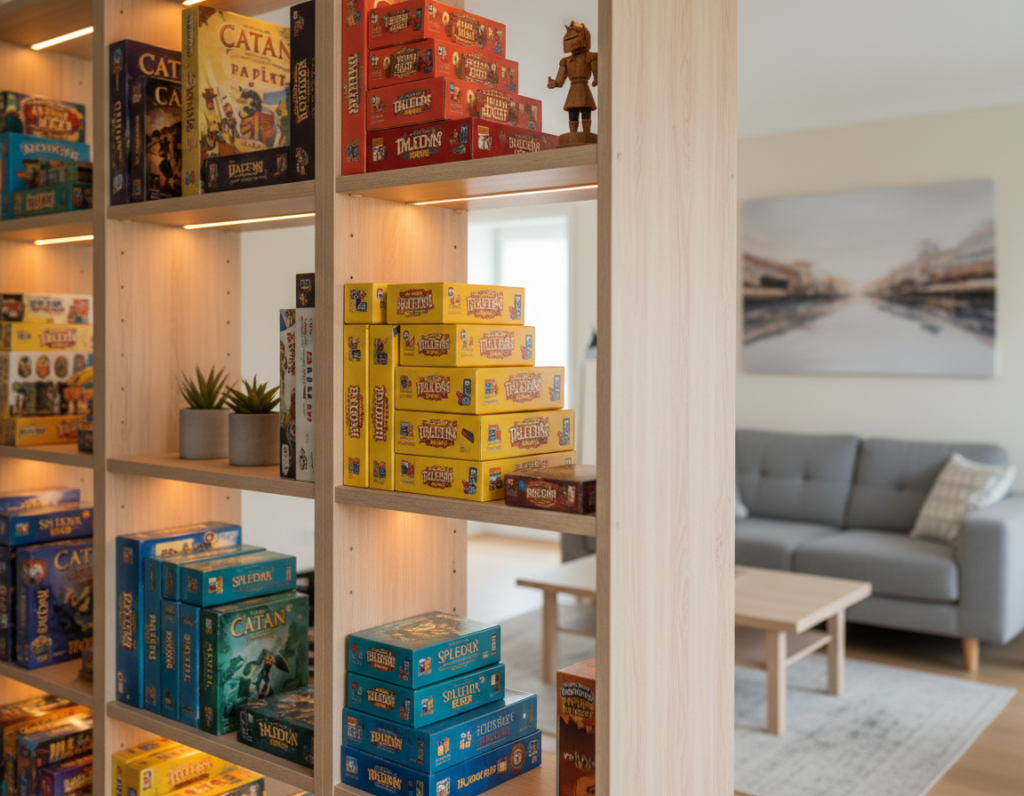
- Use shelves with integrated lighting to highlight collections and boost style.
- Keep controllers and accessories on wall hooks or cubbies to free desk space for monitors.
Adopting vertical storage is one of the most effective room ideas for maximizing a small game room. It increases functionality and makes the space feel larger and more professional.
Poor Placement of Gaming Chairs
A poorly positioned chair can make a generous space feel cramped and awkward. When the chair blocks walkways, the entire gaming room becomes harder to navigate. This breaks the flow during intense gaming sessions and shortens comfort.
Position the chair so it can recline and move freely. Leave a clear zone behind and to the sides for adjustments. That space keeps seating functional and prevents collisions with other furniture.
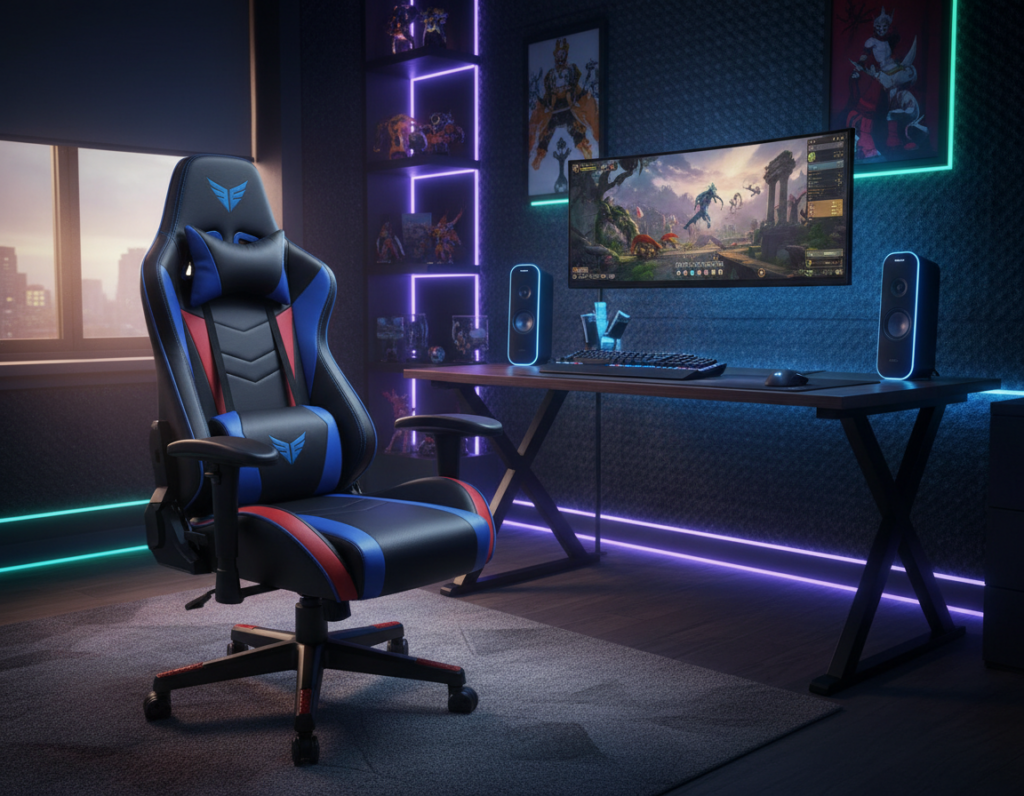
Proper lighting around the seat helps define a dedicated gaming space and improves the user’s experience. A well-lit seating area looks intentional and reduces eye strain during long sessions.
- Keep paths clear so the chair does not block access to shelves or doors.
- Choose tuckaway or folding chairs for small rooms to save floor space.
- Prioritize posture by placing the chair for a clear view of screens and peripherals.
“Pro setups often center on chair position to ensure clear sightlines and easy peripheral access.”
Cluttered Cable Management
Loose cables and power strips scattered across the floor make even a generous space feel cluttered and tight.
Hiding wires removes visual noise from the desk and the wall. That small change opens sightlines and makes the area feel larger.
Hidden cable channels
Use adhesive cable channels and raceways to route power and signal cords along baseboards or behind consoles. They keep cables off the floor and out of view.
Cable management boxes
Cable management boxes collect power strips and excess cable length. They protect connections and create a tidy storage point near a desk or console.
- Conceal chargers and excess cords to reduce trip hazards.
- Label each cord so controllers and devices are easy to reconnect.
- Combine channels with subtle lighting to highlight gear, not cables.
“A tidy desk is the first step to a more inviting game space.”
Ineffective Lighting Strategies
A dim, single-source lamp can make even a large room feel boxed in and uncomfortable. Poor lighting flattens depth and makes the space feel smaller than it is.
Layered lighting unlocks a more dynamic feel. Use ambient LED strips, task lamps, and accent uplights to add depth.
Smart bulbs and color temperature control let them tune the mood for long gaming sessions or focused play. That flexibility keeps the decor and design visible without harsh glare.
- Position strips behind monitors and shelves to create visual separation.
- Task lamps at the desk reduce eye strain and sharpen contrast.
- Use dimmers and zones to avoid one harsh overhead source.
A well-lit space feels larger and more inviting. Designers often use layered elements to define zones and highlight key pieces. Test several setups to find what works best for the room and the user’s gaming experience.
“Good lighting is the quickest way to change how a space reads and performs.”
Misusing Multi-Functional Spaces
Combining a home office and a play area can erode the sense of calm if zones are not clearly defined. Misused multi-functional spaces often leave desks, chairs, and consoles competing for space and attention.
Work and play integration works best when items serve two purposes. Choose a table that doubles as a desk and dining surface. Pick seating that tucks away when not in use.
Work and play integration
Keep cables and accessories organized so transitions are quick. A tidy desk and a designated storage cubby make switching tasks effortless.
Studio apartment hacks
Use foldable options or a lofted bed to free floor space. These solutions create a distinct area for games without overwhelming living spaces.
Bedroom gaming setups
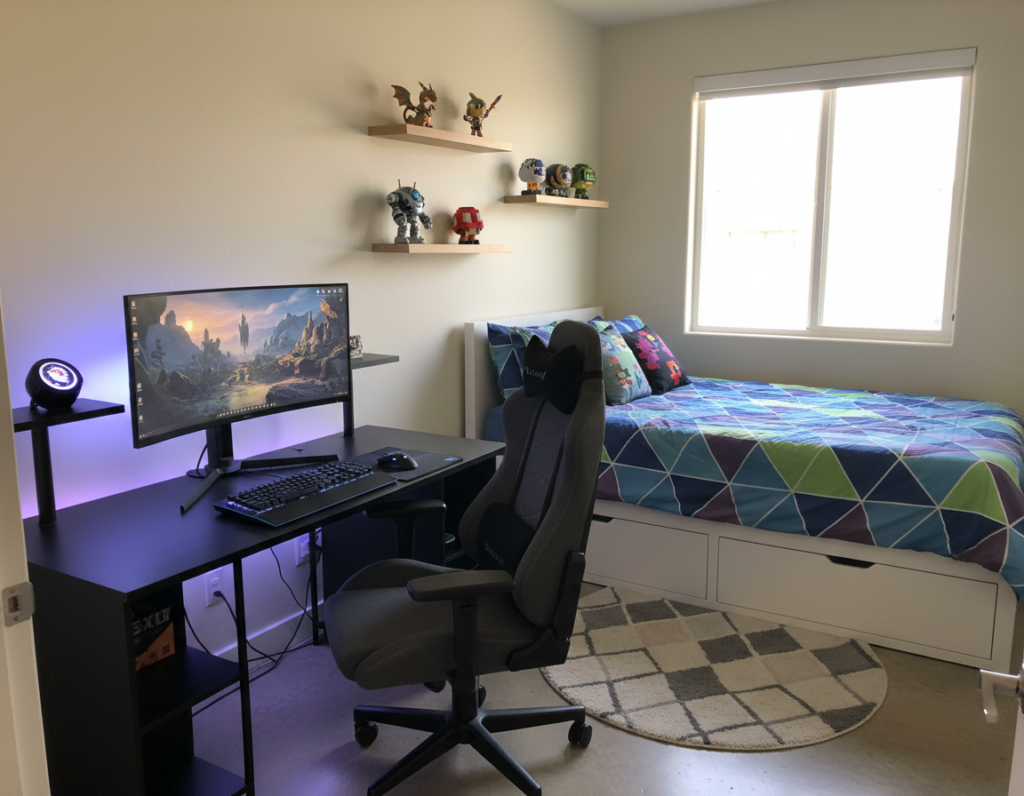
In bedrooms, proper lighting and smart storage make the setup feel intentional. Many find inspiration from staged photos by AronPW and Roberto Nickson on Unsplash for compact, stylish designs.
“A well-planned multi-functional space can improve work-life balance by separating tasks while keeping the home functional.”
- Prioritize dual-function pieces to save space.
- Define zones with lighting and rugs.
- Keep seating and storage accessible for quick changes.
Blocking Natural Traffic Flow
Blocked walkways turn an otherwise open room into a cramped, awkward space for play. Placing a table or other furniture in a main path interrupts movement and shrinks how the area reads.
Always prioritize a clear line from the door to the desk so anyone can move freely through the gaming room. A tidy floor makes the setup feel larger and safer for long sessions at home.
Proper lighting helps define routes when lights are dimmed for a game. Use low-level strips or task lamps to mark walkways and reduce tripping hazards.
Designers recommend keeping primary ways free of equipment. By tucking the desk and storage against walls, the center clears and the game space opens up for guests and quick transitions.
“Keep main walkways free of gear to ensure a smooth and enjoyable gaming experience.”
- Map how you move through the room before you place pieces.
- Keep the floor clear of loose cords and boxes.
- Position seating and tables so they never block the main way.
Overloading Walls with Excessive Decor
Too much wall decoration can make a space feel cluttered and visually overwhelming. An overabundance of shelves, posters, and collectibles draws the eye in many directions. That breaks the sense of scale and reduces the perceived openness.
Curating your display collection
They should pick a few meaningful pieces rather than filling every inch of wall. Curating keeps favorite games and memorabilia visible without crowding the area.
Choose one or two focal items of art or wall art and support them with subtle accents. Proper lighting highlights these pieces and gives the display a gallery-quality feel.
- Limit displays to grouped arrangements that leave negative space.
- Rotate items seasonally to keep the design fresh and intentional.
- Use directional lighting to create depth and reduce visual noise.
“A minimalist approach to decor often helps a gamer stay focused and relaxed.”
Neglecting Ergonomic Comfort
Comfort is the unseen foundation of any successful gaming experience; ignore it and the body pays the price. Neglecting ergonomic comfort causes neck, shoulder, and lower back strain. That shortens how long someone can play without pain.
Investing in high-quality furniture—especially an ergonomic chair—supports posture during long sessions. Many focus on aesthetics but forget that the chair is the most important piece for sustained comfort and peak performance.
Test your chair before buying to be sure it fits your body. Look for adjustable lumbar support, seat depth, and armrests that move. These features keep fatigue low and focus high during intense play.
- Prioritize lumbar support to protect the lower back.
- Choose seating ideas that balance style and comfort.
- Replace worn chairs before they start to cause pain.
“Professional setups are built around the gamer’s comfort.”
By making ergonomics a priority, the space becomes sustainable and enjoyable for years. For more design tips that improve both form and function, see design tips.
Failing to Define Zones in Large Rooms
Expansive rooms risk feeling sparse and chaotic without clear activity zones. Large open space can make it hard to tell where play ends and living begins.
Divide the area into purposeful pockets. Use lighting and decor elements to signal a gaming area, seating cluster, and storage section. Rugs or a table can anchor a seating group and make the place feel intentional.
- Anchor zones with rugs, a low table, or shelving to create cozy spots.
- Layer lighting to separate a play area from a living section at night.
- Add wall art and small decor clusters to give each space scale and interest.
- Use storage as a natural divider—open shelves or cabinets mark boundaries and add function.
A thoughtful room setup uses every inch. By defining zones, the large space becomes a collection of smaller, welcoming areas that enhance the gaming experience and living comfort.
“Professional designers turn open plans into a set of cohesive, functional places.”
Choosing Incompatible Furniture Styles
Mixing eras and finishes can leave a space feeling fractured and visually noisy.
When a modern desk sits beside rustic decor, the result often looks chaotic rather than curated.
They should aim for a coherent approach where each piece supports the chosen style.
Start with one anchor item and build around it. For many, a primary desk defines scale and tone.
Plan purchases so new pieces match the color palette, materials, and level of formality. That keeps sightlines calm and the space feeling larger.
- Tip: Pick three complementary materials (wood, metal, fabric) and stick to them.
- Tip: Use decor sparingly to avoid visual competition.
- Tip: If unsure, neutral tones create a durable base for bolder accents.
“A unified approach makes a small area read as intentional and professional.”
Consistent choices in furniture and decor turn scattered ideas into a cohesive, functional setup. Proper planning prevents mismatched buys and preserves the overall design integrity.
Conclusion
A few deliberate choices can turn a crowded set-up into a calm, efficient sanctuary.
They should focus on scale, storage, and clear sightlines to make the most of the space. Measure carefully, avoid oversized desks, and tame cables to keep areas usable and safe.
Use vertical storage and defined zones to keep equipment tidy and accessible. These steps improve comfort and make the space feel larger without major expense.
As Wicked Brick marks its 7th Birthday, it is a good moment to apply simple changes that elevate daily play. A well-planned space reflects personal style and becomes a true sanctuary for long sessions.