Choosing the right chair means balancing support and a compact design that fits today’s home office. Razer’s Iskur V2 brings 6D adjustable back support that helps maintain posture at many angles.
The Enki line focuses on weight distribution to cut pressure and sitting fatigue. The Fujin series adds a breathable mesh option that improves ventilation during long work and play sessions.
Buyers who want long-term value note Razer’s three-year warranty on Enki and Iskur models and the Iskur V2 X price range near $299.99–$399.99. Those features, plus headrest lumbar support and an adjustable lumbar system, make an ergonomic gaming chair a strong candidate for both game and office use.
Short reviews often highlight seat cushion quality, supportive back contours, and a compact design that suits many furniture layouts. This section will help readers weigh support, price, and design to find the best match.
Why Space Matters in Your Gaming Setup
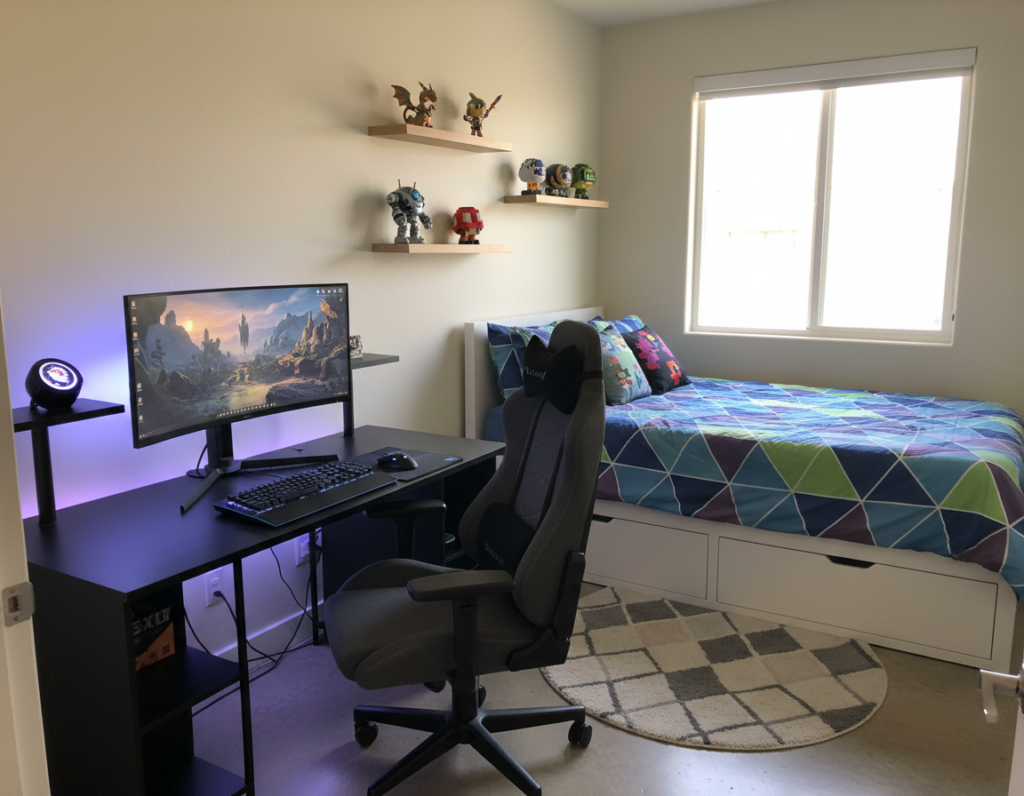
When a setup sits in a compact room, footprint and maneuverability become the main selection drivers. Planning the floor layout first helps ensure the chosen seating does not block walkways or desk access.
Measured dimensions matter as much as specs. A good chair that fits the space lets a user move freely and maintain posture during long sessions.
In bedrooms or shared spaces, low-profile chairs keep the area tidy and preserve decor. Pro players often pick models with a compact base yet strong lumbar support to balance performance and scale.
- Prioritize clearance around the desk and foot space.
- Check caster reach so the chair rolls without hitting furniture.
- Compare seat depth and overall width to the room layout.
Tip: Treat physical dimensions as critical specs. When space is limited, those numbers decide whether a setup feels open or cramped.
Finding the Ideal Comfortable Gaming Chair for Small Rooms
Start by mapping the clear floor area around your desk so the seat won’t block walkways. Measure front-to-back clearance and side-to-side width. Note how much room the casters need when the user reclines or swivels.
Measuring Your Available Floor Space
Measure from the desk edge to the nearest obstruction. Check the desk height and leg clearance. Verify that the seat height adjusts to match the desktop height for proper posture.
Selecting a Compact Footprint
Prioritize models with a reduced base so the room feels open and furniture flows well. The Razer Iskur V2 X is a good example of a compact footprint that still supports long sessions.
- Confirm dimensions so the seat fits under the desk.
- Compare overall floor footprint to avoid blocking paths.
- Balance price and reviews to find the best gaming chair without sacrificing office use.
Tip: For design ideas and setup tips, consult this user engagement guide to optimize layout and product choice.
Evaluating Ergonomic Support for Long Sessions
Evaluating how a seat supports the spine is essential when hunting for long-session ergonomic gear. The Razer Iskur V2 stands out with 6D adjustable back support that lets users fine-tune alignment across the back and lumbar.
The Enki models use optimized weight distribution to reduce pressure and keep focus through a full day of work or gaming. Those design choices impact both immediate comfort and long-term posture health.
What to look for:
- Integrated headrest lumbar support that adapts to individual spinal curves.
- Consistent back support to cut fatigue during extended computer sessions.
- Adjustable components—seat height, tilt, and lumbar—so the investment beats the price over years of use.
Many reviews point out that the best gaming chair and ergonomic office chair options combine modular adjustments with durable materials. For buyers comparing office chairs and gaming chairs, prioritize models that balance support and price while addressing daily posture needs.
The Role of Adjustable Armrests in Tight Spaces
Adjustable armrests let a desk-side seat tuck away neatly, saving floor space and clearing walking paths. This simple feature often determines whether a chair fits under a desk or creates clutter.
Maximizing Desk Clearance
Height and width adjustments let a user lower the arms so the seat slides fully beneath the desk. That frees the floor and keeps the workspace tidy.
An office chair adjustable in both height and arm position helps keep the shoulders relaxed while working at a computer. Flexible arms also support varied tasks, from typing to mouse work.
- Slide-away arms: allow the seat to stow under a desk when not in use.
- 4D armrests: offer the best range for arm support during long sessions.
- Adjustable height: ensures the arms align with the desk edge and the user’s seat height.
- Price vs. function: a higher price often buys more armrest travel and better space savings.
Choosing a computer desk chair with well-tuned armrests improves posture and makes compact setups work. Buyers should test arm movement to confirm clearance and support meet daily needs.
Material Choices for Breathability and Comfort
Picking the right fabric affects airflow, durability, and the overall user experience. This matters when sessions run long and the room heats up.
The Razer Fujin line uses a mesh material that helps players stay cool and maintain comfort during extended use. Compared to leather or dense upholstery, breathable fabric reduces heat buildup and sweat.
What to weigh when selecting coverings:
- Breathability — mesh and open-weave fabrics move air better.
- Durability — higher-priced fabrics often resist wear and stains longer.
- Aesthetic design — modern fabrics balance looks with function.
- Overall comfort — fabrics that wick moisture improve long-session feel.
In short, material choice influences price and long-term value. Buyers should match fabric type to climate and intended use to get the best balance between support and style for their chair and gaming setup.
Assessing Lumbar Support and Back Health
Targeted lumbar engineering reduces strain and helps maintain neutral spine alignment. Buyers should compare integrated systems and adjustable posture features to protect the lower back during long work or play sessions.
Integrated Lumbar Systems
Integrated lumbar support is common in leading models like the Razer Enki and Fujin lines. These designs place a supportive structure where the spine needs it most.
That built-in support helps keep the lumbar curve stable and reduces the need for external cushions. Many reviews note that this feature is a top reason people choose a higher-priced ergonomic gaming chair.
Adjustable Posture Support
An adjustable lumbar system, such as the Iskur V2’s 6D back support, lets users fine-tune pressure along the lower back. This improves posture and lowers fatigue during long computer sessions.
- Customizable support adapts to different body shapes.
- Pairing adjustable arms with lumbar settings enhances overall fit.
- Investing in strong support often pays off in long-term back health and lower maintenance costs.
Balancing Aesthetics with Functional Design
Selecting a seat that doubles as quality furniture makes a workspace feel intentional and refined. A modern design should complement décor while keeping ergonomic features within reach.
Buyers should weigh visible style against hidden function. A well-made chair can include cable routing, tuck-away armrests, and subtle lumbar controls that keep the room tidy.
Price matters, but value comes from lasting materials and usable features. When comparing models, inspect finish, build quality, and how the design integrates into the rest of the room.
- Match style: pick tones and lines that echo existing furniture.
- Keep it useful: favor features that simplify the setup without adding bulk.
- Consider price: balance aesthetic fit with long-term ergonomics.
Thoughtful choices turn seating into a cohesive element of a gaming setup. The right mix of design and function elevates both look and daily use.
Understanding Weight Distribution and Seat Cushioning
How a seat spreads load across the padding determines how long a person can sit without strain. Proper weight distribution across the cushion is vital to lasting support during a long day of work or gaming.
Razer’s Enki line targets even pressure across the seat to reduce hot spots and sitting fatigue. A high-quality gaming chair uses layered foam or hybrid materials to keep weight balanced and to protect the lower back.
Good seating design pairs a resilient cushion with targeted lumbar support. This preserves posture and cuts the need to shift constantly during extended sessions.
- Look for foam that regains shape and spreads weight evenly.
- Test how the seat handles heavier and lighter loads to match body type.
- Consider materials that resist sagging to extend lifespan and value versus price.
Investing in better weight distribution and a quality cushion prevents fatigue and makes any office chair or gaming setup easier to use all day.
The Benefits of Mesh Designs for Compact Areas
Open-weave designs move air across the back and seat, reducing heat build-up in tight layouts. This makes them well suited to compact setups that need both breathability and durable support.
Ventilation Benefits
Mesh seating allows continuous airflow. That keeps the back and seat cooler during long sessions.
Razer’s Fujin line shows how mesh chairs deliver ventilation without adding bulk to a floor plan.
- Mesh panels let heat escape, lowering sweat and distraction.
- The flexible weave conforms to the back while offering firm support.
- Integrated lumbar support pairs breathability with posture care.
- In tight spaces, a mesh design improves airflow without increasing the chair footprint.
- Many reviews note that the added ventilation justifies the price when comfort and cooling matter.
Practical tip: choose a mesh gaming chair that balances airflow, lumbar support, and seat durability to get the best value from a compact setup.
Integrating Massage Features into Your Setup
Adding targeted massage options to a desk seat can turn long sessions into active recovery periods. The Razer Freyja is a dedicated accessory that brings advanced massage modes to an ergonomic gaming chair.
Why it matters: massage functions reduce muscle tension after a long day and improve circulation. This helps users stay alert and recover between sessions of work and play.
Practical benefits include targeted rollers and vibration that focus on the lumbar and upper back. When paired with headrest lumbar support and adjustable lumbar support, the overall support system becomes more effective.
- Reduced stiffness: targeted massage eases tight muscles.
- Better circulation: improves blood flow during long sits.
- Versatile use: useful in both an office and a play setup.
Investing in chairs or accessories with built-in massage features enhances daily comfort and elevates the user experience. For those seeking an ergonomic gaming upgrade, massage tech is a worthwhile feature to consider.
Comparing Racing Styles Versus Minimalist Profiles
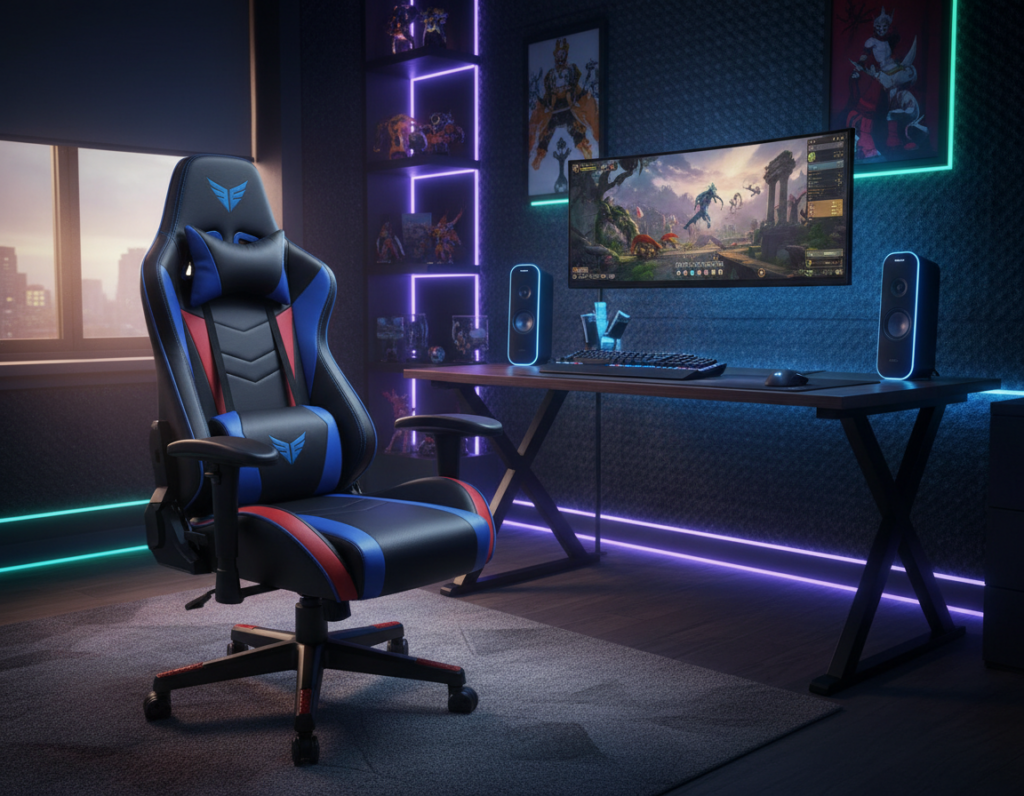
Racing silhouettes lean on a bucket-seat layout that locks the hips and torso during fast inputs. This design gives strong lateral hold and a bold aesthetic that many prefer during intense play.
By contrast, a minimalist profile pares down trim and lines. It presents a subtler look that fits an office or living space and still supports steady posture with targeted lumbar support.
When choosing between the two, consider how the seat will be used. Racing-style models trade some subtlety for aggressive support and visible flair. Minimalist seats emphasize versatility and a cleaner footprint.
- Racing: excellent lateral support, pronounced headrest and firm back.
- Minimalist: blends with decor, easier to pair with an office chair setup.
- Range: many manufacturers offer both options so buyers can match look to function.
Many reviews note the best pick depends on whether the user prioritizes racing-style hold or minimalist comfort and utility. For a broader comparison of top picks, see the best gaming chairs.
Essential Accessories to Enhance Your Experience
A few well-chosen add-ons will upgrade both support and the overall desk experience. Accessories let users tailor head, lumbar, and seating height without replacing the main seat.
Headrest Additions
High-quality headrests provide extra neck support and reduce strain during long sessions. They attach to most frames and adjust in height and angle.
Tip: choose a padded headrest with breathable fabric and easy height controls to match desk height.
Specialized Cushions
Memory-foam or gel cushions improve seat pressure distribution and lumbar support. A targeted lumbar cushion can transform a standard seat into a supportive option.
- Use a seat cushion to raise or lower hip alignment.
- Pick a lumbar pad that secures to the backrest for steady support.
- Replaceable covers make maintenance easier and extend value.
Cable Management Solutions
Effective cable routing keeps the desk tidy and prevents cords from catching on arms or casters. Simple clips, trays, and sleeves clear pathways and protect movement.
Outcome: fewer snags, cleaner design, and a better overall experience with your computer desk setup.
Warranty and Long Term Value Considerations
A clear warranty length helps buyers compare true value across models.
Razer’s Enki and Iskur lines include a three-year warranty while Fujin models offer up to five years of coverage.
Extended protection such as the Iskur V2 program reduces ownership risk and can offset a higher price at purchase.
Many reviews point out that multi-year coverage is a reliable indicator of durable design and quality materials. This matters when an office chair will see daily use during long work days.
- Warranty as value: longer coverage often signals better build and lasting lumbar support.
- Price comparison: weigh the warranty term against the initial price to find the best range.
- Durability: an office chair adjustable for long-term use should have parts covered by the manufacturer.
Bottom line: investing in a trusted ergonomic office chair or an ergonomic gaming chair with solid warranty backing provides peace of mind. It protects the support and furniture investment across years of daily use.
Conclusion
A practical pick pairs targeted lumbar engineering with a size and style that complements the workspace. Buyers should prioritize adjustable lumbar support and high-quality seat cushioning to protect posture during long hours of work.
Read professional reviews to compare long-term value, warranty coverage, and real-world feel. Balance price against materials and build so the final selection serves as both useful furniture and a durable investment.
The right chair will blend smart design with function. An office chair adjustable to the user’s needs or an ergonomic office chair option can improve productivity. Choosing the best gaming chair or a reliable computer desk chair is a practical step toward better posture and sustained performance.