Designing a polished gaming setup takes more than flashy colors. It demands intent, balance, and a clear plan so the aesthetic feels refined rather than overpowering.
Many creators use advanced AI tools that offer over 20 creative styles to preview a layout before they buy gear. This helps them test subtle light mixes and refine a practical setup for both play and production.
Balanced lighting supports long streaming sessions and high-quality video content without distracting viewers. A tidy desk and smart equipment placement make the space feel professional and versatile.
For those building a brand, the right approach merges form and function. Readers can also explore methods to boost engagement in a related guide on crafting memorable tech experiences.
Mastering Color Theory for a Purple Blue RGB Gaming Room
Color theory shapes mood and function in any tech-heavy design, especially for a modern setup.
Understanding Color Saturation
Color saturation controls how vivid light appears. High saturation can energize a setup but also tire the eyes during long sessions.
Designers recommend pairing saturated neon accents with muted base tones. This prevents visual fatigue and keeps the space professional.
Balancing Cool Tones
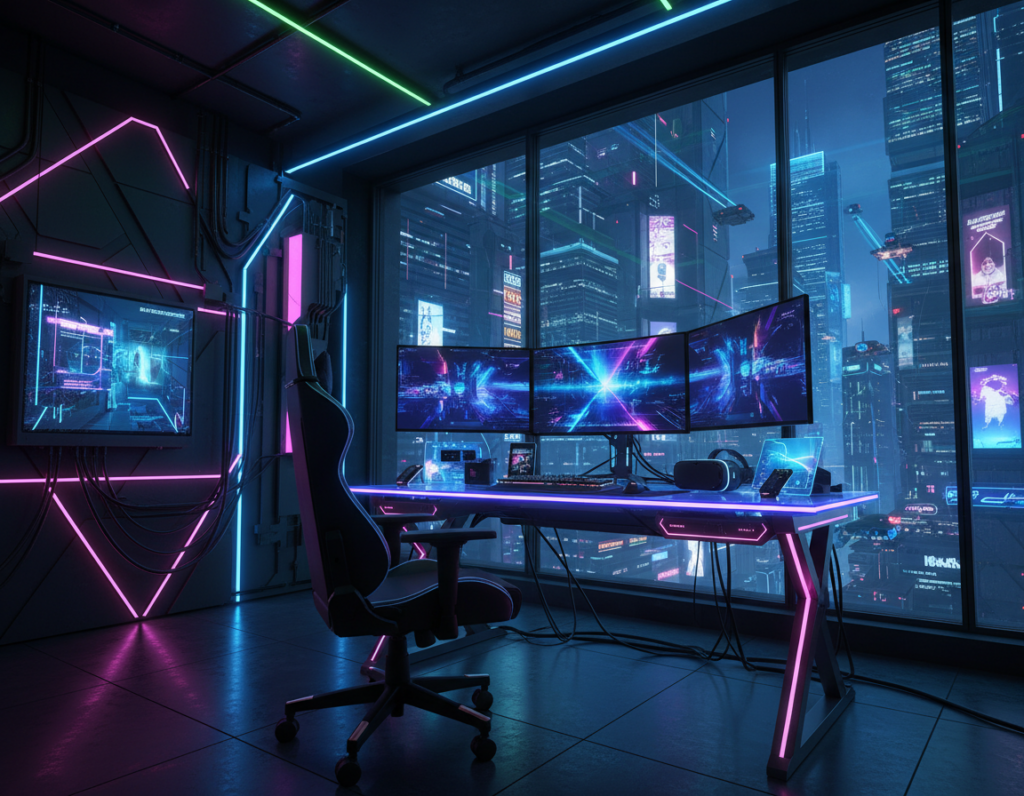
Cool palettes, like synthwave and Cyberpunk styles, add a hint of mystery while supporting clear contrast for video capture.
They should be used sparingly alongside a limited palette so the setup reads as intentional rather than chaotic.
- Pick two dominant hues and one accent to maintain cohesion.
- Mix neon highlights with matte surfaces to control reflections.
- Test light levels in actual play scenarios before finalizing the design.
For a deeper color theory primer, consult a reputable design guide to refine choices for a refined gaming setup.
Selecting Hardware and Lighting Components
Choosing hardware and lighting starts with a clear goal: blend performance with a calm, controlled aesthetic. Monitors and peripherals should complement the overall look while supporting long sessions and crisp video capture.
High-quality LED strips add depth and let users control intensity for subtle effects. Pick strips that support precise color zones and easy syncing with the computer and other lights.
When building the computer station, prioritize components that handle streaming and play. The right choice makes integration with existing lights seamless and keeps latency low for video work.
- Cable management: route power and data to keep the area tidy and focused.
- Ergonomics: position monitors and peripherals for comfort and visual balance.
- Smart control: add routines so a single command shifts ambiance for privacy or a live stream.
For product ideas and layouts that simplify this process, see a detailed guide to an optimized gaming setup.
Strategic Placement for Balanced Visual Depth
Strategic gear placement blends function with depth to make a compact setup feel purposeful. A clear plan helps every element support both video work and long sessions.
Creating Ambient Layers
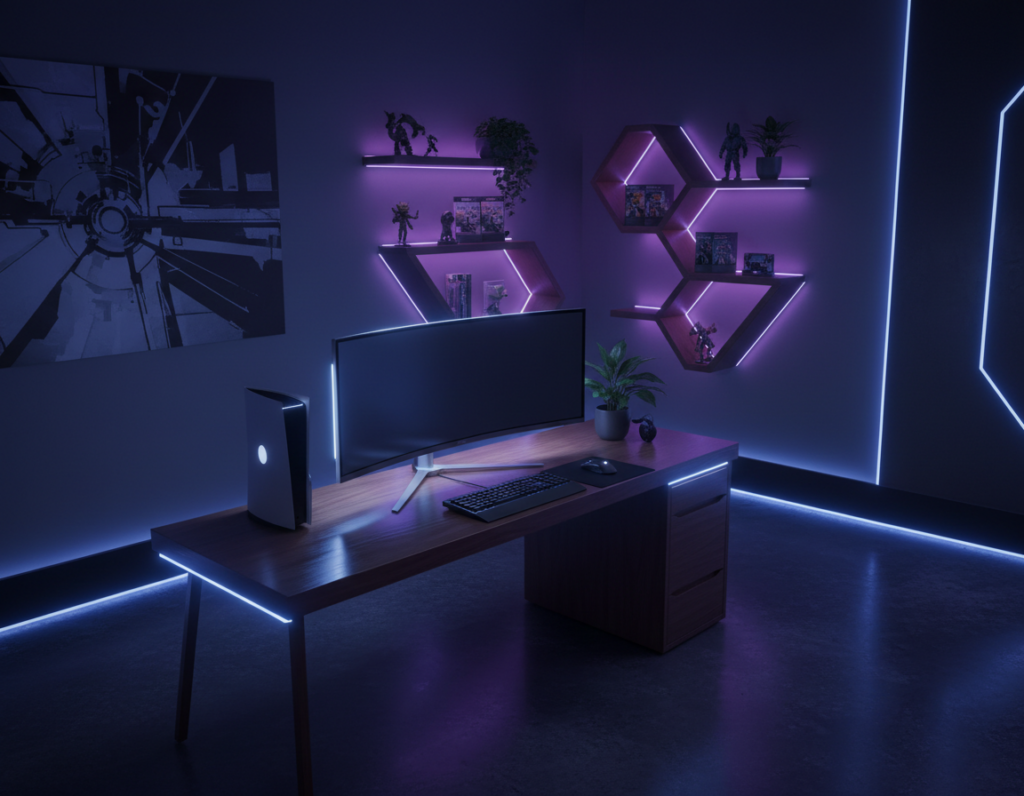
Layering light sources adds visual depth. Soft rgb strips behind monitors pair with neon accents to separate foreground from background.
Tip: use three layers—task, ambient, and accent—so the space moves from bright work mode to moody play mode smoothly.
Balancing Cool Tones
Place monitors at eye level to improve ergonomics and keep peripherals within easy reach. This preserves sightlines for cameras and reduces glare from lights.
- Calibrate color temperature across sources to avoid harsh contrasts.
- Position accent strips to create a sense of mystery while keeping enough privacy for focused work.
- Test arrangements during real sessions to confirm balance and comfort.
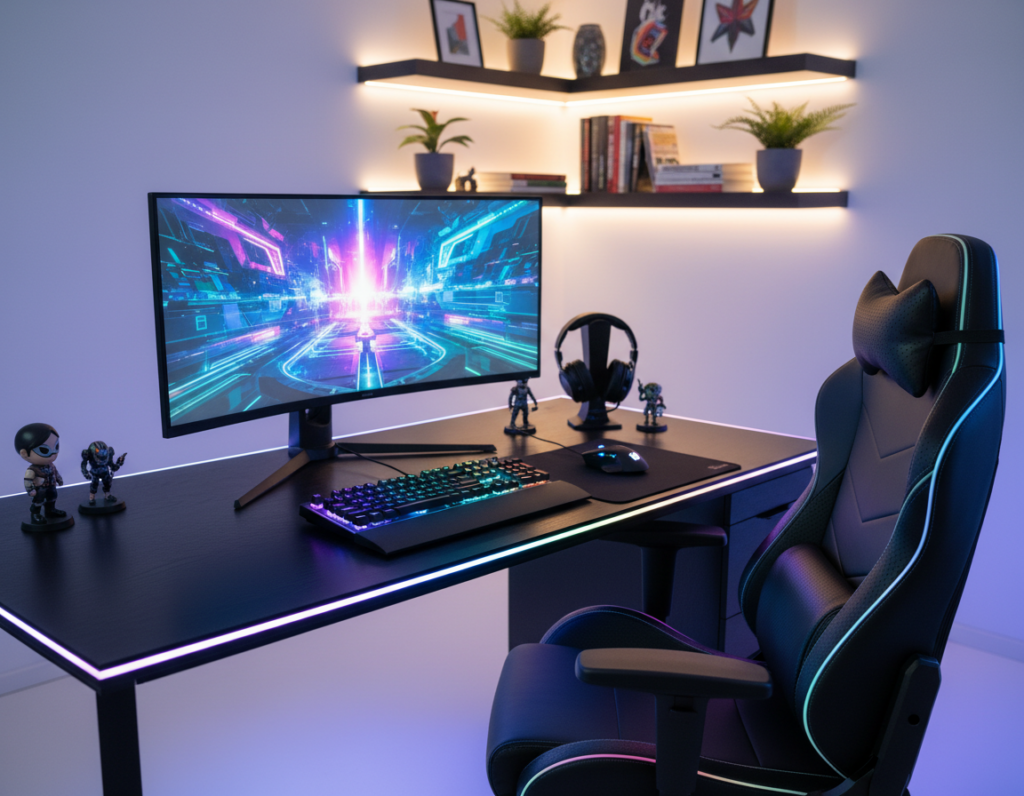
Result: a refined gaming setup that feels spacious, controlled, and true to a subtle cyberpunk aesthetic without overpowering the user.
Conclusion: Achieving a Refined Gaming Environment
The right balance of light, gear placement, and component choice makes a setup perform and look refined. Small, deliberate moves in lighting and layout deliver a clean, practical design that works on camera and off.
Using an AI interior design generator helps users preview a room and test choices before they buy hardware. This reduces surprises and speeds decision-making for the modern computer station.
Result: a balanced environment improves video quality, boosts streaming comfort, and supports better content creation for an audience.
Final choices should reflect personal style while meeting functional needs. With simple maintenance, anyone can keep their space productive and enjoyable for years.