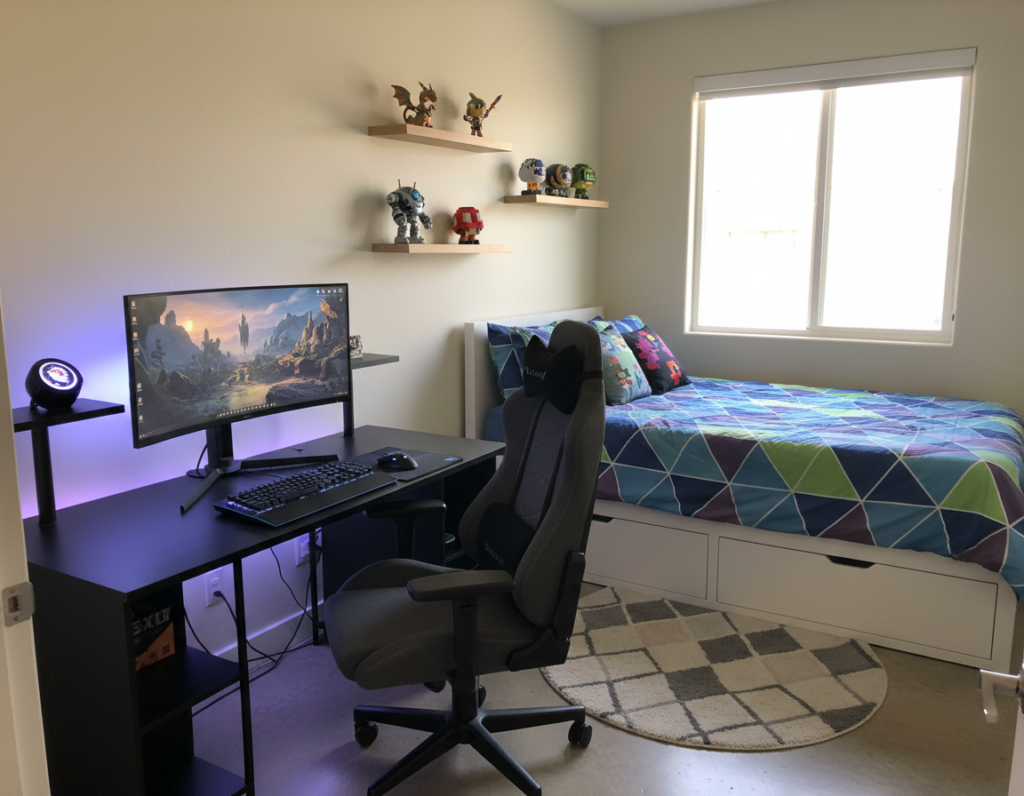
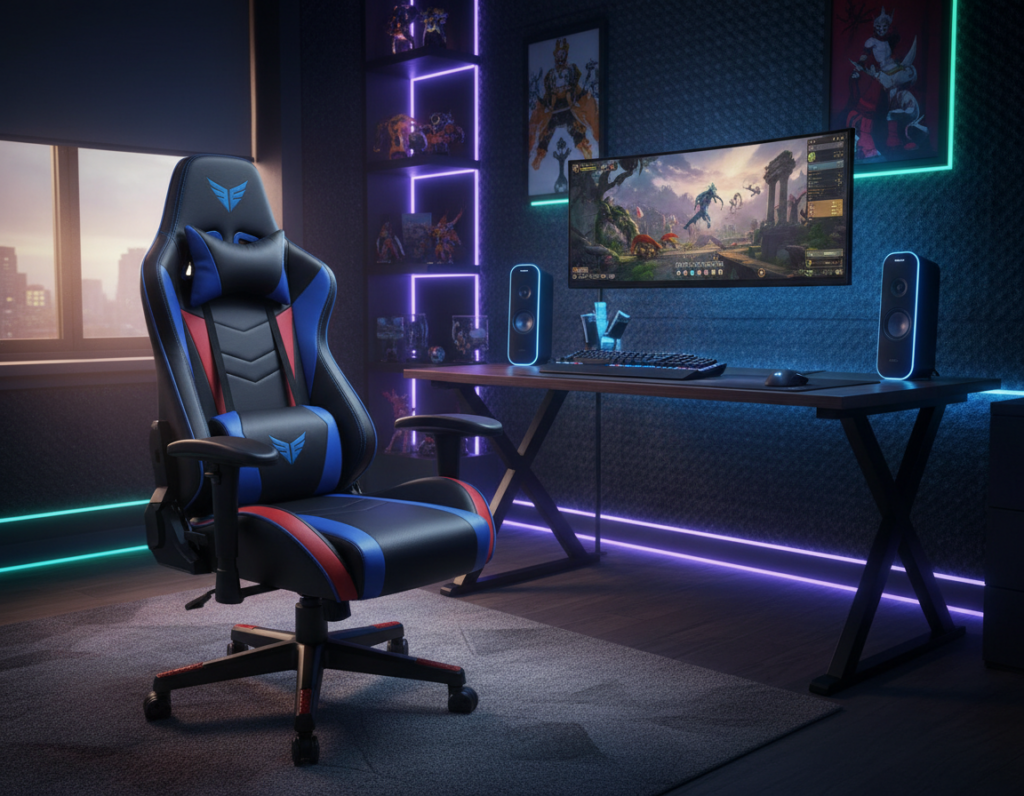
Players and professionals need a reliable surface that supports long hours and fast reactions. A well-chosen adjustable gaming desk helps maintain posture and reduce strain during intense sessions. It also gives a sturdy frame and enough weight capacity to hold heavy monitors, keyboards, and other peripherals.
Modern standing options let users change height with ease. This lets them alternate between sitting and standing to protect posture and stay alert throughout the day.
Space and cable management matter as much as design. A wide desktop measured in inches fits multiple monitors and a full rig. Good cable management keeps the surface clear and improves focus.
Choosing the right size, shape, and features saves time on shipping and assembly. The best gaming desks blend comfort, stability, and accessories so gamers can perform at their peak for many hours.
The Impact of Ergonomics on Gaming Performance
Sustained performance depends on the way a workstation supports the spine and arms. Proper support reduces wear on muscles and keeps attention steady during long sessions. Players who ignore ergonomics often lose sharpness after only a few hours.
Posture and Fatigue
Maintaining a neutral posture is essential for professionals who spend long hours at their desk. Neutral alignment cuts strain on the back and neck. This reduces the aches that interrupt play and work.
Ergonomic support for the arms and lumbar region helps the body recover between matches. Small changes in height or angle preserve endurance for marathon sessions.
Focus and Reaction Time
Physical comfort links directly to reaction speed. When the arms rest at the right angle, movements are quicker and less error-prone.
- Correct height and support keep muscles relaxed throughout the day.
- Reduced fatigue preserves focus at critical moments.
- Consistent comfort improves overall experience during long sessions.
Essential Features for an Adjustable Gaming Desk Setup
Key features determine whether a workstation supports lengthy play and focused work. Look for a programmable keypad so users can save preferred height positions for quick transitions during a session.
The best gaming desks use a durable desktop that handles the weight of multiple monitors and heavy peripherals. Consider surface area in inches to ensure enough space for a full keyboard and mouse.
- Stability and weight capacity: A rigid frame keeps monitors steady during intense moments.
- Cable management: Integrated trays or channels hide cords and reduce clutter for a clean look.
- Useful accessories: Headphone hooks, cup holders, and mounted trays increase daily utility.
Many standing desk options include free shipping and long warranties, which help protect the purchase. Choosing the right size and design ensures the setup fits the intended gaming area and keeps equipment secure.
Evaluating Frame Stability and Weight Capacity
A rigid frame keeps equipment steady during intense play and long workdays. The frame is the first place to check when assessing a new product. Stability protects monitors, mouse, and other peripherals from wobble and drift.
Reinforced Steel and Z-Shaped Frames
Reinforced steel legs are common in top-tier models. For example, the GTPlayer DTS338 uses steel legs that deliver a wide height range and a smooth lift. That helps keep a monitor and mouse steady during fast movements.
High-capacity options like UPLIFT Desk promise lift ratings near 355 pounds. That capacity makes a standing desk ideal for heavy rigs and multiple monitors.
- Choose a heavy-duty frame to reduce wobble and extend longevity.
- Z-shaped frames offer strong weight distribution without bulky support beams.
- Smooth, quiet height mechanisms preserve frame integrity over time.
Durable desktop material plus trusted shipping and build quality complete the picture. Investing in a high-weight-capacity product ensures the best gaming desks remain stable as hardware grows.
Choosing the Right Surface Area for Multiple Monitors
A large surface area gives players freedom to arrange monitors, mouse pads, and streaming gear without crowding. Measuring the available space in inches helps ensure the monitor and mouse both fit comfortably.
Corner models can maximize usable area in small rooms. They let users place multiple monitors at natural viewing angles while keeping peripherals within reach.
Effective cable management keeps the desktop clear and prevents cords from creating a tangled mess behind screens. Good management improves both looks and function.
- Choose a gaming desk with enough depth for a large mouse pad and proper viewing distance for each monitor.
- Plan layout so the primary monitor sits centered and secondary monitors flank it at a comfortable angle.
- Use the full surface to separate work and play zones while keeping cables and power centralized for easier management.
Picking the right size supports performance and keeps the area tidy. A thoughtful desktop plan makes multi-monitor use more efficient and enjoyable.
Benefits of Height Adjustable Standing Desks
Being able to change desk height quickly helps protect the back and maintain focus. A height adjustable standing desk lets users alternate between sitting and standing to reduce strain during long sessions.
Memory Presets for Quick Transitions
Programmable presets—like the GTPlayer GTZ-210-RGB-V—save preferred desk height positions. With one button, players and professionals return to the ideal desk height for their monitor and arms.
Reducing Back Strain
Switching posture every hour eases pressure on the spine and lowers fatigue. Proper desk height keeps the shoulders relaxed and wrists neutral for better control of the mouse.
“Alternating between sitting and standing preserved comfort and kept reaction times sharp during extended play.”
- Smooth height controls support precise positioning and weight stability.
- Many models include cable management trays and useful accessories.
- Fast shipping and reliable mechanisms make standing desk options easy to adopt.
Optimizing Your Space with Corner and L-Shaped Designs
L-shaped layouts make the most of corner space and widen usable surface area for heavy rigs and multiple monitors. They give a continuous surface that separates work and play without wasting floor area.
Teams like MrBeast Gaming choose L-shaped models from UPLIFT Desk for stability and flexible positioning. That real-world use shows how a solid design supports long sessions.
Measure your room in inches before buying. Accurate measurements ensure the corner unit fits and leaves room to move. A proper fit also improves cable management and airflow around hardware.
- Large surface area: Room for multiple monitors, keyboard, and peripherals.
- Space saving: Corner placement frees up floor space for seating or storage.
- Sturdy support: L-shaped standing desk designs hold heavy rigs and keep monitors steady.
Choosing the right design transforms a cramped zone into an efficient, comfortable area for long hours of play and work.
Integrating Cable Management and Peripheral Storage
Built-in routing and storage transform cluttered stations into efficient work and play areas.
Clean cable runs keep power and data lines organized so the mouse and other peripherals stay tangle-free during long sessions. Good routing also protects connectors and simplifies maintenance.
Built-in Hooks and Trays
Many standing models include hooks for headsets and trays for power bricks and surge protectors. These simple features clear the surface and free up space for monitors and a full keyboard.
Choose a product with sufficient weight capacity so trays and accessories do not sag. Properly mounted trays improve airflow under the desktop and hide clutter from view.
- Integrated trays: hide power strips and reduce visible cable runs.
- Accessory hooks: keep controllers and headsets within reach.
- Neat routing: prevents cable strain and eases swaps between sessions.
Investing in desks with smart cable management features makes the gaming setup neater and more reliable. It also helps users focus by removing distractions and preserving a professional look.
Aesthetic Considerations for Modern Gaming Rigs
A sleek surface can define the look and feel of a modern rig while keeping tools close at hand. The DH006’s carbon fiber texture desktop brings a refined, technical finish that suits many rooms. It pairs well with minimal furniture and LED accents to create a cohesive visual focus.
They often prefer a standing option with clean lines to maintain a professional, uncluttered space. Size in inches matters; choose a surface that fits intended gear without crowding the mouse or keyboard.
Effective cable management is essential. Hiding wires keeps the rig as the room’s centerpiece and protects connectors during long sessions. Small storage and built-in routing keep the desktop tidy and functional.
- Material: Carbon fiber textures elevate the look without extra bulk.
- Color and finish: Choose tones that match room decor for a polished result.
- Lighting: Subtle LEDs add flair and improve visibility without distraction.
For more styling ideas and placement tips, see this design guide that highlights practical choices and visual strategies.
Assessing Build Quality and Material Durability
Long-term reliability depends on materials, mechanisms, and the warranty behind them.
Look for solid frames and dependable height mechanisms. A sturdy frame resists wobble as heights change, and smooth lifts protect electronics from sudden shifts.
Warranty and shipping signal confidence. For example, UPLIFT Desk backs many standing desk models with a 15-year warranty, which shows serious faith in build quality.
- Choose surfaces that withstand heavy weight and daily wear.
- Prefer stable mechanisms that hold a set desk height under load.
- Fast shipping and a solid warranty reduce the risk of early defects.
Maintenance and management extend lifespan. Regular cleaning and proper care of moving parts keep desks working smoothly for years.
Ultimately, investing in the best gaming desks means checking materials, testing lifts, and confirming warranty terms before purchase.
Conclusion
The right surface becomes a quiet partner that supports long sessions and fast reactions.
They find that prioritizing ergonomics and stability improves the play and work experience across every day. A quality standing solution helps reduce fatigue over time and keeps focus during long game sessions.
When gamers choose a reliable platform, the entire gaming setup performs better and lasts longer. For practical tips on arranging equipment and posture, consult this gaming setup guide.
Invest wisely—the right features and build quality turn a purchase into a long-term advantage that enhances every game and session.