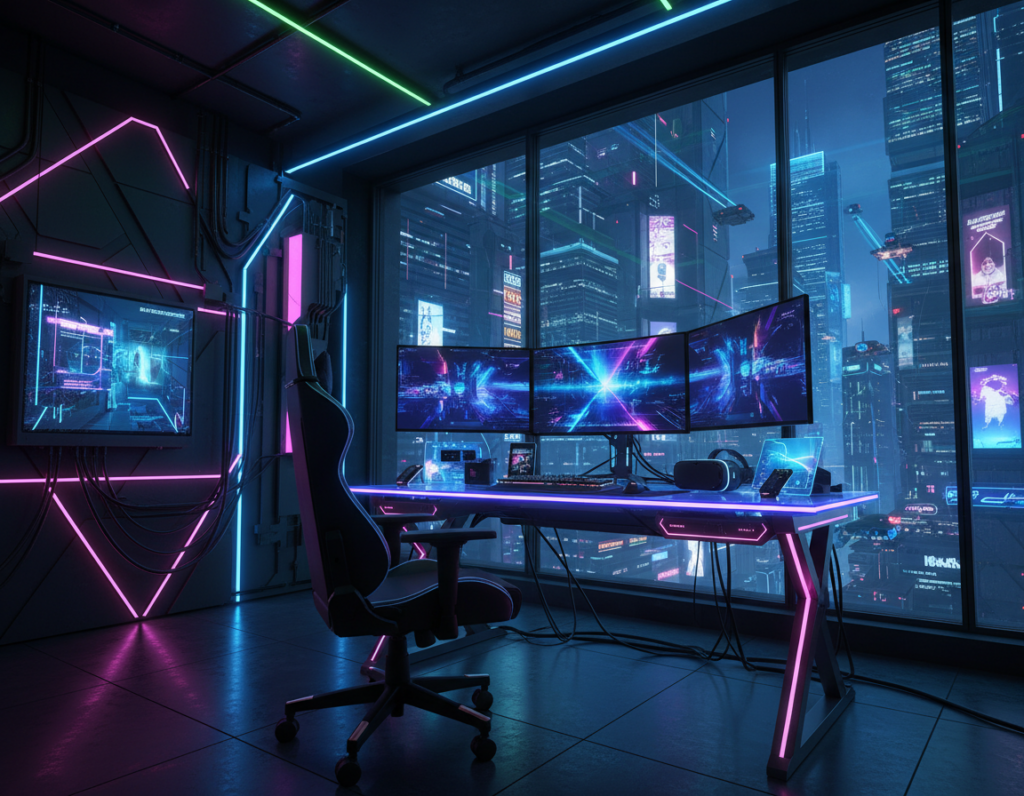
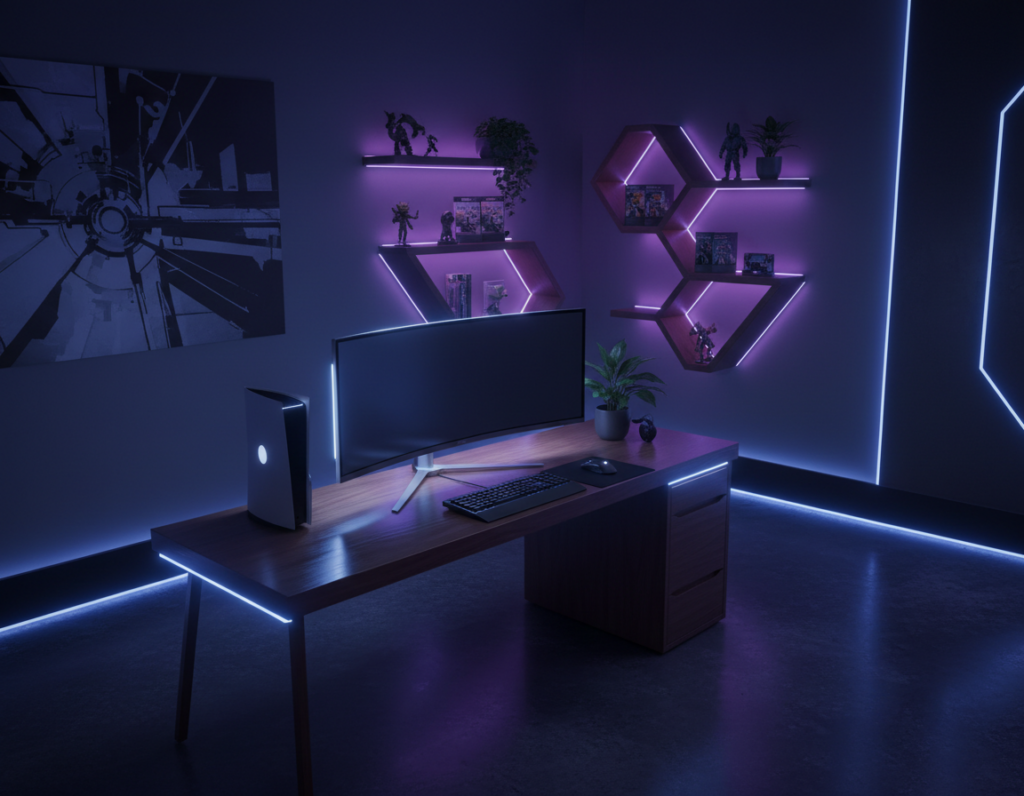
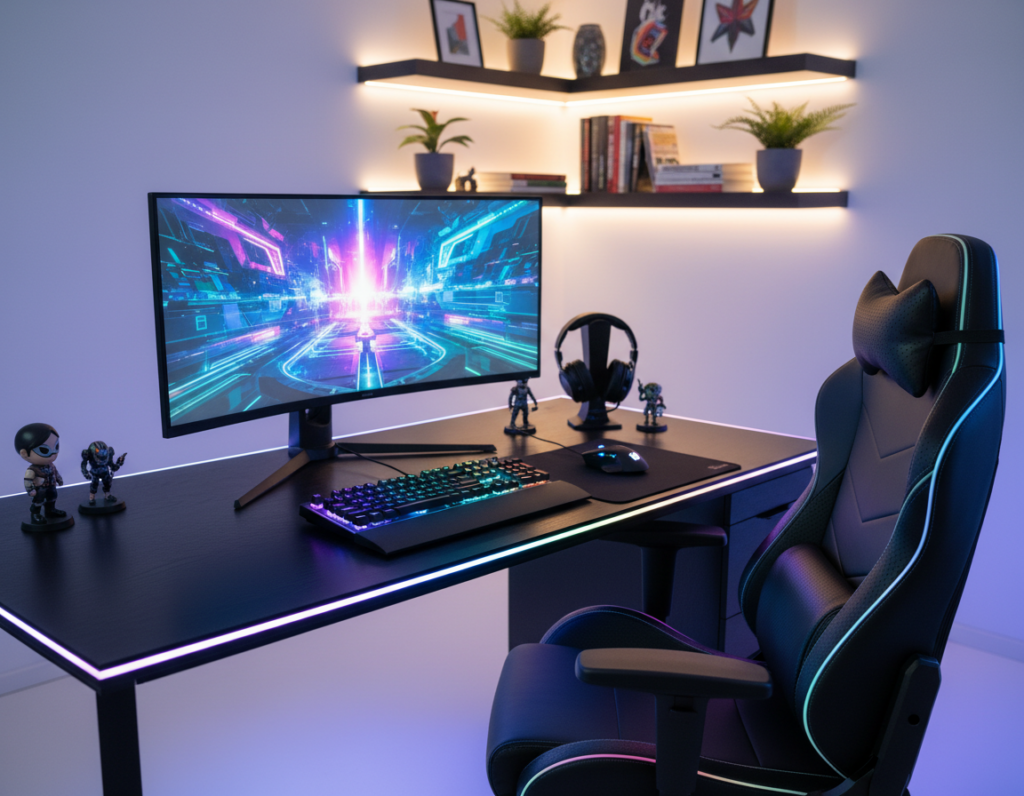
He learned how subtle lighting choices change focus and mood in a dedicated space. Brands like Corsair and Govee made it easy to control LED strips and set colors that fit each game or task.
Lighting can sharpen reaction time in intense matches and soften glare during long work sessions.
The process began with the desk area. He placed strips behind the monitor and under shelves to reduce eye strain. Then he matched color tones to genres: cool tones for strategy, warm tones for casual play.
A well-planned setup blends performance and style. The right lights improve comfort and the overall experience of games and productivity.
By testing patterns and adjusting brightness, he crafted a gaming room vibe that adapts to every session. Small tweaks made a big difference in focus and atmosphere.
Key takeaways: Use quality LED strips from known brands. Match color and brightness to the task. Small changes boost focus and mood.
The Benefits of a Custom RGB Gaming Room
Controlling light and color turns a simple desk into a purposeful space. He can match tones to the task and tune brightness for long sessions.
Dual 27-inch monitors boost immersion in a serious gaming setup. They expand the field of view and make multitasking during streams or work smoother.
The right led strips behind the desk produce a floating effect that defines the room and lifts the overall ambiance.
“A dedicated area that balances function and atmosphere helps maintain focus across marathon plays and late work nights.”
- Control your environment: tailor lights to mood and reduce distractions.
- Immersive display: dual monitors enhance the visual experience for any game.
- Floating effect: strip lights add depth and improve the setup’s aesthetic.
- Consistent comfort: steady lighting helps sustain concentration during long sessions.
Planning Your Ideal Gaming Space Layout
He sketched the floor plan first, making sure one clear rule guided every choice: leave at least one meter between furniture for easy movement.
Ergonomic considerations start with the desk and chair. He checked reach and sight lines so the monitor sits at eye level. A good setup reduces strain and keeps focus during long play or work sessions.
Ergonomic Considerations
- Keep one meter between the desk and nearby furniture to allow free movement.
- Choose a chair that supports posture and pairs well with the desk height.
- List all lights, lamps, and accessories to confirm everything fits the floor plan.
Defining Your Aesthetic Theme
He picked a consistent palette and then layered lighting to match. Accent panels and wall art framed the display, while LED strips and subtle lights set the mood before each game.
Tip: blend practical design with style to create a cohesive setup that improves comfort and overall experience.
Essential Lighting Categories for Your Setup
First, he separated lights by purpose to avoid one-size-fits-all illumination.
Task lighting focuses on the desk and display. Proper task light keeps the monitor clear and reduces eye strain during long sessions.
Ambient lighting fills the rest of the space and builds atmosphere. Balanced ambient lighting prevents harsh contrasts that cause eye fatigue.
Differentiating Task and Ambient Lighting
For bias lighting, he used a strip behind the 34-inch monitor set to 6500K. That neutral temperature aligns with the screen and helps reduce eye strain.
For long play, a purple-to-blue gradient wrapped the sides of the ultrawide display to create a calm, steady experience. Accent led strips on shelves highlight collectibles without causing monitor glare.
- Place task lights to illuminate the desk without reflecting on the display.
- Use ambient sources to set mood and protect the eyes during long gaming sessions.
- Pick versatile rgb options so colors match each game and the overall atmosphere.
“Balance between task and ambient light is the simplest way to improve comfort and focus.”
Strategic Placement for Immersive Gameplay
He treated each light as a tool, placing it to guide attention and reduce distracting glare. Strategic lighting shapes how the desk and wall interact with the monitor and the rest of the setup.
Backlighting Monitors to Reduce Eye Strain
Backlighting behind the monitor balances contrast and helps reduce eye strain during long sessions. Set the strip color close to the display temperature and keep brightness moderate to avoid reflections.
Highlighting Collectibles with Accent Lights
Accent lights on shelves draw attention to collectibles and add depth to the space. Low-intensity LEDs create layers without stealing focus from the screen.
Utilizing Wall Panels for Depth
Wall panels add texture and a futuristic atmosphere. When synced with the display, panels can react to gameplay and deepen the immersive experience.
- Under-desk led strips create a soft floor glow that avoids screen glare.
- Accent shelf lights showcase items while keeping the center of attention on the monitor.
- Panel placement at eye level amplifies depth and complements the overall design.
“Every element of the lighting, from the wall panels to the desk strip, contributes to the immersive experience.”
For practical setup tips and color ideas, see the Glow up guide.
Advanced Synchronization and Smart Automation
Advanced synchronization lets the whole space pulse with in-game audio and visuals. He used Twinkly Squares to program patterns that react to sound and screen events.
By linking those panels to Razer Chroma RGB, the lights can mimic explosions, alerts, and ambient cues. This creates an immersive experience that matches the gameplay mood.
Smart automation adds convenience. Voice commands or a smartphone app trigger scene changes before a session starts. Integrating wall panels and accent lights into a smart home system gives the setup a cohesive design.
- Dynamic sync: Twinkly Squares respond to audio and visuals for real-time effects.
- Control options: Razer Chroma, DMX decoders, and apps give precise color and pattern control.
- Comfort: Properly set rgb lighting lowers eye strain by matching room brightness to the monitor.
“When lighting and display act as one, the atmosphere supports focus and immersion.”
Conclusion: Perfecting Your Lighting Journey
The last step was a tune-up that balanced visual comfort and atmosphere for every session. He learned that small changes yield big gains. Testing led strip lights, automation scenes, and simple patterns helped him find the right mix.
Good lighting reduces eye strain and sharpens focus. By choosing the right rgb lighting and wall panels, he made a gaming space that looks great and works well with the monitor and display.
Whether he used subtle strip lights or bold patterns, each light source had a job. With the right tools and thoughtful design, any setup can become a lasting sanctuary for play and work.