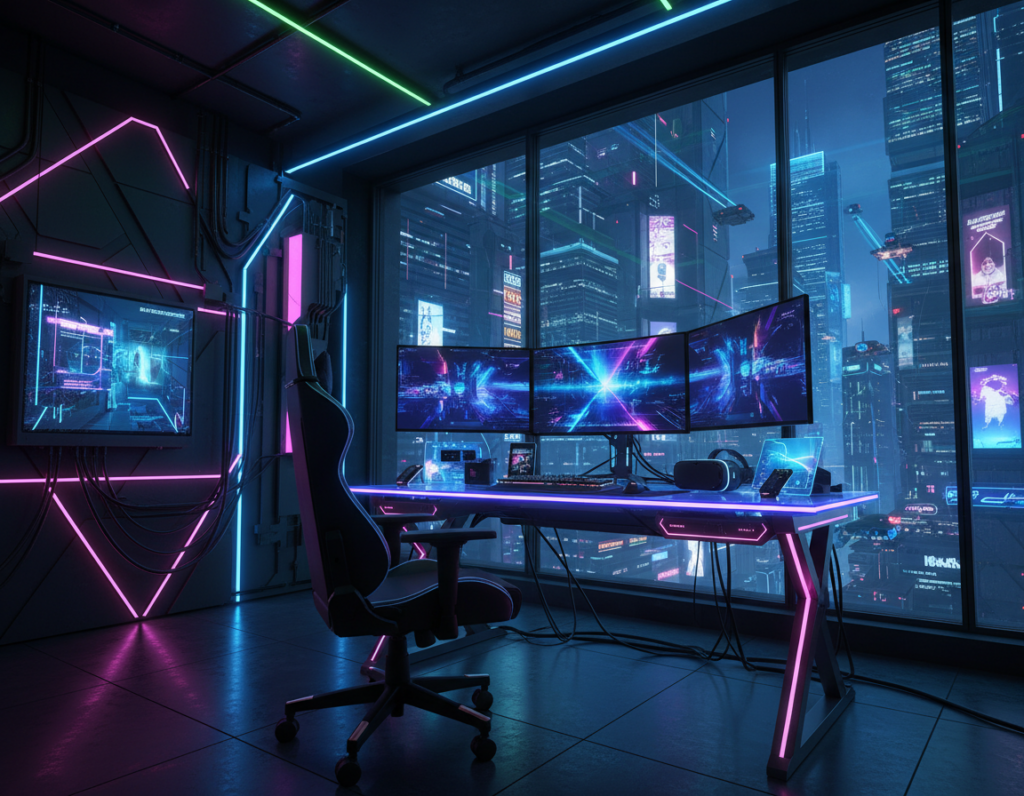
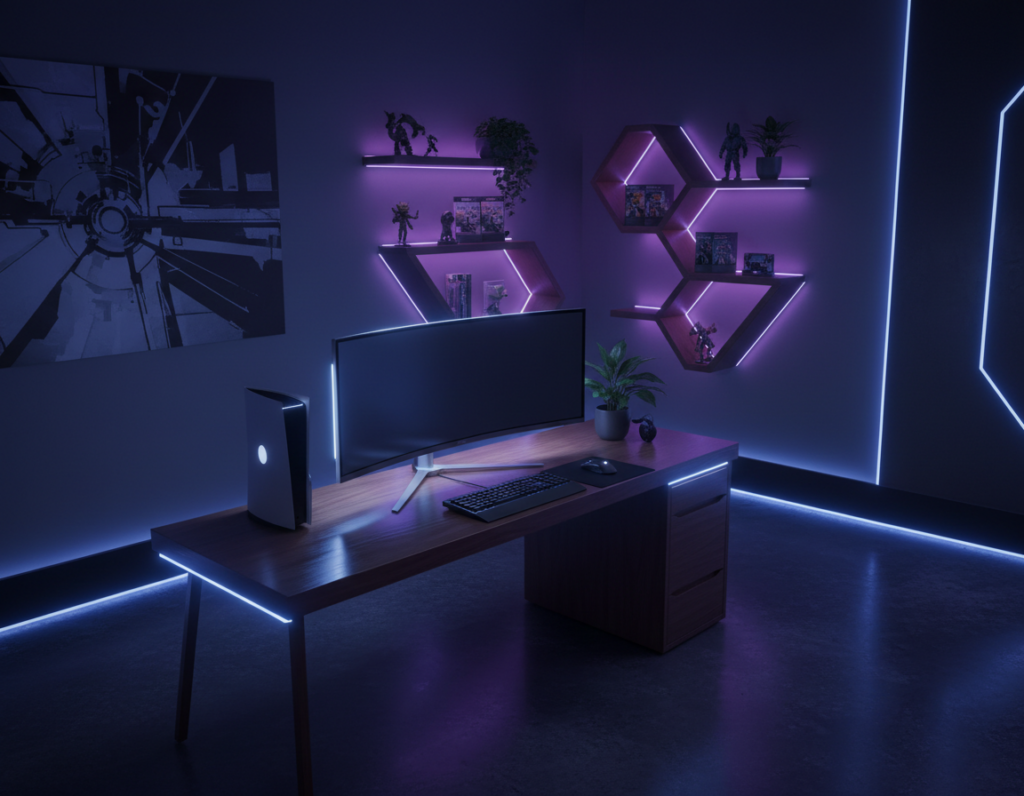
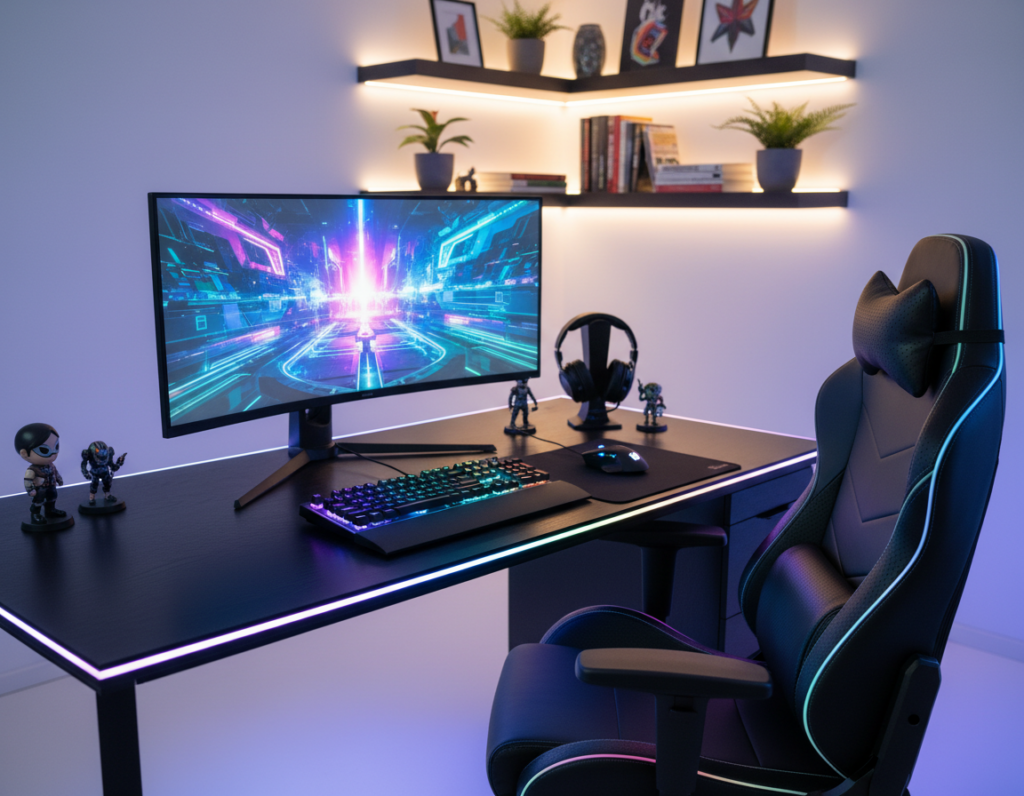
Transforming a simple desktop into a cinematic space starts with subtle, indirect light that frames the monitor and softens every edge. Professionals and hobbyists in the United States often choose LED strips or a compact lighting kit to add depth without glare.
They rely on these lights to reduce eye strain during long work days and to make video calls look cleaner on camera. Modern setups use an app to control color, intensity, and timing so a home office switches from productive to immersive in one tap.
Beyond aesthetics, good lighting improves focus and boosts productivity for routine tasks. A well-planned monitor area uses indirect light to keep the screen readable while preserving contrast and mood.
This guide outlines practical ways to use led lights and a professional lighting kit to upgrade any computer setup for gaming, streaming, or focused work.
The Cinematic Impact of Ambient RGB Desk Lighting
A well-placed glow around the screen raises the visual drama of any room with minimal effort. This simple tweak makes a desktop feel staged and purposeful for both work and play.
Gamers and creators use subtle color to define zones. Smart LED lights and a pro kit let them balance the light from the monitor and the surrounding space. That balance reduces harsh contrast and helps the camera render skin tones more naturally.
Control matters: syncing colors through an app creates smooth transitions and unified color scenes. This gives the whole setup a polished, cinematic look and makes video content appear more professional.
- Custom color options let users match mood to task or game.
- LED strips or a compact kit provide flexible placement around the desk.
- Advanced control enables timed scenes and app control for easy adjustments.
- Well-chosen light improves focus and camera output during video sessions.
Understanding Color Temperature and Mood
The mix of warm and cool tones directly affects mood and focus at a computer station. Color temperature guides how the eye adapts to a screen and how the room feels during different parts of the day.
Warm Tones for Relaxation
Warm tones reduce contrast and create a calm atmosphere for evening use. Many people use Windows 10 Night Light or f.lux to shift the monitor to amber hues after sunset.
This helps lower eye strain and makes reading or watching video content more comfortable in low light.
Cool Tones for Focus
Cool white light supports concentration and alertness during daytime tasks. For long work sessions, a cooler color temperature keeps the eye engaged and improves productivity.
Adjusting the temperature of LED lights and the screen balances comfort for gaming, office work, and study.
“Switching between warm and cool settings creates a practical way to protect the eye and tune the room for the task at hand.”
- Cool white: best for focused computer work and video editing.
- Warm cool balance: ideal for a home office that doubles as a relaxation space.
- Use brightness and a quality lamp or light strip to reduce glare and fatigue.
Strategic Placement for Immersive Backlighting
Positioning light sources around a monitor lets users shape depth without blasting the screen with glare. Good placement improves contrast and keeps the camera feed clear during video calls.
Minimizing Screen Glare
Start with a lamp that offers control. The Edge Light 2.0 has five adjustable pivot points so it can aim light where it helps most. That control reduces direct reflections on the screen.
Use a professional lighting kit to fill shadows behind the monitor and around the work area. This helps cameras render skin tones and prevents harsh contrasts that tire the eye.
- Place a low, rear-facing light to cut monitor hotspots and preserve contrast.
- Adjust color temperature and brightness to create a comfortable reading and work zone.
- Choose a desk lamp option that focuses light on tasks without over-illuminating the room.
“Proper placement prevents eye strain by lowering contrast between screen and surroundings.”
Selecting the Right Hardware for Your Setup
Choosing the right hardware shapes how a monitor area performs and feels during work or play. Consumers should weigh price, construction, and control when they shop for lights and lamps for a home computer setup.
LED Light Strips
Flexible led strips are ideal for outlining a monitor or filling shadowed areas. A quality kit or led light strip can convert a plain desktop into a focused workspace for video, gaming, or reading.
Monitor Light Bars
The Xiaomi MiJia Monitor Lamp has been a top product for years. It offers a wireless control dial and a 25-degree magnetic adjustment for precise focus.
The BenQ e-Reading Screen Bar is built from aluminum alloy and uses a counterweight for simple mounting and stable screen illumination.
Smart Bulbs
Smart bulbs like Yeelight bring app control to brightness and color at a fraction of the price of premium systems. They allow timed scenes and easy integration with other smart devices.
- Practical tip: match color temperature and brightness to tasks for better comfort.
- Consider a monitor light bar for screen-focused work and led strips for broader mood control.
- Choose solutions that reduce clutter and support camera performance for video calls.
“Selecting the right product means balancing price, control, and long-term comfort.”
For a complete guide on integrated setups, see the integrated RGB clean desk setup.
Balancing Task Lighting with Ambient Glow
Balancing focused task light with a soft room glow keeps the eyes comfortable through long work sessions. This approach reduces glare on the monitor and smooths contrast between screen and surroundings.
A well-chosen desk lamp delivers direct light for reading, typing, and detailed tasks. It should sit to the side and aim at the work area so the screen stays clear and usable.
Use cool white light for daytime computer work to boost productivity and alertness. In the evening, shift toward warm cool tones to lower eye strain and make the room feel calmer.
Integrating one or two subtle lights or a single led strip gives the setup flexibility. With simple app control, a user can switch from a professional work mode to a cinematic gaming scene without fuss.
- Protect the eye: keep contrast gentle between screen and room.
- Place a lamp for task focus; add soft room glow for depth.
- Match color temperature to the time of day for steady productivity.
“Good control over task and room light is the fastest way to keep focus and reduce fatigue.”
Advanced Control and Smart Integration
Smart control now lets users schedule whole color scenes so their monitor area shifts automatically through the day. This makes managing mood and work modes simple and repeatable.
Automating scenes with an app gives fine-tuned control over brightness and color temperature. In the last five years, app-driven systems dropped in price and improved in reliability.
Automating Scenes with Apps
Users can link a lighting kit and smart bulbs to a single app. Then presets trigger for video calls, gaming, or focused tasks. It removes the need to tweak every light manually.
Integrating a smart kit also helps camera output. Consistent color and even brightness make skin tones look natural on-screen and keep the eye comfortable during long sessions.
- Practical: schedule day and night scenes for productivity and rest.
- Sync multiple lights to act as one product for simple control.
- Choose systems that balance price and long-term performance in the market.
“App automation turns a complex setup into a single, reliable option for any user.”
Conclusion
A few small upgrades can transform a plain desktop into a focused, cinematic space. They improve comfort and create a professional feel for both work and video content.
Choosing the right gear helps users build a tailored gaming scene while using current technology to control color and intensity. Balance between task and room light keeps the eye relaxed during long sessions.
Smart integration and automated presets make daily use seamless and repeatable. Thoughtful purchases match performance and price, and they fit what the market offers today.
In short: the right setup turns a standard computer station into an immersive, practical space that improves comfort and output.