This concise guide shows how a simple pegboard can transform a cluttered desk into an efficient command center. It focuses on practical choices that boost function and elevate style for any modern setup.
The page outlines how to choose, mount, and arrange your board so every tool and peripheral has a dedicated place. It also highlights ergonomic rhythm ideas that support long sessions, including shifts between sitting and standing to reduce strain.
Readers will find clear steps for turning vertical storage into a visual asset. Whether managing a home office or a streaming station, these pegboards help free surface space and keep essentials ready for use.
In short: this guide helps reclaim the desk, improve productivity, and maintain a clean aesthetic without compromising real-world function.
The Evolution of Gaming Setup Organization
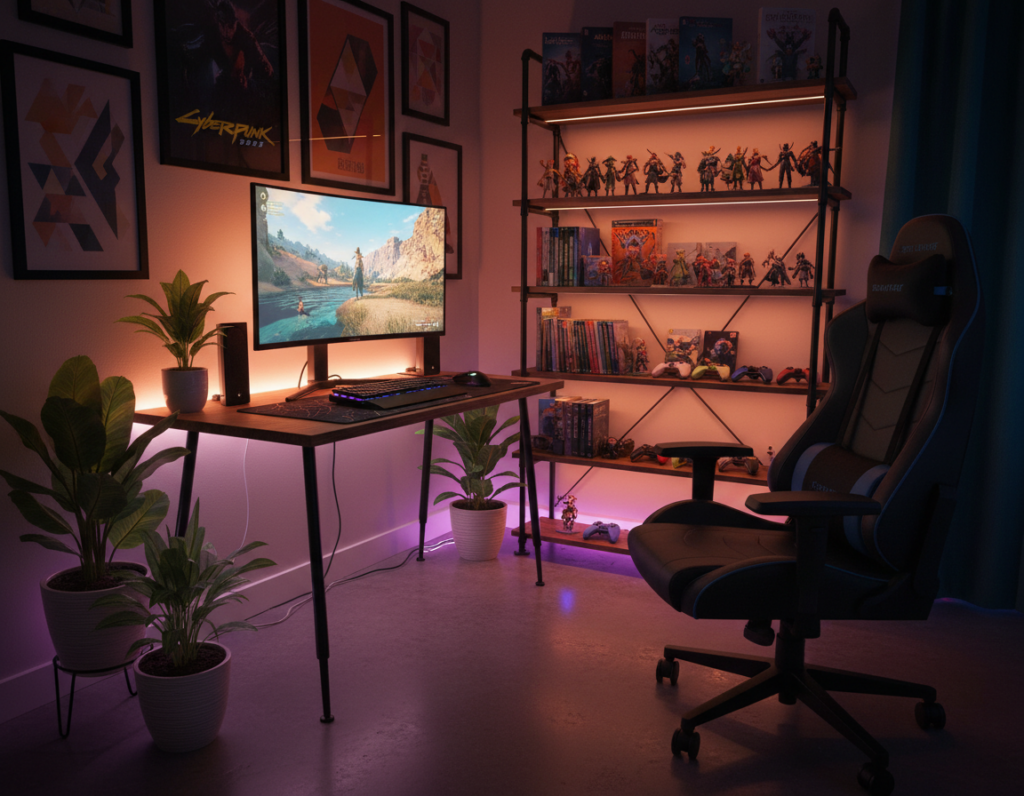
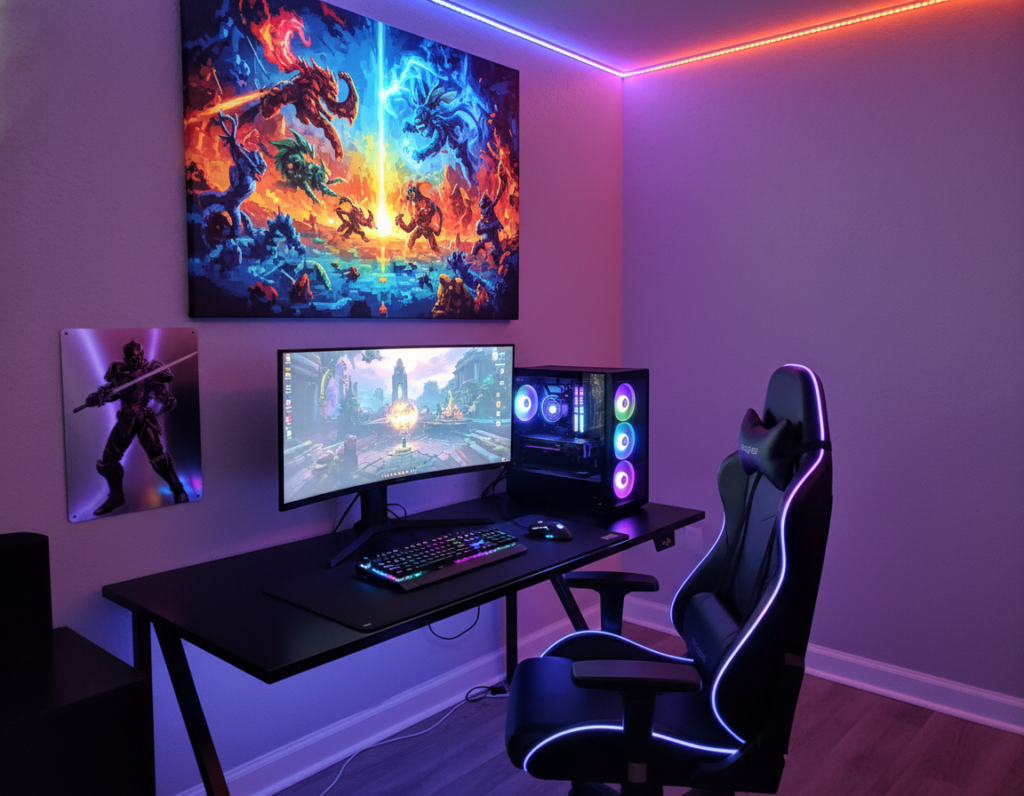
Workstations evolved into hybrid spaces that support streaming, content creation, and sustained play. These rooms now combine production needs with comfort so one area can serve multiple roles.
In Mumbai, Ronak Shah built a multifaceted room that shifts from a YouTube studio to a gamer’s domain and an entertainment hub. His approach shows how planning turns a single space into a versatile suite.
- From simple desks to immersive setups that need smarter storage for controllers and peripherals.
- Modular systems that adapt as gear changes, letting users swap mounts or shelves quickly.
- Vertical storage solutions that keep tools accessible and the desktop clear.
Effective organization now aims for a professional feel where every item supports performance and workflow. Modern pegboard solutions allow customization that keeps complex rigs orderly and efficient.
Why Every Gamer Needs a Pegboard Wall
A vertical system unlocks storage in tight rooms and makes every inch count. Small spaces gain immediate order, and essential gear stops crowding the desktop.
Benefits of Vertical Storage
Vertical storage moves chargers, keys, and cables up where they are easy to grab. In Bratislava, Matúš Gocman used an IKEA SKÅDIS to tame wires and small accessories in a 12 m² study.
That same approach scaled down in Boston. Cam DiCecca fitted two SKÅDIS panels above a 0.8 m² desk to hang headphones, controllers, and a compact charging hub.
Reducing Desk Clutter
Moving items off the desk creates a clean, professional surface for long sessions. This method reduces the frantic search for a missing headset and keeps controls in view.
- Shows gear without crowding the work area.
- Keeps cables organized with hooks and trays.
- Maintains control of limited space for better performance.
In short: a pegboard wall is a practical, visual solution for organization that helps serious players protect their desk space and stay focused on the game.
Essential Gaming Pegboard Ideas for Your Battlestation
A well-planned wall panel keeps controllers, cables, and displays tidy while staying in reach. This section lays out three compact systems that boost storage and speed up setup changes.
Controller and Headset Armories
Create dedicated mounts for controllers and headphones so gear is always organized and ready. Nuria Quero in Barcelona keeps her headphones and notebooks on a board to the right of her desk for fast reach.
Cable Management Grids
Use a grid of hooks and channels to route keyboard and mouse cords. A tidy cable plan improves the look of the desk and reduces accidental snags.
Charging Hubs
Mount a small charging hub on the panel to keep phones, controllers, and batteries powered without cluttering the gaming desk.
- Shelves and hooks display collectibles and keep small items organized.
- Monitor support clears the primary workspace for content creation and play.
- Small-item trays give chargers, dongles, and keys a permanent home.
Selecting the Right Material and Mounting Method
Material choice and mounting style shape how reliable and flexible a wall storage solution will be.
Wall-mounted systems offer the most flexibility for larger setups. They support heavier shelves and make it easy to display controllers and other essential items. Proper wall mounting gives long-term stability and works well when the layout rarely changes.
Desk-mounted systems suit smaller desks and tight spaces. They keep gear within arm’s reach and simplify temporary rearrangement. Many modern desks include integrated mounts, which can save installation time.
Choosing material and method
Metal performs best for heavy loads. A metal pegboard provides structural integrity for professional rigs and repeated reconfiguration. Emmie Villegas in Quezon City chose a black metal pegboard for a durable, minimalist look in his 28 m² workspace.
- Consider how often you move shelves or hooks.
- Match material to the weight of your items.
- Pick a mounting method that fits your desks and long-term needs.
Planning Your Layout for Maximum Efficiency
Begin with a map that marks where each tool will live before any holes are drilled. This small step saves time and prevents uneven spacing across the wall.
Nicholas in Kelowna spent 12 hours building a custom pegboard wall from three 8×4″ plywood sheets. His careful mapping kept plants and mounts balanced and accessible.
Group hooks and organizers by category so every controller, cable, and tool sits within easy reach. Place the most-used items at elbow height and lighter pieces higher or lower.
- Draft a full-scale template on paper or cardboard before drilling.
- Map monitor height and arm reach to avoid awkward placements.
- Reserve contiguous zones for charging, tools, and display to maximize desk space.
Good organization means thoughtful placement of each hook and organizer. The result is a cleaner page layout and a more productive setup that supports focused work and play.
Integrating Lighting and Tech Accessories
Smart lighting and mounted accessories turn a simple wall into an active studio backdrop. This short guide shows how to add RGB, art lighting, and small mounts so the panel becomes both useful and striking.
Weaving RGB Strips
Integrating RGB strips across the panel transforms the surface into a glowing canvas that complements a modern gaming setup. Run strips behind shelves and along edges to avoid visible cable runs.
Adam Peters in Brisbane treats his board as a canvas for inspiration. He swaps colors to change the page’s mood and the overall look for new content.
Adding Smart Art Lighting
Smart art lighting adapts to a game or mood with presets and app control. Mount ring lights or small tablets to free desk space for a keyboard and mouse while keeping the display tidy.
- Weave cables behind the board to hide monitor and peripheral runs.
- Use app-controlled LEDs to shift ambiance quickly.
- Mount small tech accessories directly to the board for a clean, professional display.
Result: the panel becomes a functional backdrop that supports content creation while keeping gear accessible and the desk uncluttered.
Creative Ways to Display Collectibles and Decor
Transform a storage surface into a gallery by arranging collectibles with practical hooks and shelves.
Ryoma Brunel in New York City uses his pegboard to show mini Lego sets and lightsaber hilts. He mixes small shelves and arm mounts to keep heavier pieces safe and visible.
Use metal shelves to hold models and signed memorabilia. These supports carry weight and add an industrial, polished look.
Balance form and function by grouping headsets and controllers near the desk while placing decorative items slightly above eye level. This keeps the workspace tidy and the display intentional.
- Mix weights: metal shelves for heavy items, small hooks for lighter figures.
- Create zones: one area for tech, one for art and collectibles.
- Rotate pieces: swap displays seasonally to keep the wall fresh.
A well-curated wall becomes a personal gallery that reflects interests and keeps the desk clear. The result is a setup that looks professional and feels unique.
Maintaining Your Organized Gaming Space
Regular care keeps a storage wall looking sharp and your most-used gear ready to grab. Lars in Copenhagen uses three panels to keep his desk clean and to store rarely used gear elsewhere.
Cleaning Tips for Gear and Boards
Dust daily: run a microfiber cloth over hooks, shelves, and the board surface to stop buildup on controllers, keyboard, and headset.
Check hooks and mounts: verify each hook is secure and tighten any loose fittings. This prevents accidental drops of heavy items and keeps the organizer reliable.
Manage cables by grouping them into labeled ties and routing them behind the board. A simple wrap-and-label method keeps cables tidy and reduces the time spent untangling before a session.
Once a month, remove electronics and clean beneath shelves. Wipe contact points with a soft cloth and check for wear on any power leads or connectors.
- Keep most-used items within reach to reduce constant reorganization.
- Store spare controllers and accessories in a separate box to lower desk clutter.
- Perform a quarterly check of the entire system for stability and wear.
“Maintaining a clean desk is essential for a professional,” Lars says. “Multiple panels let him prioritize daily needs and store extras out of the way.”
For more pegboard maintenance tips and setup methods, see this detailed guide. A well-maintained setup looks better and performs more reliably, letting users focus on tasks and play without interruptions.
Conclusion
A clean layout gives every item a purpose and makes setup time predictable. A pegboard is a practical solution that turns clutter into order so tools sit where they belong.
This concise guide showed how to select, mount, and arrange mounts to organize gear and speed routines. Readers learned simple steps to make the entire setup more efficient.
With a tidy desk, one gains real control over workflow and play. A second mention of the pegboard highlights its versatility for casual users and pros alike, while keeping the room stylish and functional.
Start today and enjoy a clean, personalized space that supports focus and performance.