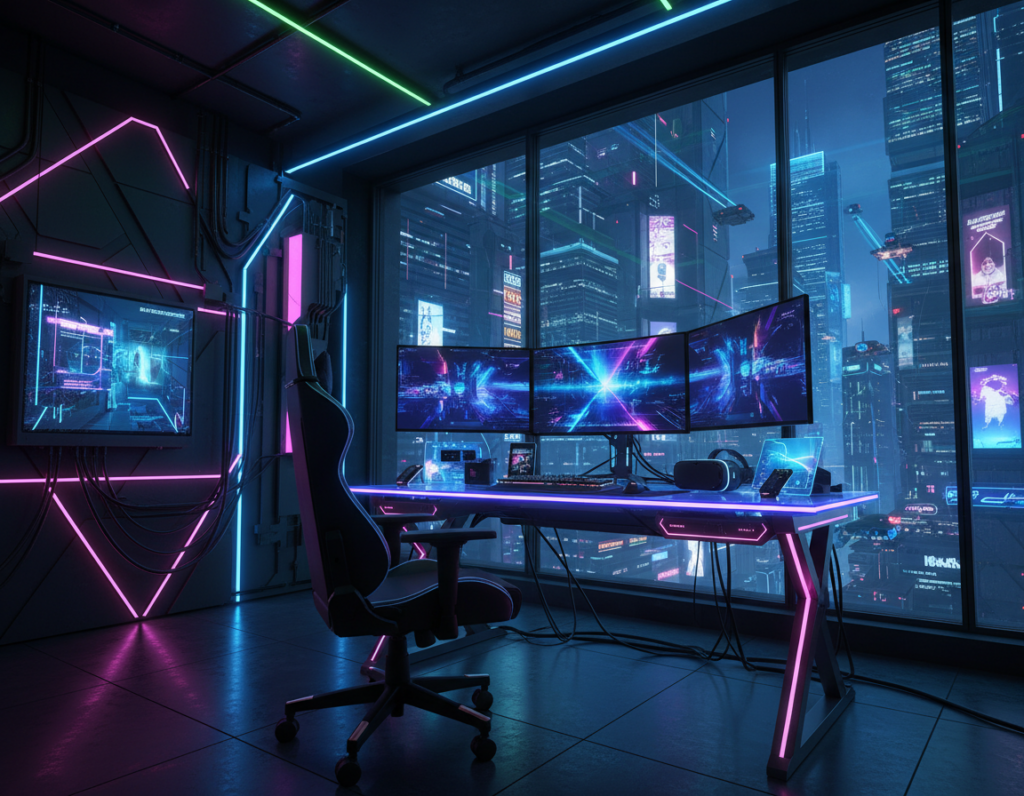
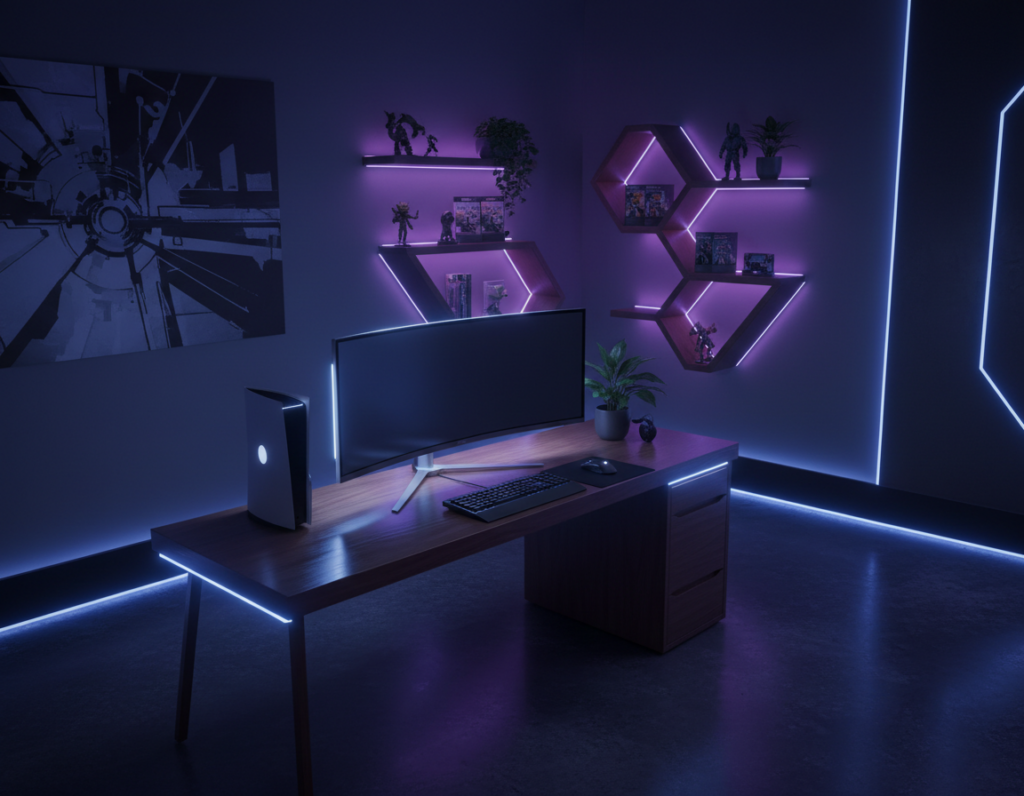
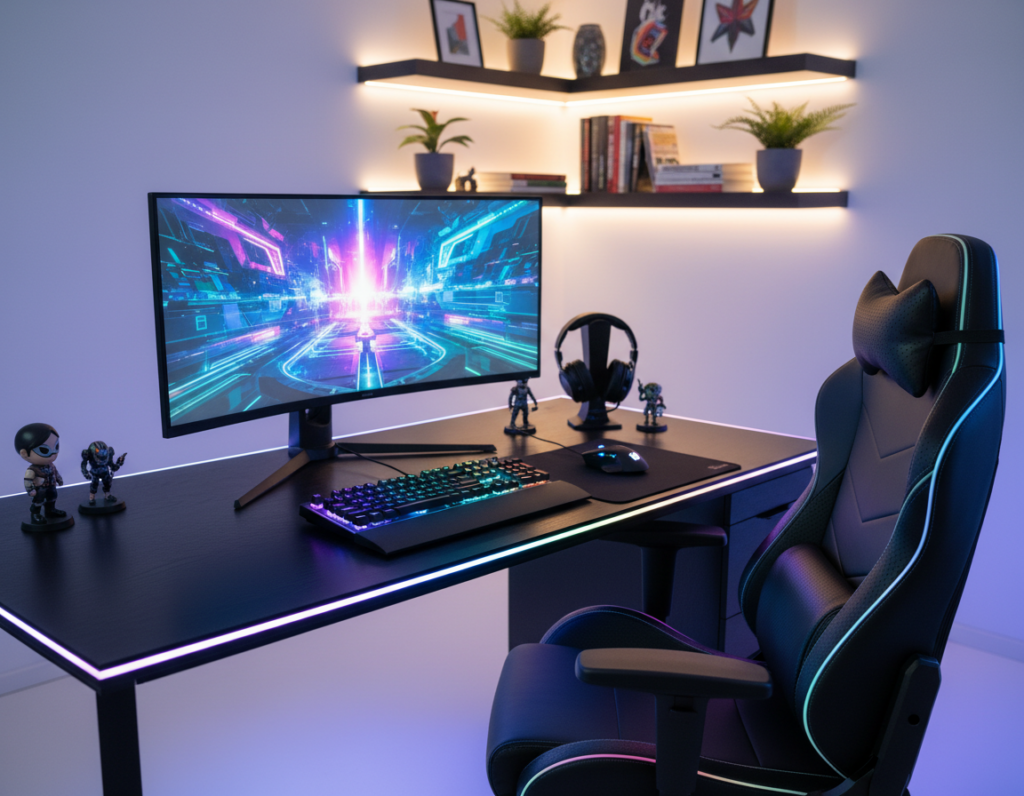
PC builders often use lighting to push a setup to the next level. Modern rigs mix LEDs, fans, and strips to craft a unique look that shows personal taste.
This short piece explains the practical difference between dynamic and steady modes and how each one shapes the day-to-day gaming feel. It looks at how each LED and controller changes the mood of devices and the whole system.
Readers learn how to pick color schemes that fit their hardware and habits. The article also covers how small choices in light and pattern can create bold visual effects or calm, subtle ambiance.
Understanding the Basics of PC Lighting
Modern builders treat light as a core design element. Today, illumination is built into many components, so choices affect both style and function.
The Evolution of LED Aesthetics
LED technology moved fast. Manufacturers now embed lighting into the motherboard, cooling fans, coolers, and many other parts.
Brands such as Cooler Master offer products like the Sickleflow 120 RGB, Hyper 212 RGB Black Edition, and MasterLiquid 240L V2. These items show how LEDs can highlight hardware and add subtle effects without extra work.
Defining Static Glow
Static glow means a single, consistent color across a build. Many users pick this look to keep a clean, professional feel.
By choosing specific components and matching their settings, builders can maintain a uniform color profile that enhances the visual appeal of their gaming devices and components.
- Simple control and lower distraction
- Cohesive appearance across the motherboard and fans
- Easy pairing with peripherals and cases
Comparing Reactive RGB vs Static RGB
Gamers often decide between immersive, event-driven light shows and a fixed, tidy color scheme.
Addressable LED systems (ARGB) let builders set each LED independently. This gives fine-grain control and enables complex patterns like rainbows or pulsing waves that classic 4-pin setups cannot form.
Event-driven effects create flashes or shifts during intense play. They can sync fans and other devices to audio or visual cues for a more immersive gaming feel.
By contrast, a single-color approach keeps distraction low and makes matching peripherals simple. It also reduces setup time and troubleshooting.
- Options: ARGB for patterns and live response.
- Benefits: Single-color for cohesion and ease.
- Consider: how long the owner plans to keep the build and how often they will change schemes.
“Many users choose between static, reactive, or full RGB chaos depending on their preferred gaming style.”
For ideas on advanced schemes, see recommended lighting patterns to match mood and setup.
Hardware Requirements and Connectivity
Knowing which connector supplies power can prevent costly damage to lighting devices. Builders must match voltage, header type, and controller before installing fans or strips.
Voltage Differences in Connectors
Standard lighting runs on a 12V analog line through a 4-pin connector. Addressable systems use a digital 5V signal on a 3-pin header. This voltage difference is a major difference that dictates which effects and controllers will work with specific components.
Avoiding Port Damage
It is critical to avoid plugging a 3-pin, 5V cable into a 4-pin, 12V port. Doing so can cause permanent harm to devices and void warranties. Always check the motherboard legend and the connector shape before powering up.
Motherboard Compatibility
Many Cooler Master products support motherboards from Asus, Gigabyte, MSI, and ASRock, but physical header layout and firmware support vary. Proper hardware support ensures fans and other components run safely and that color and control features work as expected.
- Tip: Verify headers labeled 12V vs 5V on the board.
- Tip: Use matched controllers when mixing devices.
- Tip: When in doubt, consult the manual or vendor support.
“Correct port selection prevents electrical failure and preserves component life.”
Advanced Control Options for Modern Systems
Modern control suites let builders sculpt every light in a case with surgical precision. Cooler Master’s ARGB Gen 2 raises the bar by giving access to each individual LED.
Granular Control with Gen Two Technology
Per-LED adjustment allows brightness and rhythm to be set separately for tiny zones. This makes it simple to match color and motion across a full build.
Presets and animation banks help users apply complex effects without long setup sessions. Builders can choose simple looks or craft layered patterns across fans and strips.
- Fine-tune brightness and timing for each LED
- Sync multiple products for a unified look
- Use presets or create custom rhythms and patterns
“Gen 2 products enable precision that was previously reserved for professional installs.”
Advanced controllers and software provide the final mile of control. The result is a lighting system that aligns with aesthetic goals and performs reliably in a high-performance build.
The Role of Software in Lighting Customization
Centralized apps let users change an entire system’s mood in seconds without opening the case.
Cooler Master’s MasterPlus and MasterCTRL provide deep control over ARGB products, making it easy to build custom animation patterns. The apps let users sync fans, LED strips, and other devices so all components act as one.
Many motherboard suites now offer native sync, too. That means users can manage color palettes and effects across third-party parts from a single interface.
- Centralized profiles: save and switch looks in seconds.
- Firmware updates: extend support and add new effects over time.
- Troubleshooting tools: keep components stable and aligned.
Effective software management unlocks the full potential of modern gaming builds. Regular updates and vendor support ensure that new products and features integrate smoothly and remain reliable.
“Good software turns a collection of LEDs into a cohesive, lasting aesthetic.”
Conclusion
Final decisions about light and color often define the personality of a build. This piece shows how proper rgb lighting choices shape mood and function. Builders should match color and tone to their setup and daily use.
Choosing between a steady scheme and a more event-driven option depends on desired control and the effects sought. Modern apps make it simple to tweak leds and profiles, while argb parts unlock finer detail.
Always verify connectors and voltage before adding strips or fans. That step protects components and keeps a build at the next level.
Use this article as a checklist to pick compatible parts, craft a clear aesthetic, and enjoy a system that looks as good as it performs.